Slide 3 of 7 from Free Goals Slide Template for PowerPoint
Free Goals Presentation Slide Template for PPT
Goal Progression Slide for Presentations
- Diagram
- Process Flow
- Process Slide
- 16:9
- 100% Editable
About This Slide
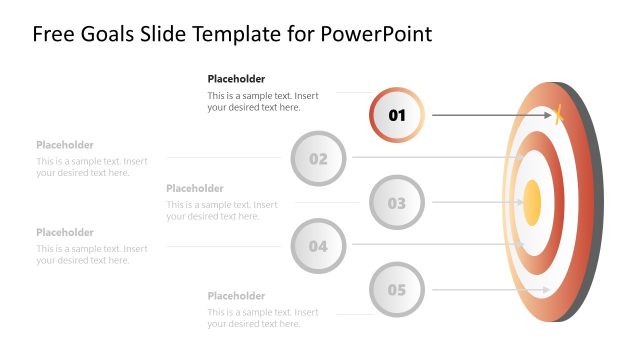
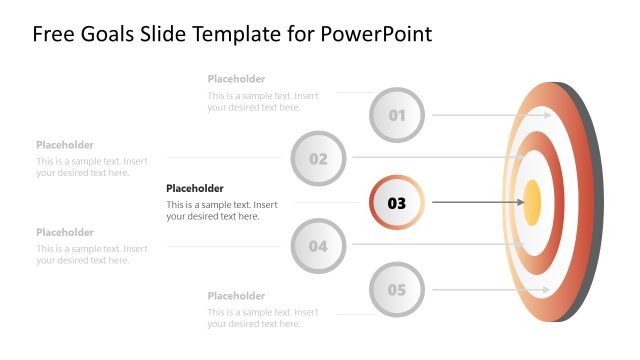
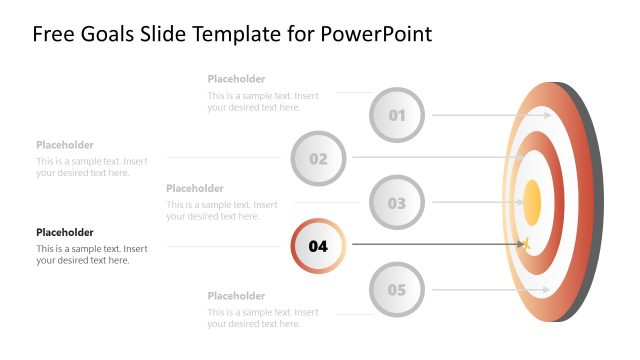
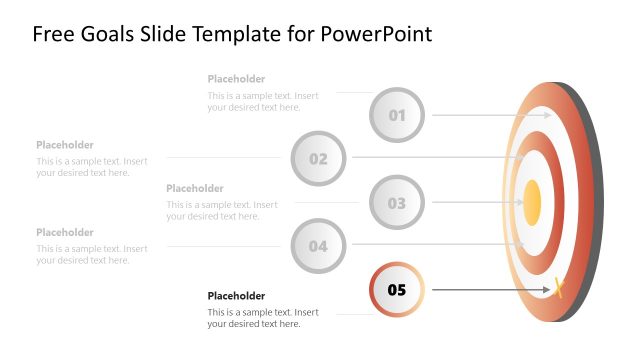
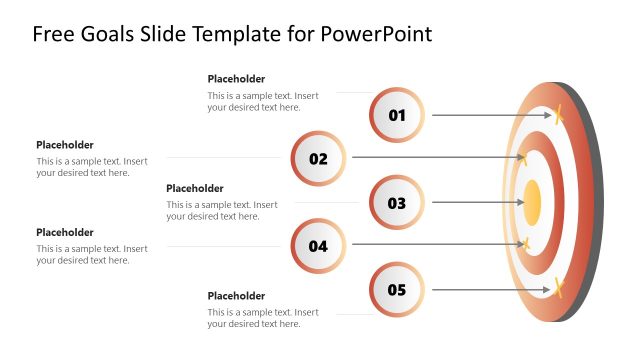
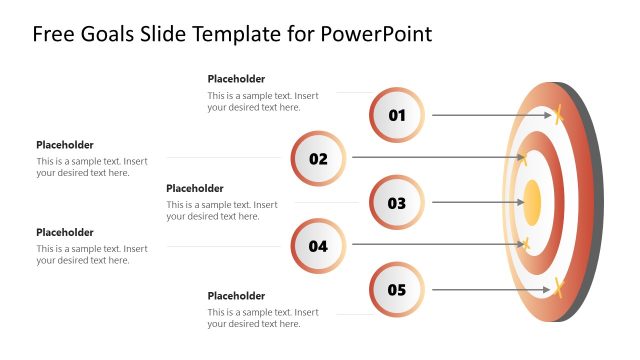
The image is of a PowerPoint slide titled “Free Goals Slide Template for PowerPoint.” It features a clean, professional design, primarily used for outlining goals or objectives in a visually engaging format.
Central to the slide’s design is a dartboard-like graphic on the right side, with concentric circles in shades of red, cream, and white. The dartboard represents a target, metaphorically signifying goals or objectives. Each concentric circle is linked to a corresponding circular element with a number inside it, arranged from 01 to 05, indicating a sequence or prioritization of goals.
On the left side of the slide, aligned with the numbered elements, are five rectangular text boxes, each with the word “Placeholder” and a space beneath that prompts users to “Insert your desired text here.” These boxes are intended for the user to customize with specific goals, actions, or milestones.
This template is versatile in its application. It could be used in a corporate setting to present strategic goals, in educational environments for setting and achieving learning outcomes, or in personal development seminars to help attendees outline and achieve personal goals. The slide is designed to clearly communicate a progression of objectives leading to a central aim, making it an effective tool for goal-oriented presentations.
What’s on This Slide
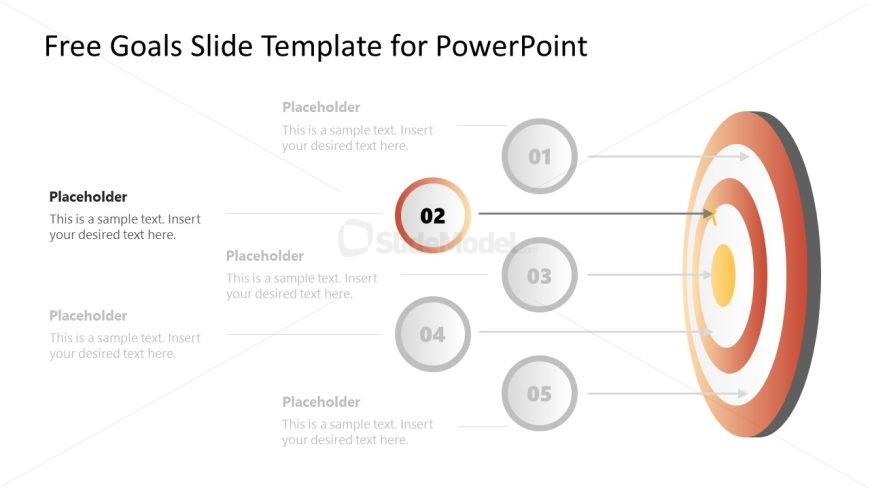
The layout features a central target graphic with concentric rings in orange and gray. Positioned to the left are five circular nodes, each labeled with numbers from one to five. The second node is highlighted in orange, indicating a focus point. Each node has a placeholder for text aligned to the right, with arrows connecting them to the target graphic. The placeholders are evenly spaced vertically, and the overall composition is balanced, with a clear visual hierarchy emphasizing the central target and the numbered nodes.
How to Use It
This layout serves as a goal progression diagram, ideal for illustrating steps or milestones in a project. It fits well in a presentation sequence following an introduction or problem statement, guiding the audience through specific objectives. Common scenarios include project management updates, strategic planning sessions, or performance tracking, where clarity in goal progression is essential. It can be used to emphasize key targets and their relationships to overall objectives.
Text Placeholders & Capacity
Keep your copy within these limits so it fits without resizing. Node body slots can hold about 10 words each comfortably.
| Placeholder | Count | Max characters (approx.) |
|---|---|---|
| Item heading | 5 | 20 |
| Item body | 5 | 50 |
Slide Keywords
Download unlimited PowerPoint templates, charts and graphics for your presentations with our annual plan.
DOWNLOADReturn to Free Goals Slide Template for PowerPoint.