Slide 5 of 7 from Free Goals Slide Template for PowerPoint
Free Goals Presentation Creative Template
Goal Progression Slide for Presentations
- Diagram
- Process Flow
- Goal Setting Slide
- 16:9
- 100% Editable
About This Slide
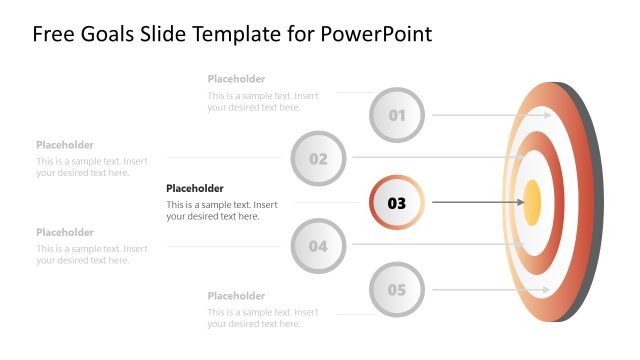
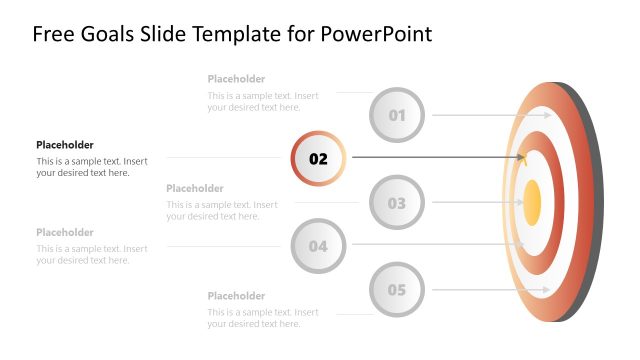
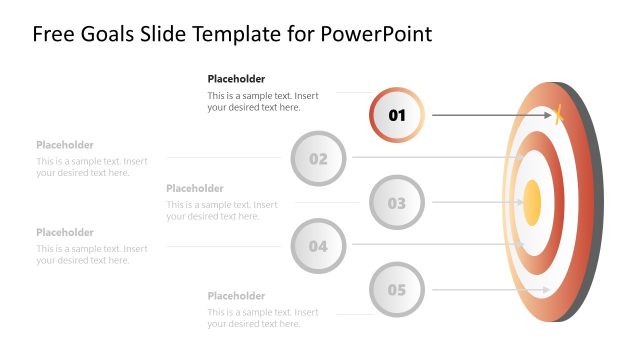
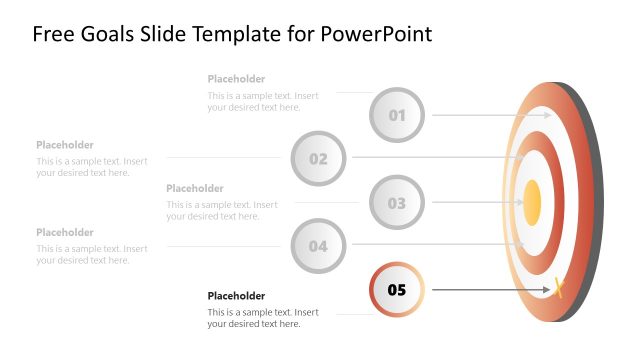
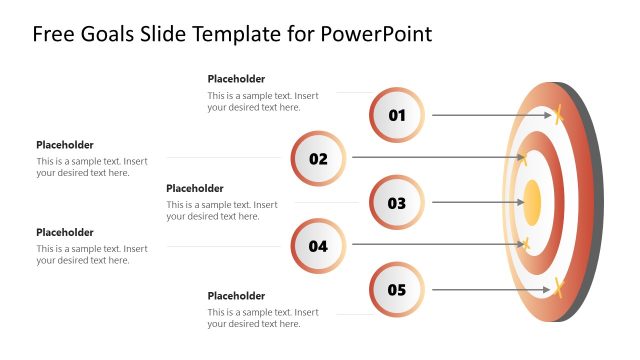
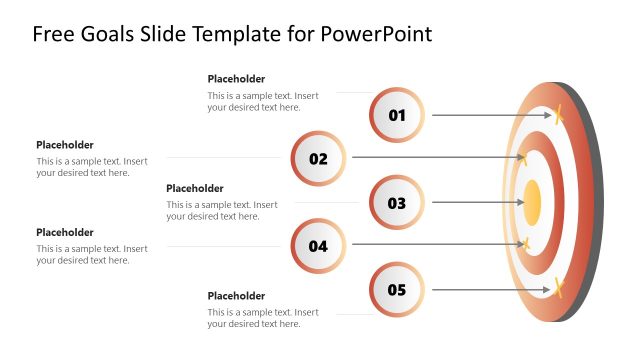
The image presents a PowerPoint slide from a “Free Goals Slide Template,” designed for setting and showcasing objectives in a structured and visually appealing way.
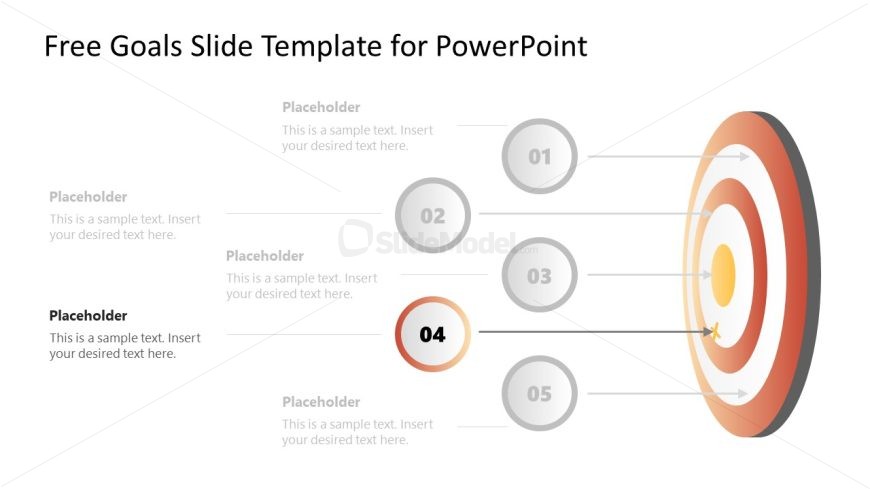
Central to the slide is a target graphic on the right, displaying concentric circles in warm shades of red and beige, diminishing to white towards the center, suggesting gradation of goals or importance. An arrow hitting near the center of the target represents the achievement or aim of the goals.
On the left-hand side, five numbered circles (01 to 05) are arranged vertically, each connected to a corresponding ring on the target by a straight line, indicating a link between the specific goals and the overall objective. The fourth circle (04) is highlighted with a red border, indicating it as a particular focus or an immediate goal.
Adjacent to each numbered circle is a placeholder text box, with the heading “Placeholder” and a subtitle prompting the insertion of text. This area is customizable for users to detail each step or objective.
This slide template can be applied in various contexts, such as strategic business planning, project management, personal goal tracking, or academic course development. Its clear visual distinction of goals aids in communicating a progression towards a main target, making it useful for both presentations and educational materials.
What’s on This Slide
The layout features a central target graphic with concentric circles. Five numbered nodes are positioned to the left, aligned vertically. Each node is represented as a circle, with the fourth node highlighted in a larger, colored circle. Connecting arrows lead from each node to the target, indicating progression. Text placeholders are located adjacent to each node, aligned to the left, allowing for descriptions or titles. The overall composition is balanced, with a light background and a color gradient in the target graphic, enhancing visual hierarchy.
How to Use It
This layout serves as a goal progression diagram, ideal for illustrating steps toward achieving objectives. It fits well in a presentation sequence after outlining challenges or objectives, providing a clear visual of progress. Business scenarios include project milestones, strategic planning, or performance tracking, where each node represents a specific goal or phase. This structure helps audiences understand the relationship between each goal and the overall target.
Text Placeholders & Capacity
Keep your copy within these limits so it fits without resizing. Node body slots can hold roughly 15-20 words each.
| Placeholder | Count | Max characters (approx.) |
|---|---|---|
| Item heading | 5 | 30 |
| Item body | 5 | 100 |
| Slide title | 1 | 50 |
Slide Keywords
Download unlimited PowerPoint templates, charts and graphics for your presentations with our annual plan.
DOWNLOADReturn to Free Goals Slide Template for PowerPoint.