Slide 7 of 7 from Free Goals Slide Template for PowerPoint
Editable 5 Goals Presentation Slide Template
Free Goals Overview Slide for Presentations
- Diagram
- Matrix Quadrant
- Goal Setting Slide
- 16:9
- 100% Editable
The Goals Overview with Icons slide from the Free Goals Slide Template for PowerPoint provides a clear visual representation of goal setting. Featuring a central target graphic and distinct icons, this layout is ideal for strategic planning and performance reviews. It effectively communicates objectives, making it a valuable addition to any business presentation or pitch deck template.
About This Slide
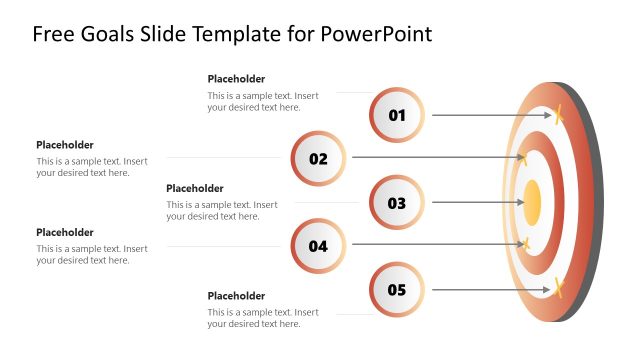
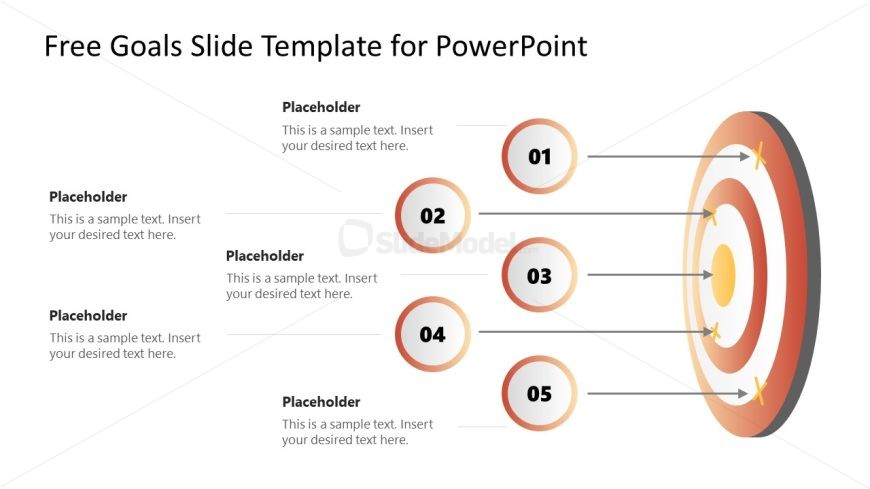
The provided image shows a PowerPoint slide from a template designed for outlining and presenting goals. It has a clear and professional look suitable for business or educational settings.
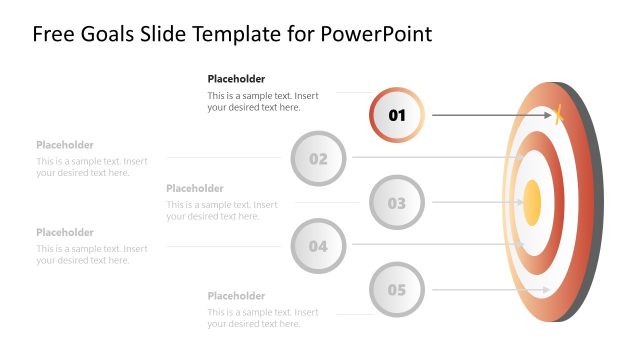
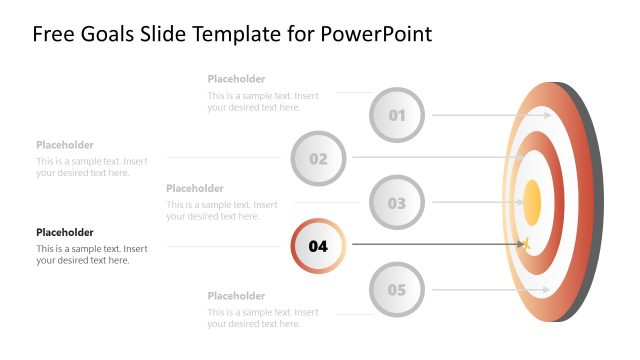
The layout consists of a large, visually striking target or dartboard on the right-hand side, with concentric circles in shades of red, cream, and white, and a yellow bullseye at the center. A golden arrow is depicted as hitting the target, symbolizing goal achievement or precision.
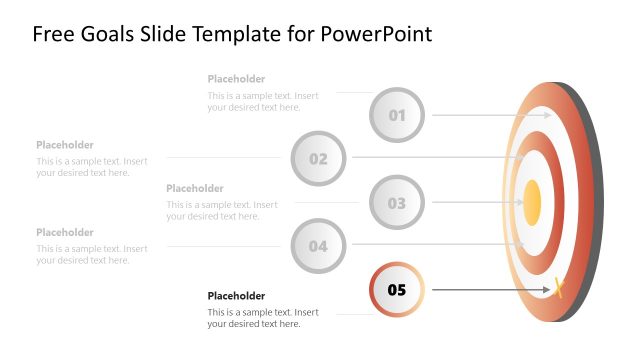
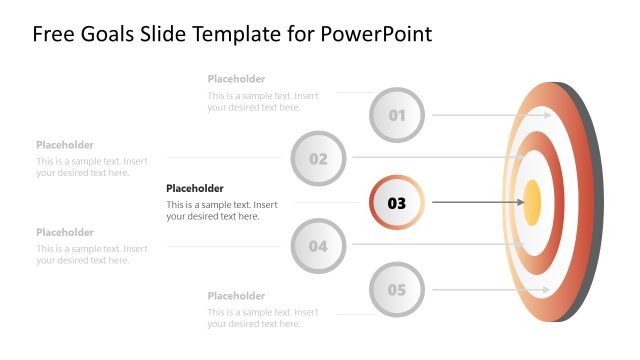
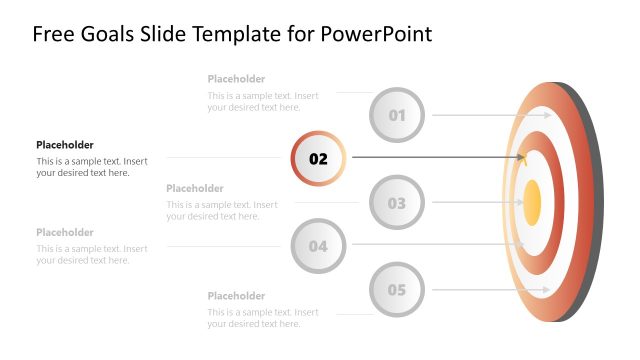
To the left of the target, there are five circular elements, each containing a number from 01 to 05. These circles are connected to the target with straight lines, illustrating a direct relationship between each step or goal and the ultimate target. They seem to represent sequential steps or stages in a process or different priorities within a goal-setting framework.
Adjacent to each numbered circle is a text box marked as “Placeholder” where descriptive text can be inserted. This allows for detailed explanations of each goal or stage, customizable according to the user’s specific objectives.
The slide is versatile in its potential applications: business professionals might use it to set and communicate company goals, educators to outline course targets, or individuals for personal goal management. It is a tool designed to organize and convey a clear path to achieving specified objectives.
What’s on This Slide
The layout features a central target graphic with concentric circles, indicating goal progression. To the left, there are five text placeholders arranged vertically, each aligned to the left. Each placeholder contains sample text and is labeled with numbers 01 to 05 in circular icons, positioned to the right of the placeholders. The icons are visually distinct and connected to the placeholders by arrows, indicating a flow of information. The background is light with a gradient effect, enhancing visual appeal while maintaining clarity.
How to Use It
This layout serves as a structured overview of goals, ideal for highlighting objectives in a presentation. It fits well after a problem statement slide, guiding the audience toward actionable targets. Suitable for business scenarios such as strategic planning sessions, project kick-offs, or performance reviews, this format allows for clear communication of key goals. It can also be used to summarize objectives in team meetings or stakeholder updates, ensuring a focused discussion on priorities.
Text Placeholders & Capacity
Keep your copy within these limits so it fits without resizing. Node body slots can hold roughly 15-20 words each.
| Placeholder | Count | Max characters (approx.) |
|---|---|---|
| Item heading | 5 | 30 |
| Item body | 5 | 80 |
| Slide title | 1 | 50 |
Slide Keywords
Download unlimited PowerPoint templates, charts and graphics for your presentations with our annual plan.
DOWNLOADReturn to Free Goals Slide Template for PowerPoint.