Slide 6 of 7 from Free Goals Slide Template for PowerPoint
Goals Illustration Slide for Presentation
Free Goals Slide Overview for Presentations
- Diagram
- Process Flow
- Goal Setting Slide
- 16:9
- 100% Editable
About This Slide
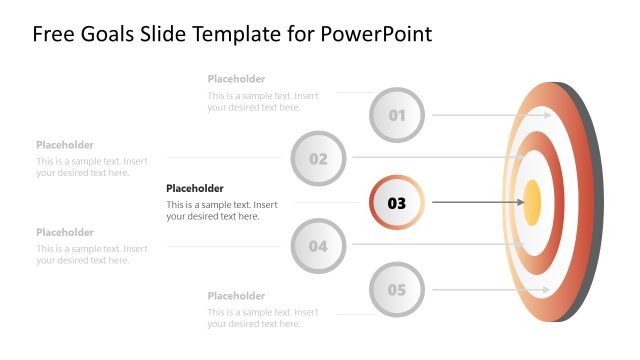
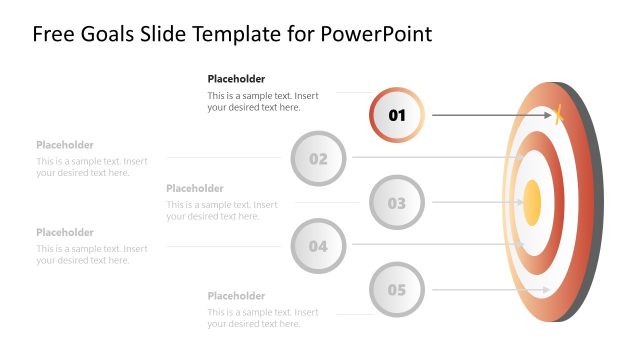
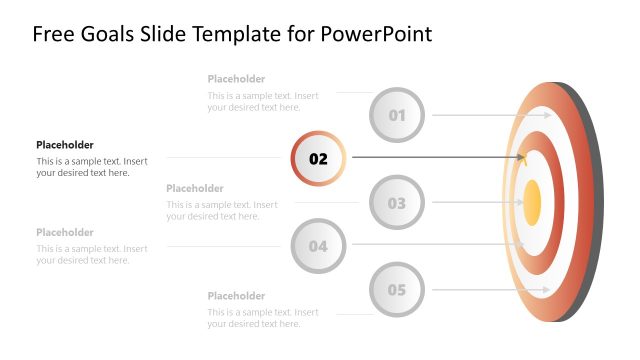
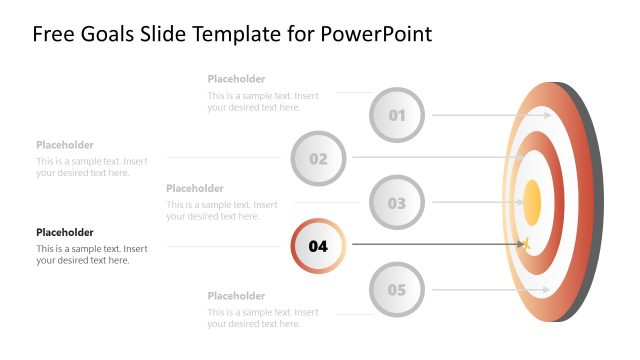
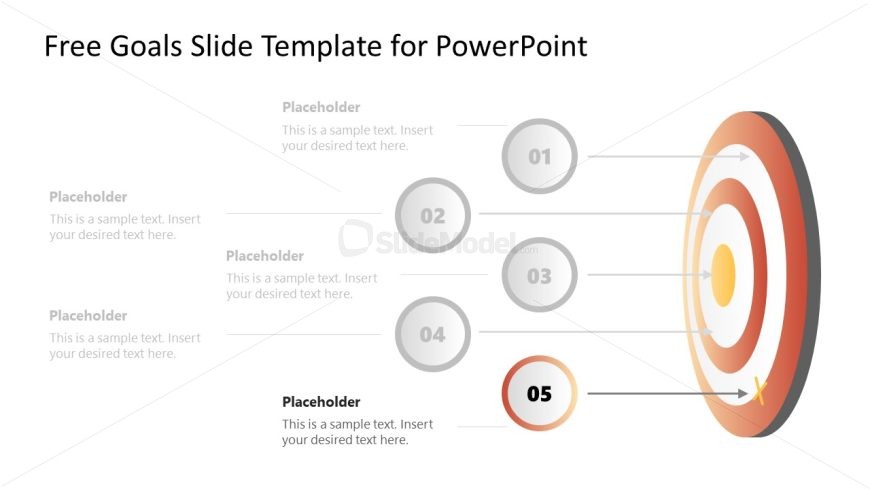
This image shows a PowerPoint slide titled “Free Goals Slide Template for PowerPoint.” It’s designed with a clean and professional layout, intended for presentations that outline goals or objectives.
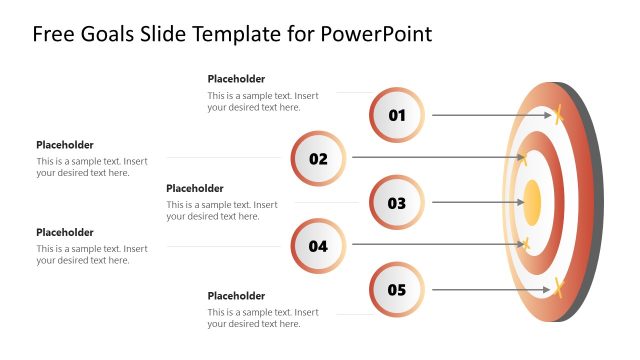
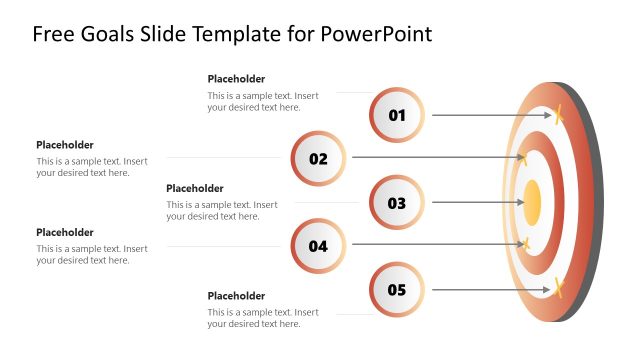
The right-hand side of the slide displays a detailed dartboard graphic with a series of concentric circles colored in gradients of red and beige. Each concentric circle represents a target zone, culminating in the bullseye at the center, which is connected to the outermost circle by a depiction of an arrow, signifying achievement or the ultimate goal.
Aligned horizontally to the left of the dartboard are five numbered circles, shaded in gray, except for the fifth one, which is highlighted in red and labeled “05.” This color distinction suggests a current point of focus or the final step in a sequence. Each numbered circle is connected to a corresponding ring on the dartboard by a thin line, visually linking the abstract goals to the central target.
Adjacent to each numbered circle is a text placeholder box, with each box prompting the user to “Insert your desired text here.” This setup allows presenters to annotate each step or goal with specific information or descriptions.
The slide could be utilized in various scenarios, from business planning and project management to educational goals setting and personal achievement tracking. It offers a clear, visual method to present multiple goals leading to a central, overarching aim, facilitating a structured and engaging presentation experience.
What’s on This Slide
The slide features a circular target graphic positioned on the right side, with concentric rings in a gradient of orange and gray. To the left, there are five circular nodes numbered 01 to 05, arranged vertically. Each node contains a text placeholder aligned centrally, with arrows pointing from the nodes to the target graphic. The background is predominantly white, enhancing the visual contrast. Text placeholders are located adjacent to each node, allowing for clear labeling. The overall layout emphasizes a stepwise approach to goal setting.
How to Use It
This layout serves as a sequential overview of goals, making it suitable for presentations that outline objectives or targets. It fits well after introductory slides, providing a clear visual representation of goal progression. This structure is ideal for business meetings, project planning sessions, or strategy discussions where clarity in goal articulation is essential. It can be used to convey a roadmap of priorities or milestones in a project.
Text Placeholders & Capacity
Keep your copy within these limits so it fits without resizing. Node labels can hold about 30 characters each, while body text can accommodate around 50 characters.
| Placeholder | Count | Max characters (approx.) |
|---|---|---|
| Item heading | 5 | 30 |
| Item body | 5 | 50 |
Slide Keywords
Download unlimited PowerPoint templates, charts and graphics for your presentations with our annual plan.
DOWNLOADReturn to Free Goals Slide Template for PowerPoint.