Slide 4 of 8 from Free Creative Business Diagrams for PowerPoint
FF0062-01-creative-diagrams-4
Hexagon Cluster Diagram for Presentations
- Diagram
- Other
- Concept Explanation Slide
- 16:9
- 100% Editable
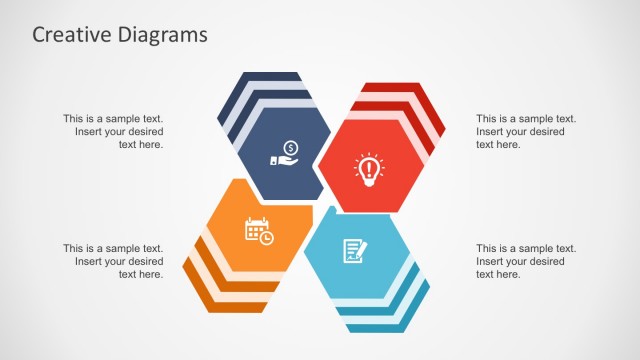
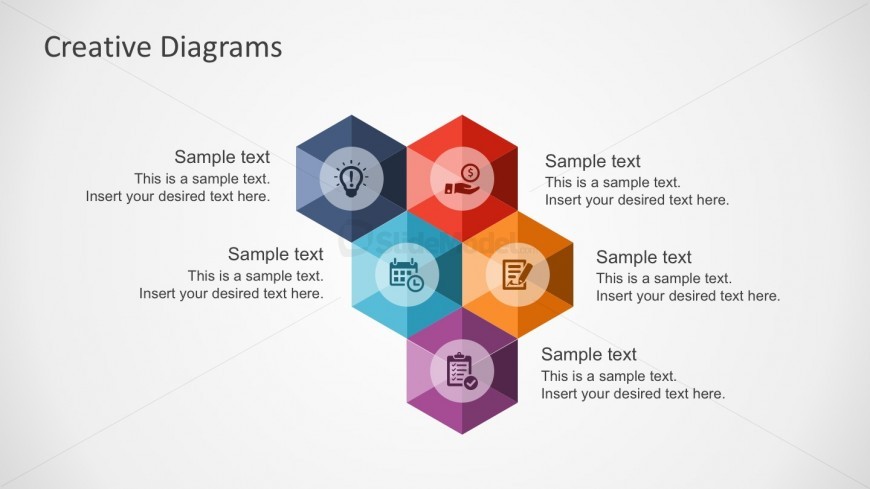
The Hexagon Cluster Diagram slide from the Free Creative Business Diagrams for PowerPoint template offers a structured visual for illustrating interconnected concepts. Designed for business presentations, this slide layout supports brainstorming, project planning, and team collaboration by organizing ideas within editable shapes and vector icons. Its balanced composition and clear placeholders facilitate effective communication in corporate presentations and pitch deck templates.
What’s on This Slide
The layout features a central hexagon surrounded by five smaller hexagons arranged in a cluster. Each hexagon contains a sample text placeholder, with icons positioned inside some hexagons. The icons represent various concepts, including ideas, finance, scheduling, and tasks. The hexagons are colored in shades of blue, red, orange, and purple, creating a visually distinct grouping. The text placeholders are aligned centrally within each hexagon, allowing for easy insertion of content. The overall composition is balanced, with a light background enhancing the color contrast.
How to Use It
This layout serves as a visual representation of interconnected ideas or concepts, suitable for brainstorming sessions or strategy discussions. It fits well in a presentation sequence after introducing a problem or topic, allowing for a clear display of solutions or components. This slide is ideal for business scenarios such as project planning, team collaboration, or product feature breakdowns, where multiple elements need to be presented cohesively.
Text Placeholders & Capacity
Keep your copy within these limits so it fits without resizing. Each hexagon can accommodate roughly 15-20 words comfortably.
| Placeholder | Count | Max characters (approx.) |
|---|---|---|
| Item body | 6 | 100 |
Slide Keywords
Download unlimited PowerPoint templates, charts and graphics for your presentations with our annual plan.
DOWNLOAD