Slide 1 of 8 from Free Creative Business Diagrams for PowerPoint
FF0062-01-creative-diagrams-1
Creative Diagrams for Business Presentations
- Diagram
- Other
- Concept Explanation Slide
- 16:9
- 100% Editable
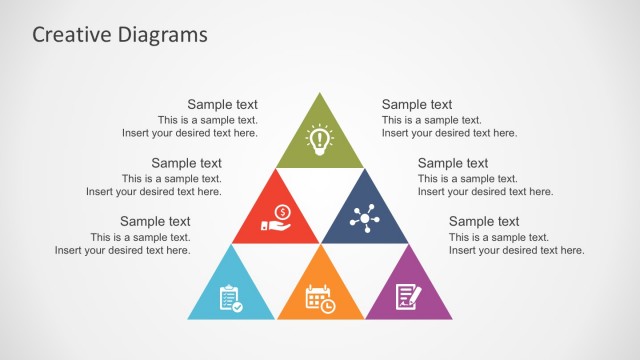
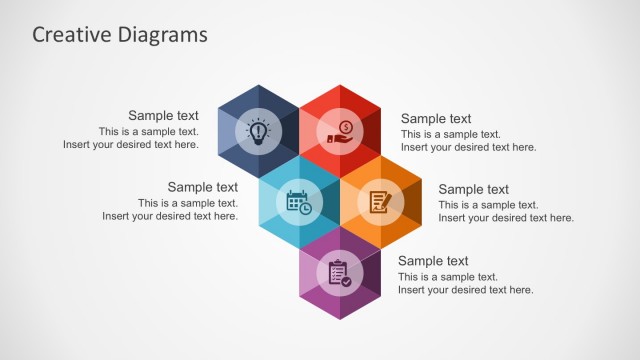
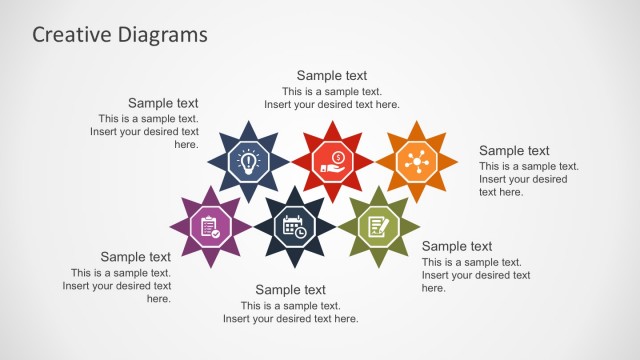
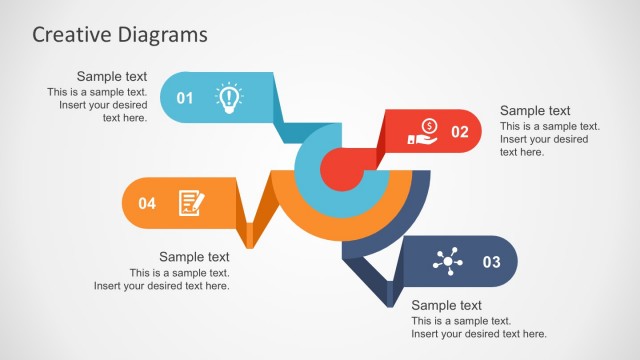
The Creative Diagrams slide from the Free Creative Business Diagrams for PowerPoint template offers a structured visual framework ideal for brainstorming sessions and strategy discussions. Featuring editable shapes arranged symmetrically around a central lightbulb icon, this slide supports clear concept presentations and enhances corporate presentation slide decks with its balanced design and vector icons.
What’s on This Slide
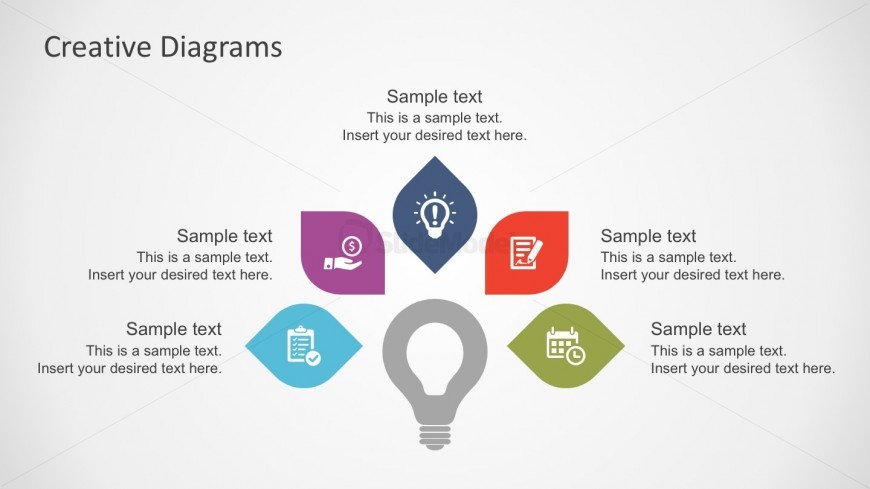
The layout features a central lightbulb icon at the bottom, surrounded by six colored leaf-shaped nodes. Each node contains a sample text placeholder, positioned evenly around the central icon. The nodes are colored purple, blue, red, green, orange, and dark blue, creating a balanced visual hierarchy. The title 'Creative Diagrams' is placed at the top center of the slide. Each node's text placeholder is aligned centrally, allowing for clear visibility. The overall composition is symmetrical, emphasizing the central idea represented by the lightbulb.
How to Use It
This layout serves as a visual framework for presenting ideas or concepts in a structured manner. It is suitable for brainstorming sessions, strategy discussions, or summarizing key points. The central lightbulb symbolizes innovation or creativity, while the surrounding nodes can represent different aspects or categories related to the main idea. This slide fits well at the beginning of a presentation to introduce themes or topics and can be used in various business contexts to facilitate discussions or presentations.
Text Placeholders & Capacity
Keep your copy within these limits so it fits without resizing. Node text slots can hold about 10-12 words each.
| Placeholder | Count | Max characters (approx.) |
|---|---|---|
| Slide title | 1 | 30 |
| Item body | 6 | 60 |
Slide Keywords
Download unlimited PowerPoint templates, charts and graphics for your presentations with our annual plan.
DOWNLOAD