Slide 5 of 8 from Free Creative Business Diagrams for PowerPoint
FF0062-01-creative-diagrams-5
Creative Diagrams for Presentations
- Diagram
- Other
- Concept Explanation Slide
- 16:9
- 100% Editable
The Creative Diagrams slide from the Free Creative Business Diagrams for PowerPoint template offers a structured layout ideal for brainstorming sessions and innovation presentations. Featuring editable shapes and vector icons arranged symmetrically, this slide supports clear visualization of multiple concepts, making it a practical choice for business presentations and team strategy meetings using PowerPoint templates or Google Slides templates.
What’s on This Slide
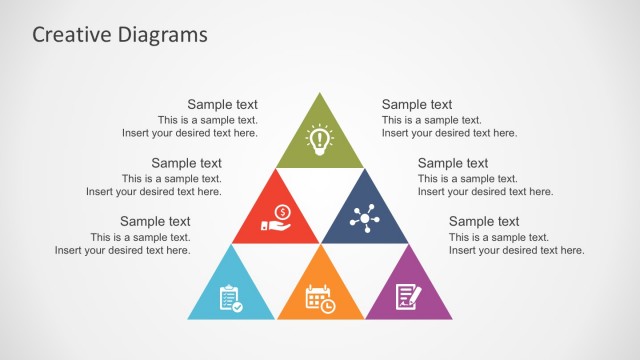
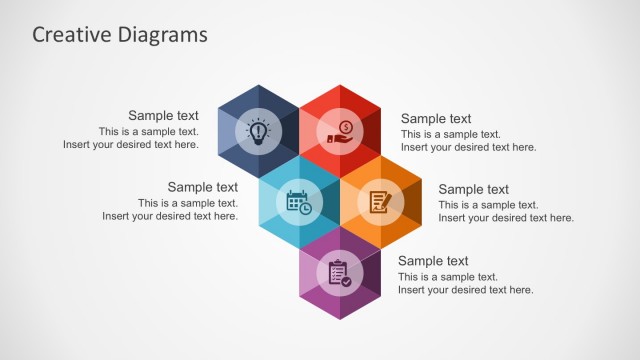
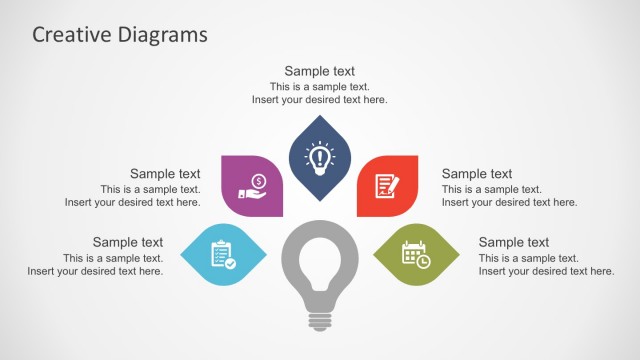
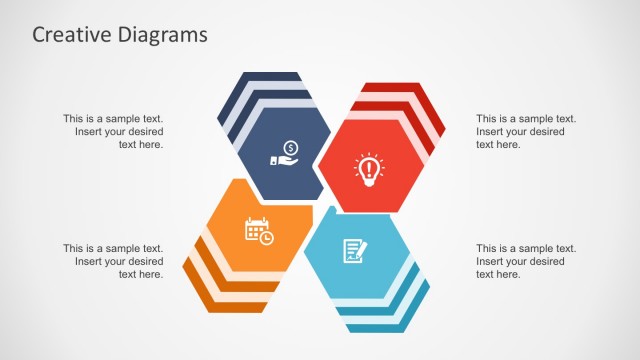
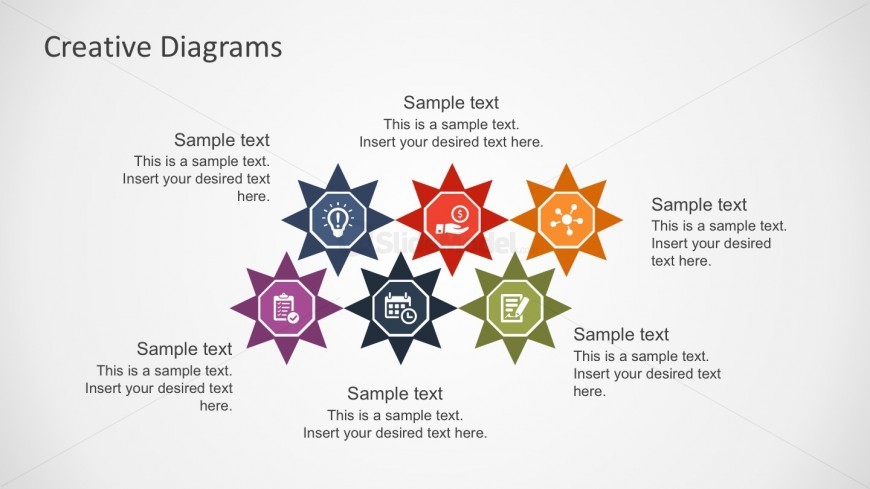
The layout features a central title at the top, labeled 'Creative Diagrams.' Below, there are eight star-shaped nodes arranged in two rows. Each node contains an icon in the center, surrounded by a colored star shape. The icons represent various concepts, such as ideas, money, and collaboration. Each node has a text placeholder below it, aligned centrally, indicating where additional information can be inserted. The background is light, enhancing the visibility of the colorful nodes. The overall composition is symmetrical and balanced.
How to Use It
This layout serves as a visual representation of multiple concepts or ideas, making it suitable for brainstorming sessions or presentations on innovation. It fits well in a sequence following a problem statement, helping to illustrate solutions or creative approaches. This structure is effective for workshops, team meetings, or strategy discussions where various topics need to be presented clearly and engagingly.
Text Placeholders & Capacity
Keep your copy within these limits so it fits without resizing. Node body slots can accommodate roughly 10-12 words each.
| Placeholder | Count | Max characters (approx.) |
|---|---|---|
| Slide title | 1 | 30 |
| Item body | 8 | 50 |
Slide Keywords
Download unlimited PowerPoint templates, charts and graphics for your presentations with our annual plan.
DOWNLOAD