Slide 6 of 8 from Free Creative Business Diagrams for PowerPoint
FF0062-01-creative-diagrams-6
Creative Diagrams for Business Presentations
- Diagram
- Process Flow
- Process Slide
- 16:9
- 100% Editable
The Creative Diagrams slide from the Free Creative Business Diagrams for PowerPoint template offers a process flow layout ideal for illustrating project timelines and marketing strategies. This slide integrates editable shapes and vector icons arranged in a clear zigzag pattern, enhancing communication in business presentations. It is well-suited for use in slide decks that require visual representation of sequential steps within a corporate presentation or pitch deck template.
What’s on This Slide
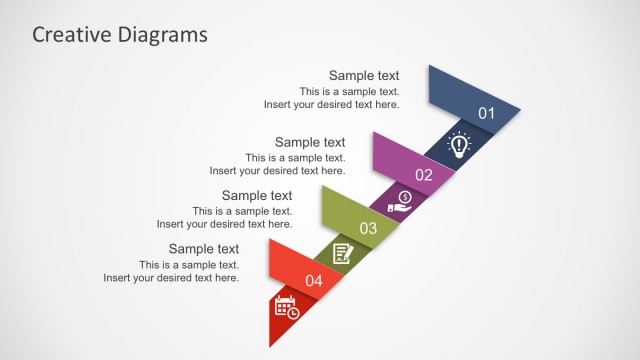
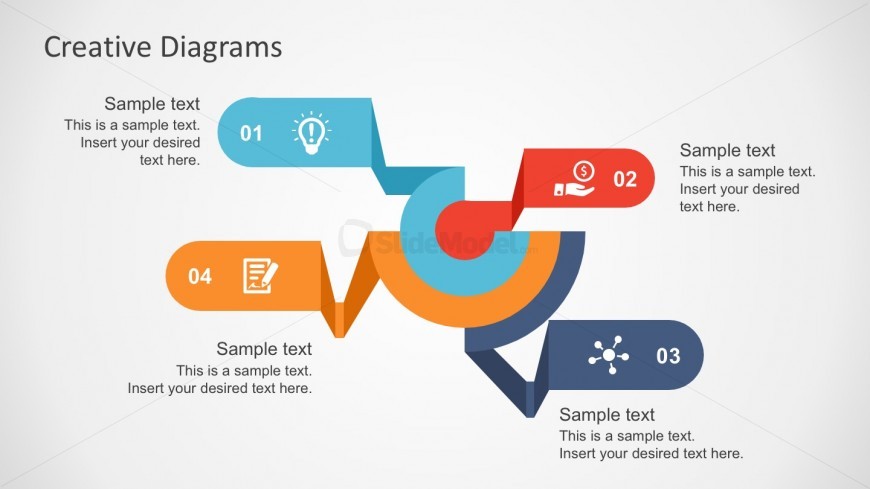
The layout features a central circular shape with four directional segments extending outward. Each segment is a colored rectangle containing an icon and a text placeholder. The segments are arranged in a zigzag pattern, with the first segment on the top left and the last on the bottom right. The icons represent various concepts, including an idea lightbulb, a dollar sign, a document, and a network symbol. Text placeholders are positioned above and below each segment, with a title at the top center. The background is a light gradient, enhancing visibility.
How to Use It
This layout serves as a process flow diagram, ideal for illustrating sequential steps or stages in a business context. It fits well after a problem-framing slide, leading into strategic solutions or action plans. Scenarios include presenting project phases, marketing strategies, or product development stages. The design allows for clear communication of complex ideas in a visually engaging manner, making it suitable for both team meetings and client presentations.
Text Placeholders & Capacity
Keep your copy within these limits so it fits without resizing. Node body slots can hold about 10 words each.
| Placeholder | Count | Max characters (approx.) |
|---|---|---|
| Slide title | 1 | 30 |
| Item heading | 4 | 20 |
| Item body | 4 | 50 |
Slide Keywords
Download unlimited PowerPoint templates, charts and graphics for your presentations with our annual plan.
DOWNLOAD