Slide 3 of 8 from Free Creative Business Diagrams for PowerPoint
FF0062-01-creative-diagrams-3
Creative Diagrams for Business Presentations
- Diagram
- Matrix Quadrant
- Concept Explanation Slide
- 16:9
- 100% Editable
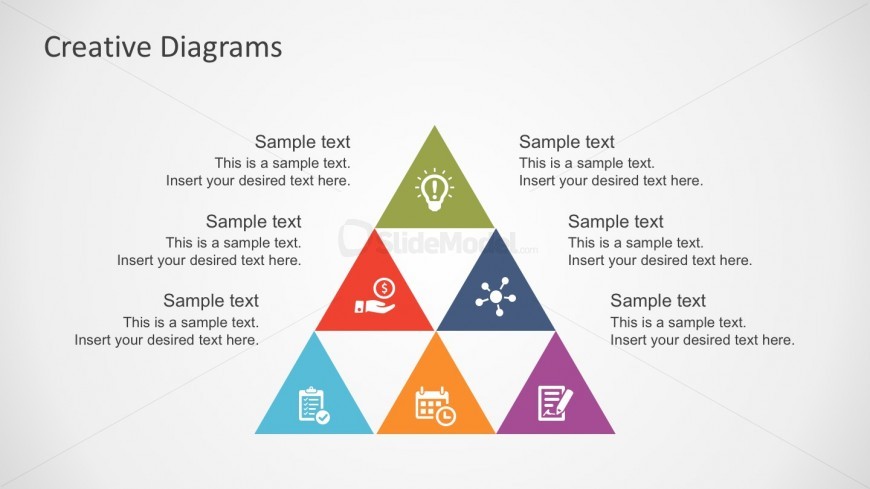
The Creative Diagrams slide from the Free Creative Business Diagrams for PowerPoint template offers a triangular matrix layout ideal for organizing ideas during brainstorming sessions and strategy discussions. This slide utilizes editable shapes and vector icons to enhance clarity and visual appeal, making it a practical choice for business presentations and project planning within slide decks.
What’s on This Slide
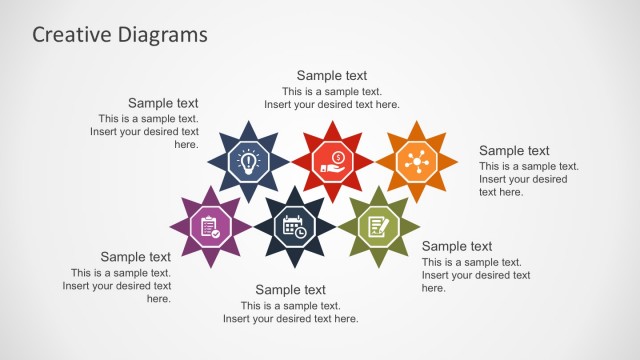
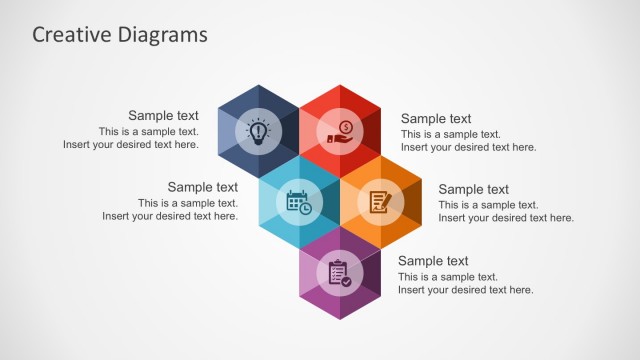
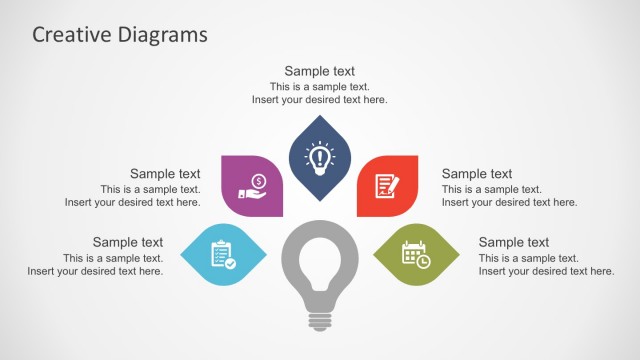
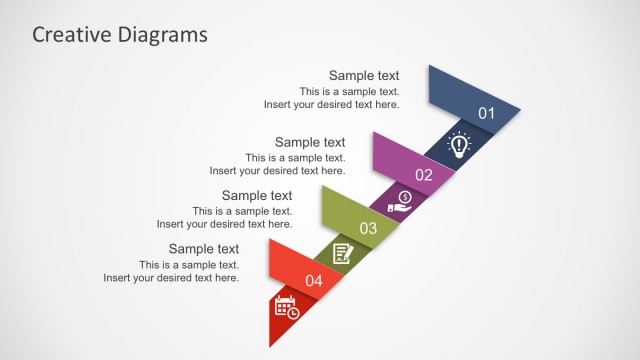
The slide features a triangular diagram divided into six colored sections, each containing a sample text placeholder. The sections are arranged with one at the top, three in the middle, and two at the bottom. Each section has an associated icon representing different concepts, such as an idea lightbulb, a dollar sign, and a calendar. The text placeholders are centered within each triangle, allowing for clear visibility. The overall background is light, enhancing the color contrast of the triangles and icons.
How to Use It
This layout serves as a visual representation for categorizing ideas or concepts within a triangular framework. It is suitable for presentations that require a structured overview of related topics or themes. This slide can be effectively used in business contexts for brainstorming sessions, strategy discussions, or project planning. It fits well in a sequence after introductory slides, helping to summarize or categorize information visually.
Text Placeholders & Capacity
Keep your copy within these limits so it fits without resizing. Node body slots can hold approximately 10 words each.
| Placeholder | Count | Max characters (approx.) |
|---|---|---|
| Item body | 6 | 50 |
| Slide title | 1 | 30 |
Slide Keywords
Download unlimited PowerPoint templates, charts and graphics for your presentations with our annual plan.
DOWNLOAD