Slide 6 of 9 from Free Arrow Options Diagram for PowerPoint
Free Long Arrows Diagram Template For PowerPoint
Arrow Options Diagram for PowerPoint
- Diagram
- Arrow Sequence
- Process Slide
- 16:9
- 100% Editable
The Arrow Options Diagram slide from the Free Arrow Options Diagram for PowerPoint template offers a clear process mapping layout ideal for strategy presentations and project planning. This slide features editable shapes and vector icons arranged in a segmented arrow design, supporting detailed explanation of sequential steps or decision options in a business presentation or pitch deck template.
What’s on This Slide
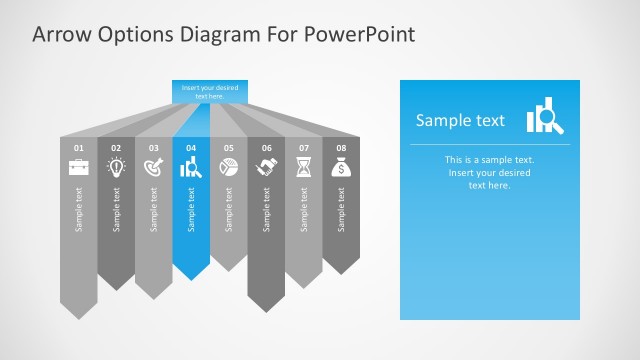
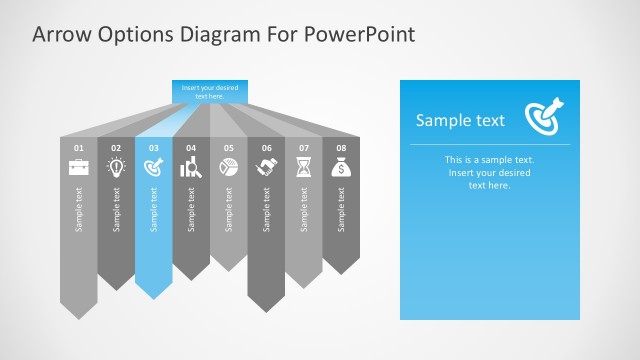
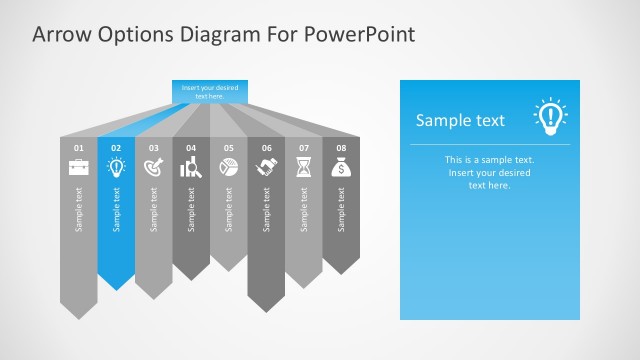
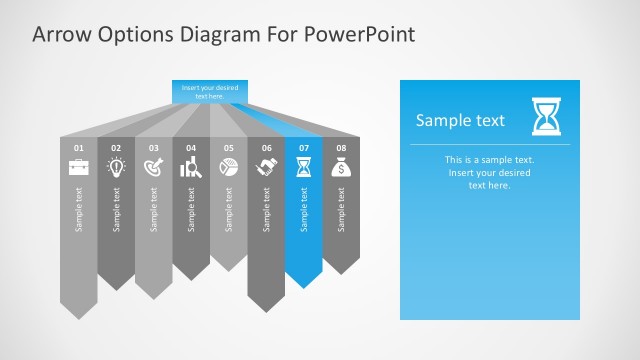
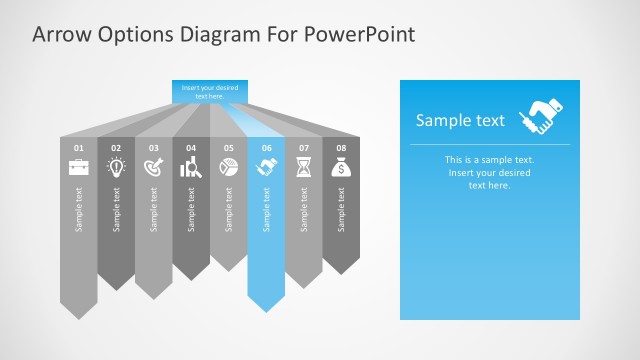
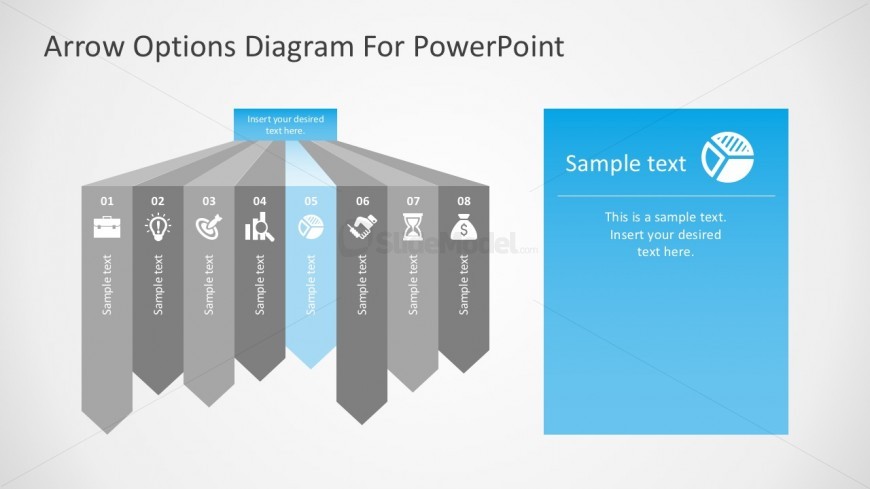
The layout features a central arrow diagram with eight segments extending from a central point. Each segment is a triangular shape pointing downward, with the fifth segment highlighted in blue. Icons are placed within each segment, representing different concepts. Text placeholders are aligned vertically within each segment, with the central segment containing a larger placeholder for additional text. To the right, a rectangular area contains another text placeholder, providing space for supplementary information. The background is light, enhancing the visibility of the elements.
How to Use It
This layout serves as a process flow diagram, illustrating a sequence of steps or options. It is suitable for presentations that outline strategies, decision-making processes, or project phases. Positioned after an introductory slide, it effectively transitions into detailed discussions. This structure can be used in business contexts such as project planning, strategic analysis, or operational workflows, where clear visual representation of options is essential.
Text Placeholders & Capacity
Keep your copy within these limits so it fits without resizing. Node body slots can hold roughly 10 words each.
| Placeholder | Count | Max characters (approx.) |
|---|---|---|
| Item heading | 8 | 20 |
| Item body | 8 | 50 |
| Body paragraph | 1 | 150 |
Slide Keywords
Download unlimited PowerPoint templates, charts and graphics for your presentations with our annual plan.
DOWNLOADReturn to Free Arrow Options Diagram for PowerPoint.