Slide 7 of 9 from Free Arrow Options Diagram for PowerPoint
Free Arrows With Icons Flat PowerPoint Design
Arrow Options Diagram for PowerPoint
- Diagram
- Arrow Sequence
- Process Slide
- 16:9
- 100% Editable
The Arrow Options Diagram slide from the Free Arrow Options Diagram for PowerPoint template offers a clear, editable slide layout ideal for illustrating process flows and decision-making steps in business presentations. Featuring vector icons and a central arrow sequence, this slide template supports strategic planning and project management discussions with a professional design that integrates seamlessly into corporate presentation slide decks.
What’s on This Slide
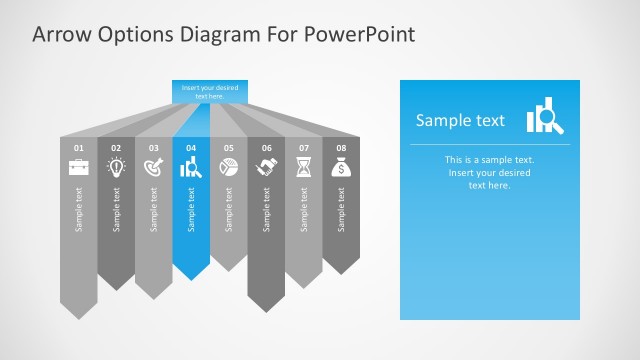
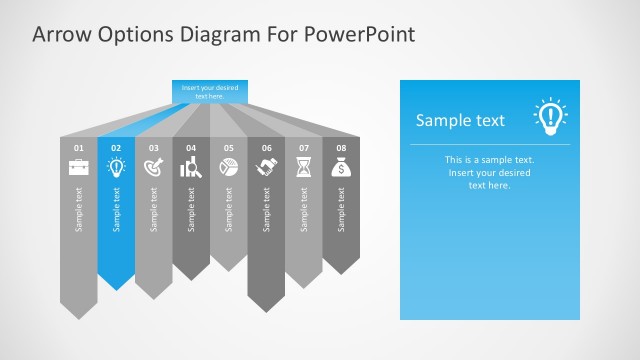
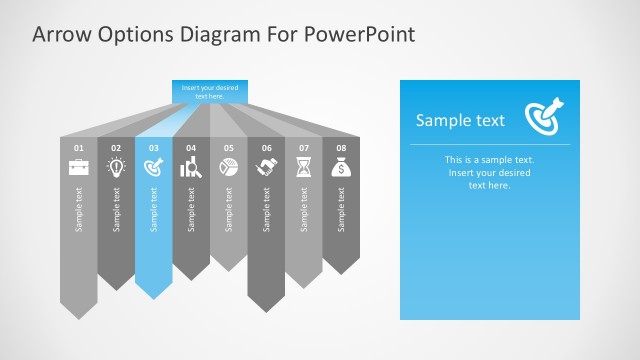
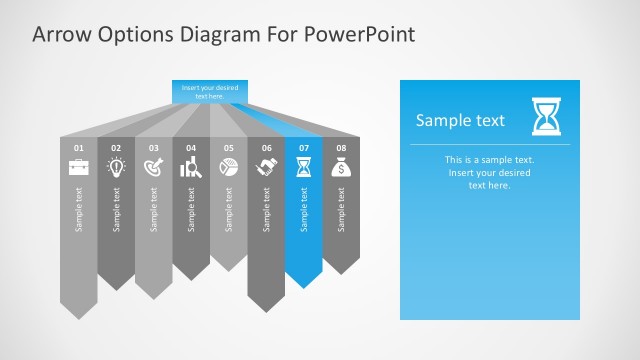
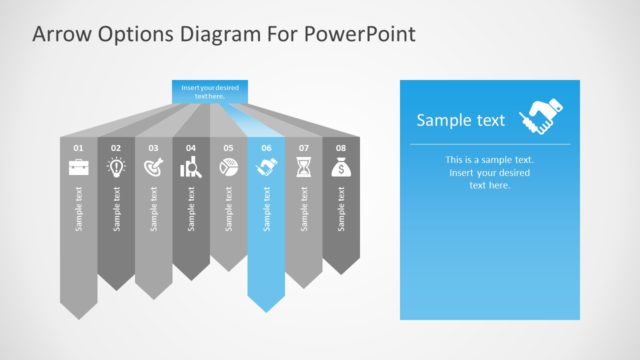
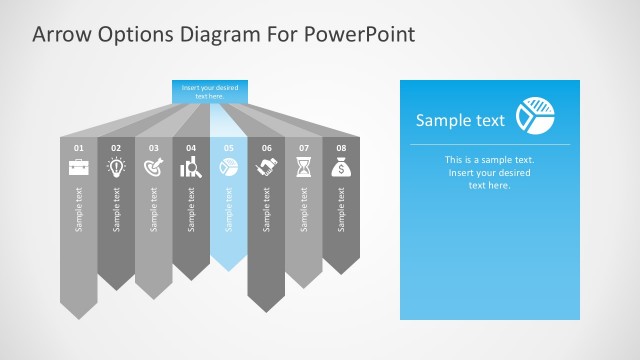
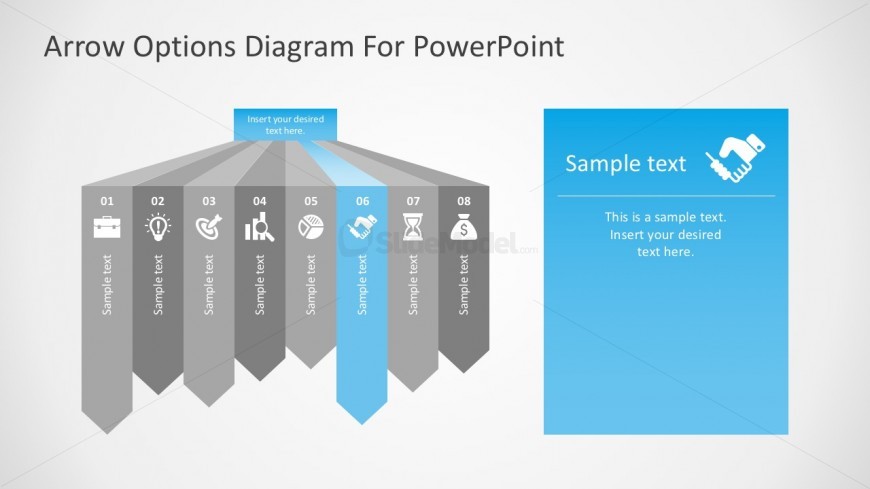
The layout features a central arrow diagram with eight segments extending from the top to the bottom. Each segment is a triangular shape, colored in shades of gray, with a highlighted blue segment in the center. Each segment includes a number and a sample text placeholder aligned at the bottom. To the right, there is a rectangular section with a blue background, containing a sample text placeholder and an icon. The overall composition is balanced, with a clean, professional look, suitable for presenting options or processes.
How to Use It
This layout serves as a process flow diagram, illustrating a sequence of options or steps. It is effective for presenting strategic choices or decision-making processes in business contexts. This slide fits well in a presentation sequence after introducing a problem and before discussing solutions. It can be used in scenarios such as project planning, strategy development, or process optimization discussions.
Text Placeholders & Capacity
Keep your copy within these limits so it fits without resizing. Node body slots can hold about 10 words each, while the body paragraph slot is tighter.
| Placeholder | Count | Max characters (approx.) |
|---|---|---|
| Item heading | 8 | 20 |
| Item body | 8 | 50 |
| Body paragraph | 1 | 100 |
Slide Keywords
Download unlimited PowerPoint templates, charts and graphics for your presentations with our annual plan.
DOWNLOADReturn to Free Arrow Options Diagram for PowerPoint.