Slide 3 of 9 from Free Arrow Options Diagram for PowerPoint
Blue Palette Creative Free Arrow Diagram
Arrow Options Diagram for PowerPoint
- Diagram
- Arrow Sequence
- Process Slide
- 16:9
- 100% Editable
The Arrow Options Diagram slide from the Free Arrow Options Diagram for PowerPoint template offers a clear visual process flow using editable shapes and vector icons. Ideal for strategic planning and project management, this slide template supports decision-making presentations by highlighting key options within a balanced arrow sequence. Its design integrates well with business presentation slide decks, providing a structured way to map processes and communicate steps effectively.
What’s on This Slide
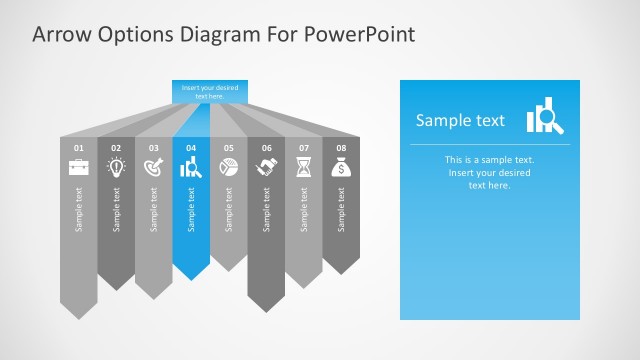
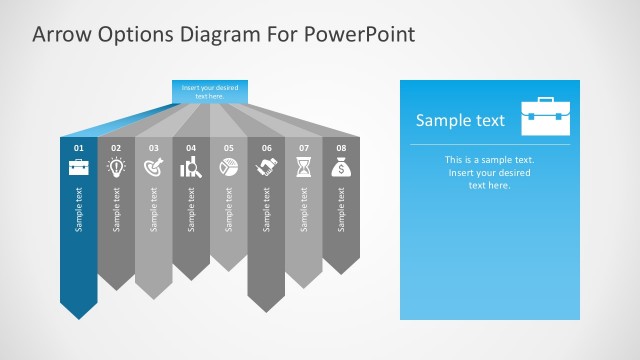
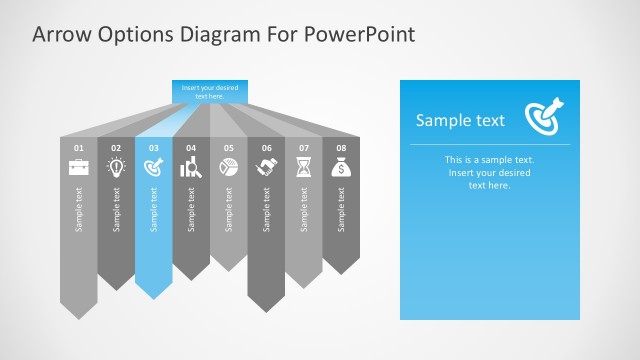
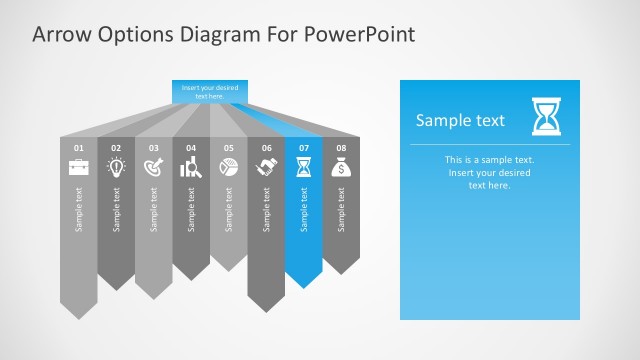
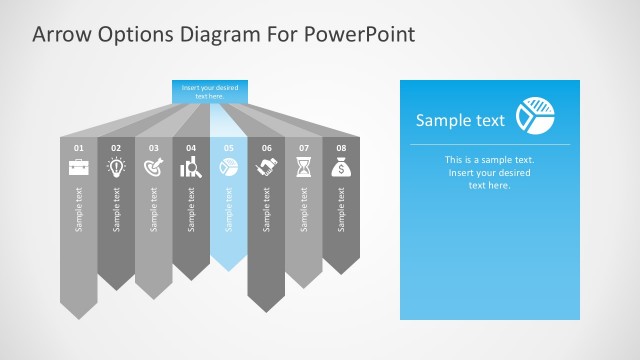
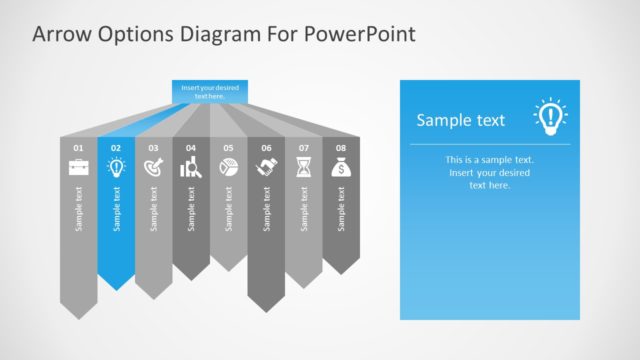
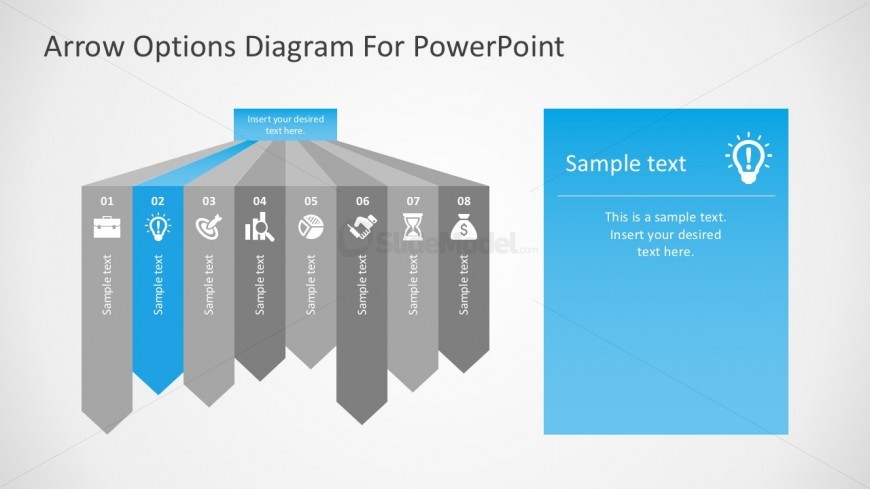
The layout features a central arrow diagram with eight segments extending downward. Each segment is a gray arrow pointing downwards, with the second arrow highlighted in blue. Icons are placed within each arrow, representing different concepts. Text placeholders are located within each arrow, aligned centrally. To the right, there is a blue rectangular container with a lightbulb icon at the top, containing additional text placeholders. The overall composition is balanced, with arrows evenly spaced and the right container providing a visual contrast.
How to Use It
This layout serves as a process flow diagram, illustrating a sequence of options or steps. It fits well in presentations discussing strategic choices or decision-making processes. The highlighted arrow can represent a key option or focus area. This structure is applicable in business contexts such as project planning, strategic analysis, or process mapping. It can be used to visually communicate the flow of options or steps in a clear and organized manner.
Text Placeholders & Capacity
Keep your copy within these limits so it fits without resizing. Node labels can hold about 15 characters each, while body text can accommodate around 30 characters.
| Placeholder | Count | Max characters (approx.) |
|---|---|---|
| Item heading | 8 | 15 |
| Item body | 8 | 30 |
| Body paragraph | 1 | 90 |
| Slide title | 1 | 40 |
Slide Keywords
Download unlimited PowerPoint templates, charts and graphics for your presentations with our annual plan.
DOWNLOADReturn to Free Arrow Options Diagram for PowerPoint.