Slide 6 of 9 from 8 Steps Arrows Bars PowerPoint Diagram
Flat PowerPoint Diagram of Arrows
Arrow Options Diagram for PowerPoint
- Diagram
- Arrow Sequence
- Process Slide
- 16:9
- 100% Editable
The Arrow Options Diagram slide from the 8 Steps Arrows Bars PowerPoint Diagram template presents a clear process flow using editable shapes and vector icons arranged in an arrow sequence. This layout supports business presentations by visually guiding audiences through step-by-step project timelines or strategic initiatives. Its balanced design with highlighted segments enhances focus on key stages, making it a practical choice for corporate presentation slide decks and pitch deck templates.
What’s on This Slide
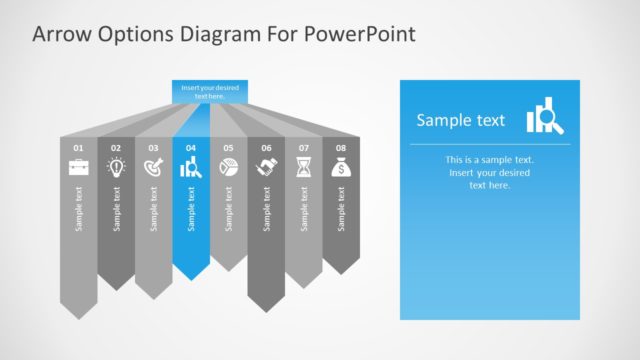
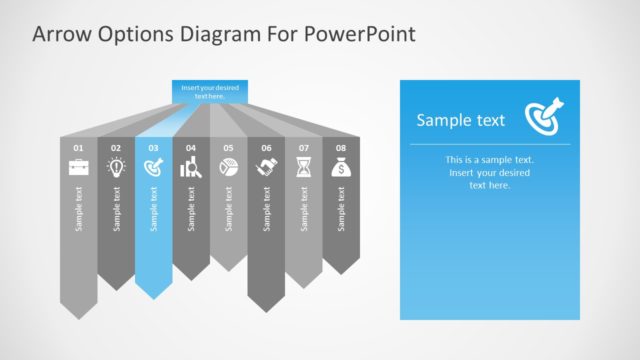
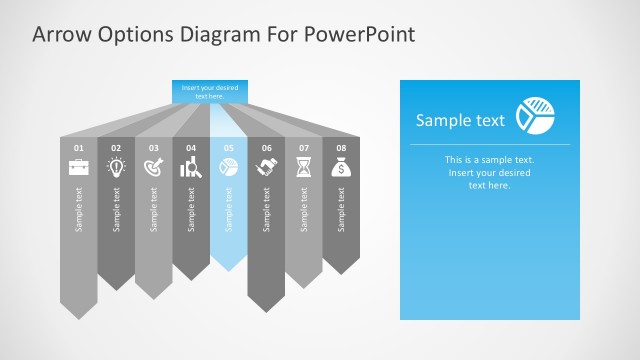
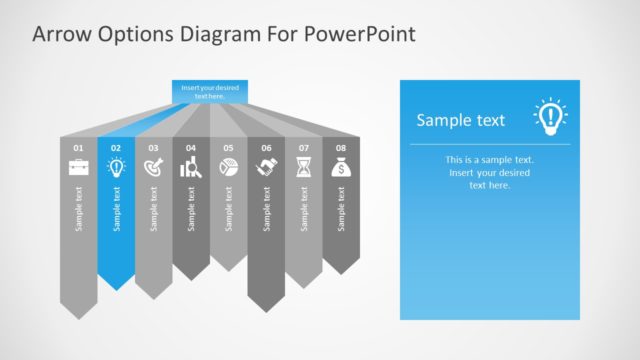
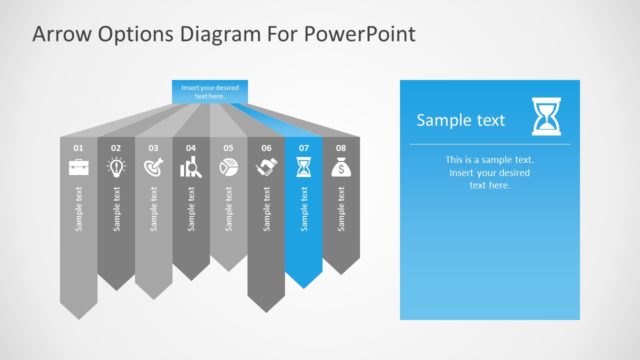
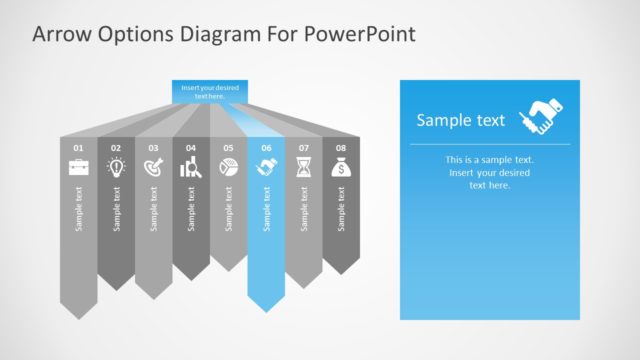
The layout features a central arrow diagram with eight segments extending downward. Each segment is a gray banner containing an icon and a text placeholder, aligned vertically. The fifth segment is highlighted in blue, indicating emphasis. To the right, a rectangular area includes a larger text placeholder with a blue background. The overall composition is balanced, with the arrow diagram on the left and the text area on the right. The icons represent various concepts, and the text placeholders are aligned consistently within their respective segments.
How to Use It
This layout serves as a process flow diagram, effectively illustrating steps or stages in a sequence. It is suitable for presentations that require a clear representation of a multi-step process or decision-making framework. This slide fits well in a sequence after introducing a problem or concept, providing a visual guide to proposed solutions. It is ideal for business scenarios such as project planning, product development, or strategic initiatives, where clarity in progression is essential.
Text Placeholders & Capacity
Keep your copy within these limits so it fits without resizing. Node body slots can hold about 50 characters each, while the body paragraph can accommodate around 150 characters.
| Placeholder | Count | Max characters (approx.) |
|---|---|---|
| Item heading | 8 | 20 |
| Item body | 8 | 50 |
| Body paragraph | 1 | 150 |
Slide Keywords
Download unlimited PowerPoint templates, charts and graphics for your presentations with our annual plan.
DOWNLOADReturn to 8 Steps Arrows Bars PowerPoint Diagram.