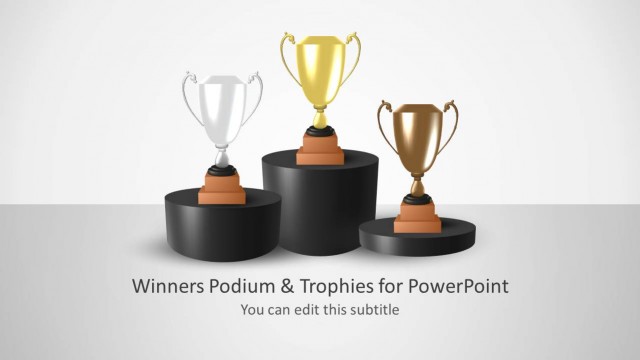
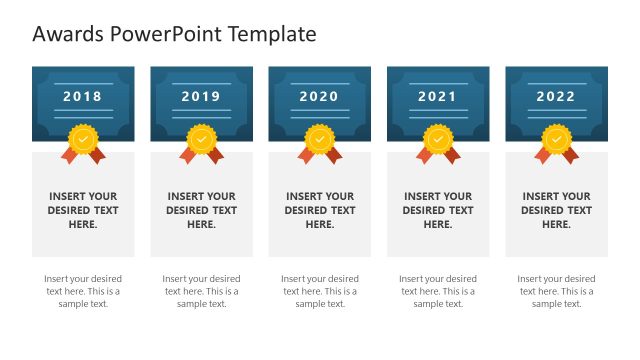
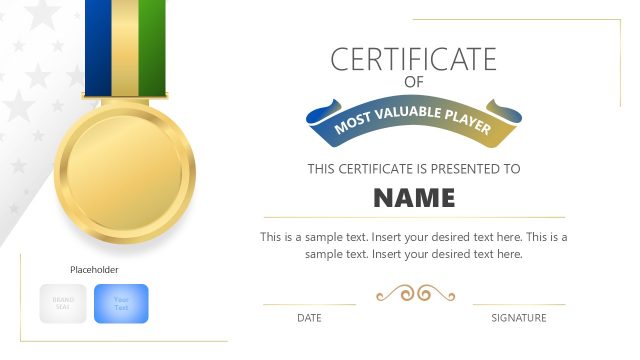
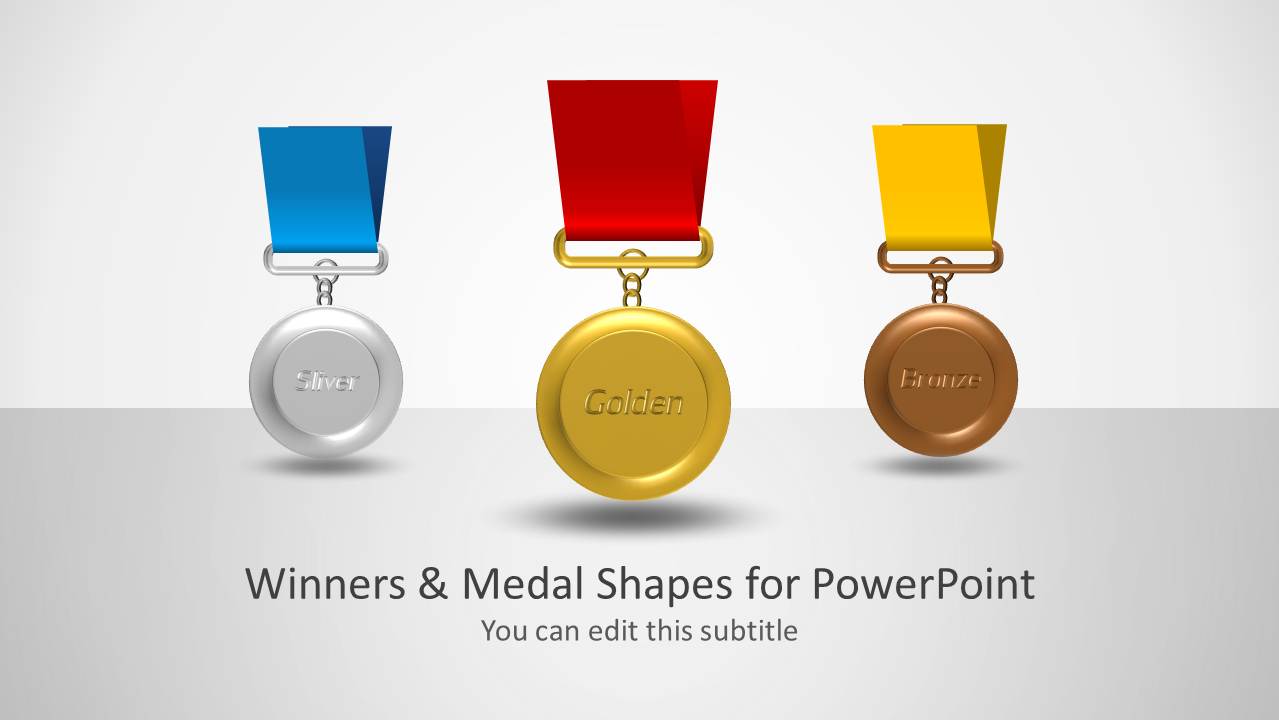
Winners & Medal Shapes for PowerPoint is a slide design with medal themed layouts. You can use this PowerPoint Template for topics like success, sports, competition, challenges, employee motivation and more. This presentation template features customizable medal clipart, which can be easily re-arranged to adjust slide layouts at your convenience.
Alternatively you can download more competition, ranking slides and competition analysis PowerPoint templates including business slides for popular competition models like the Porter’s Five Forces model for PowerPoint.
What’s inside this template
Example presentation scenarios
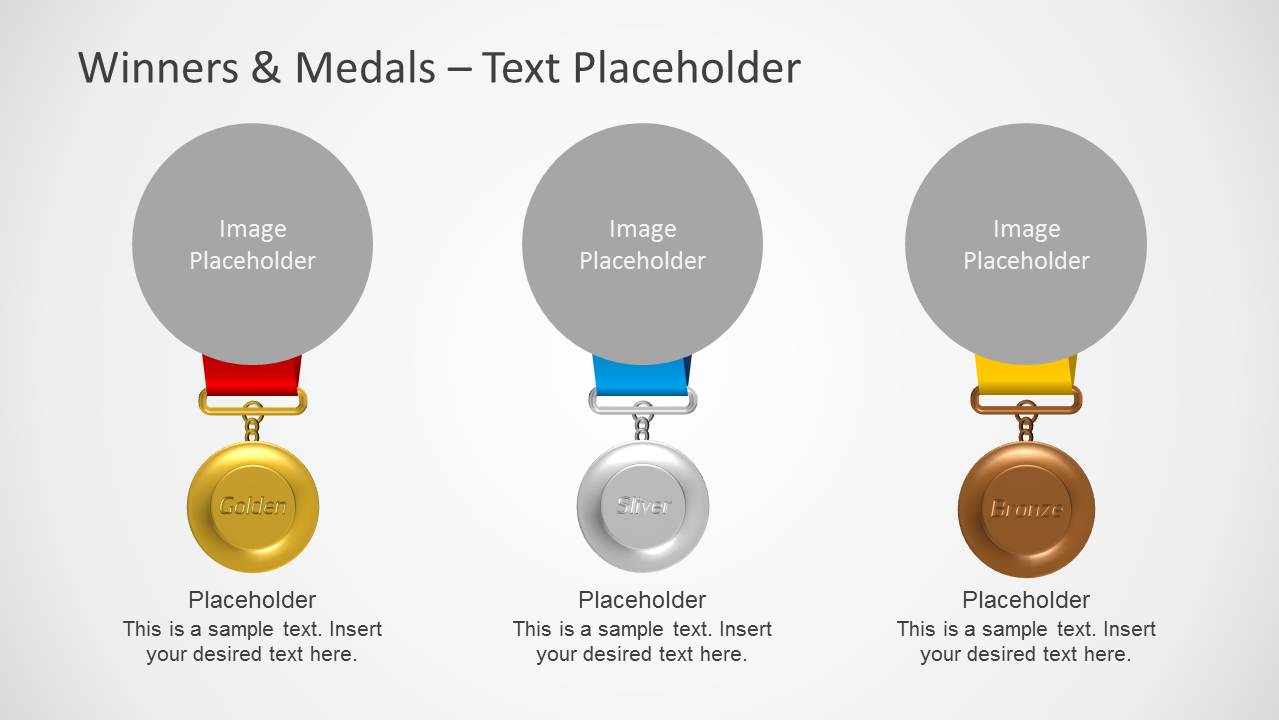
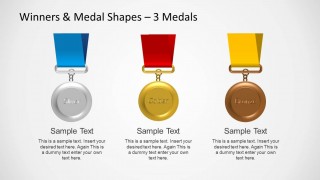
- An HR presenter can announce employee award recipients by using the three-column medal card layout with image placeholders and short achievement descriptions.
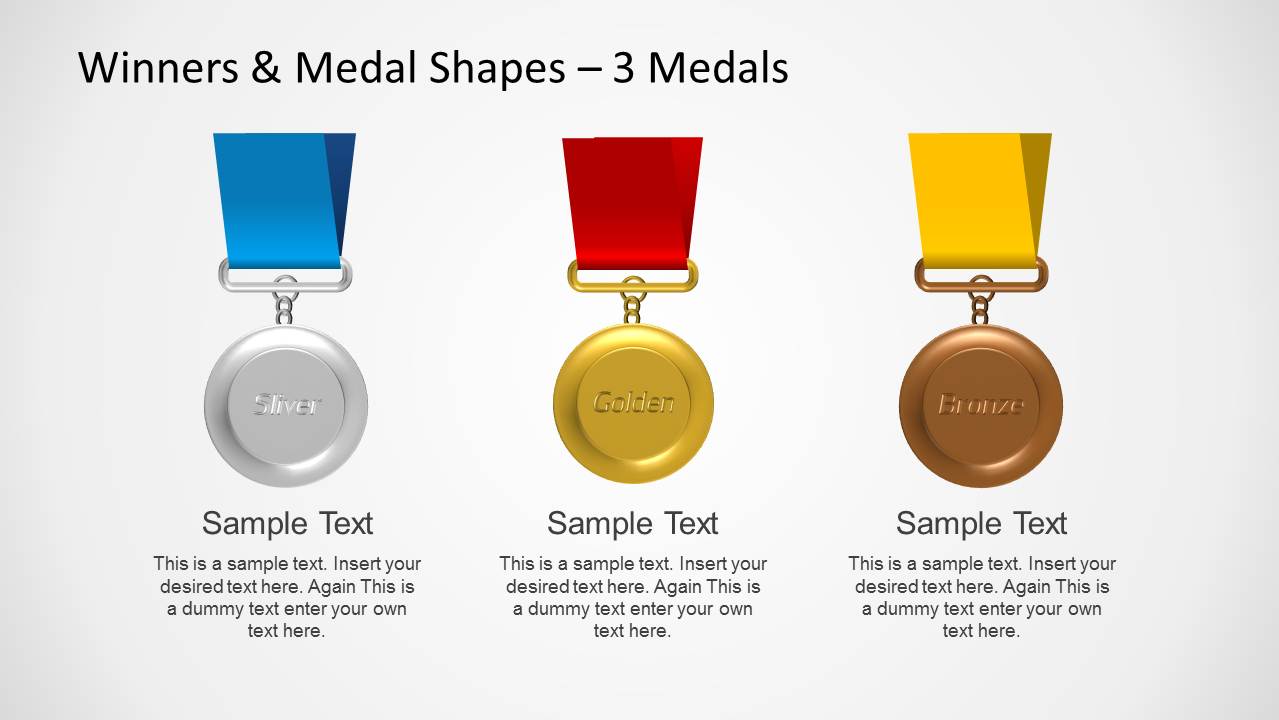
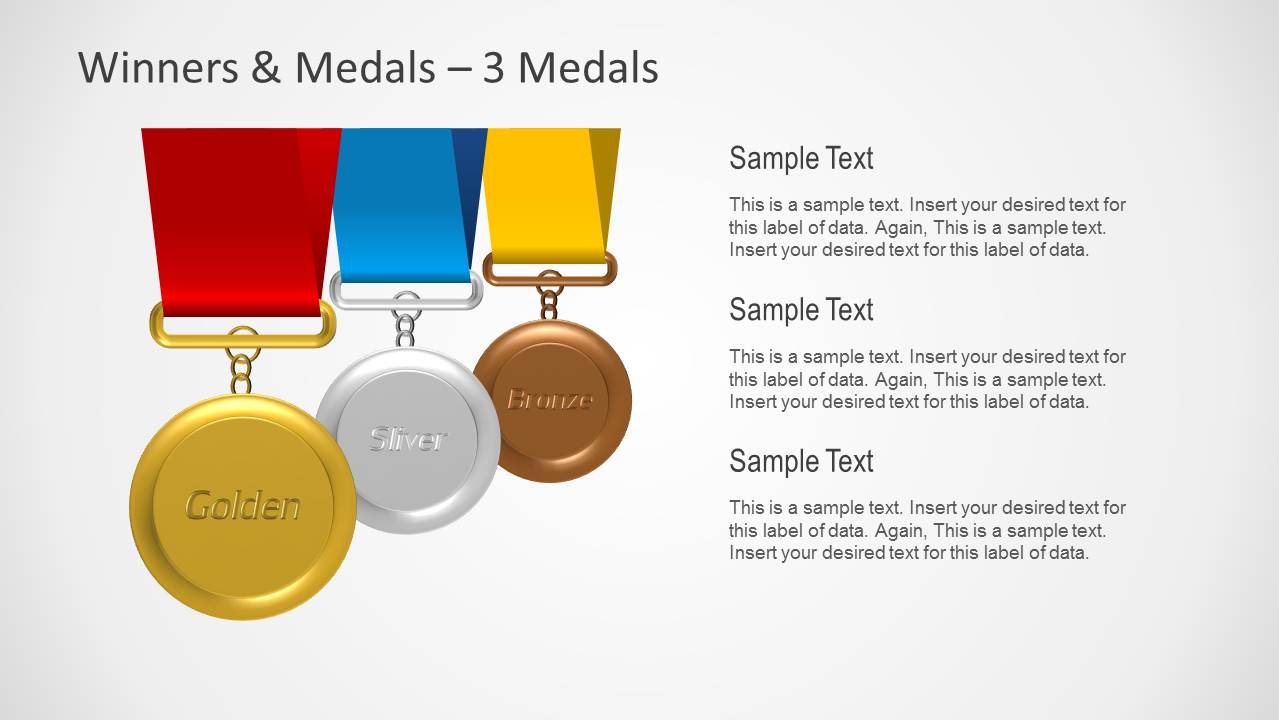
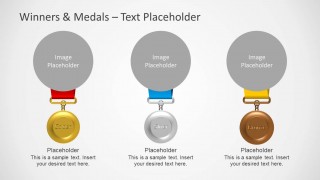
- A sales manager can summarize contest results by presenting the three-medal comparison slide for first, second, and third place performance.
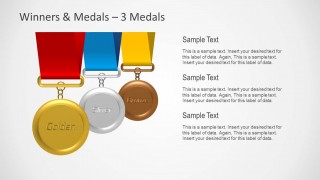
- An event organizer can introduce a tournament awards segment with the title cover and then move to the clustered medal layout for prize category notes.
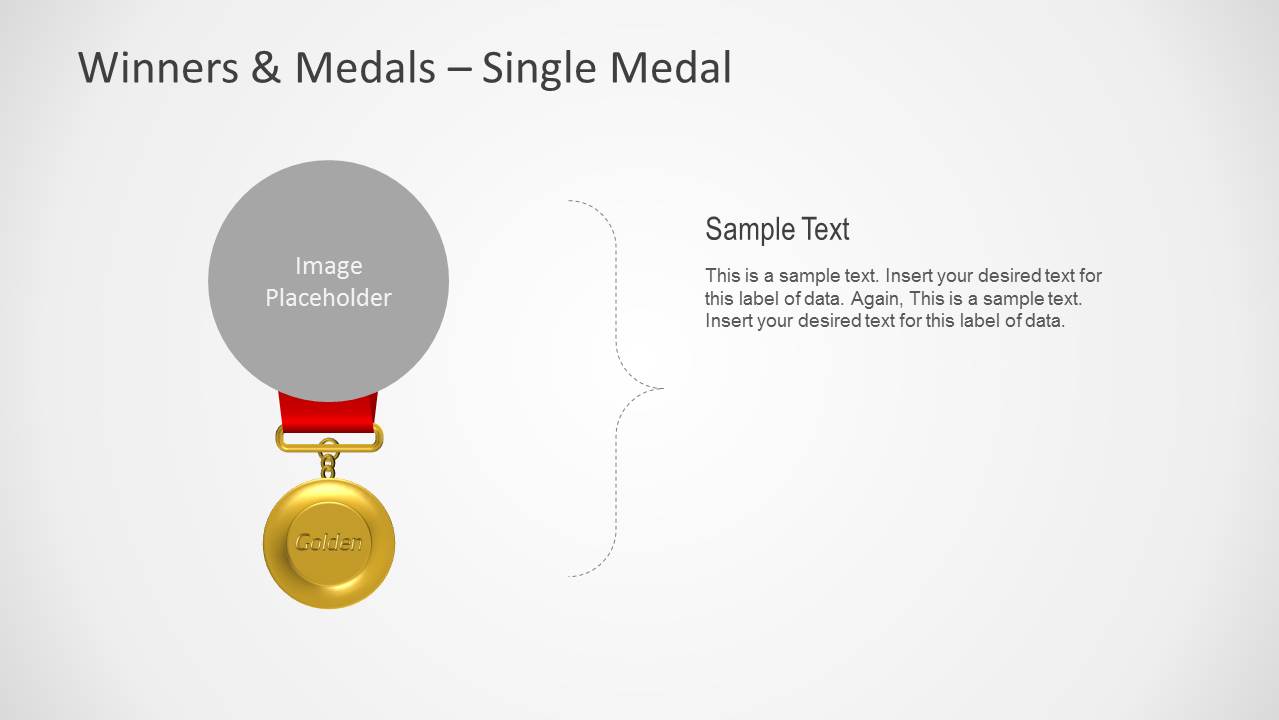
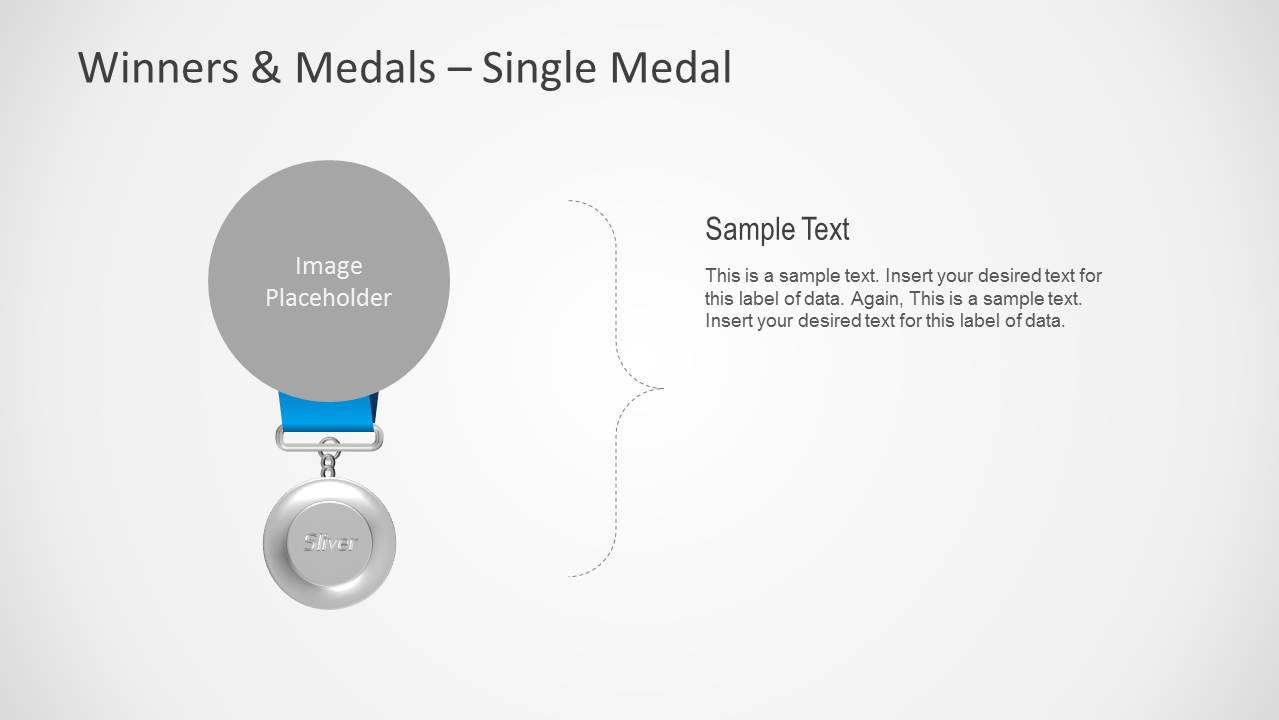
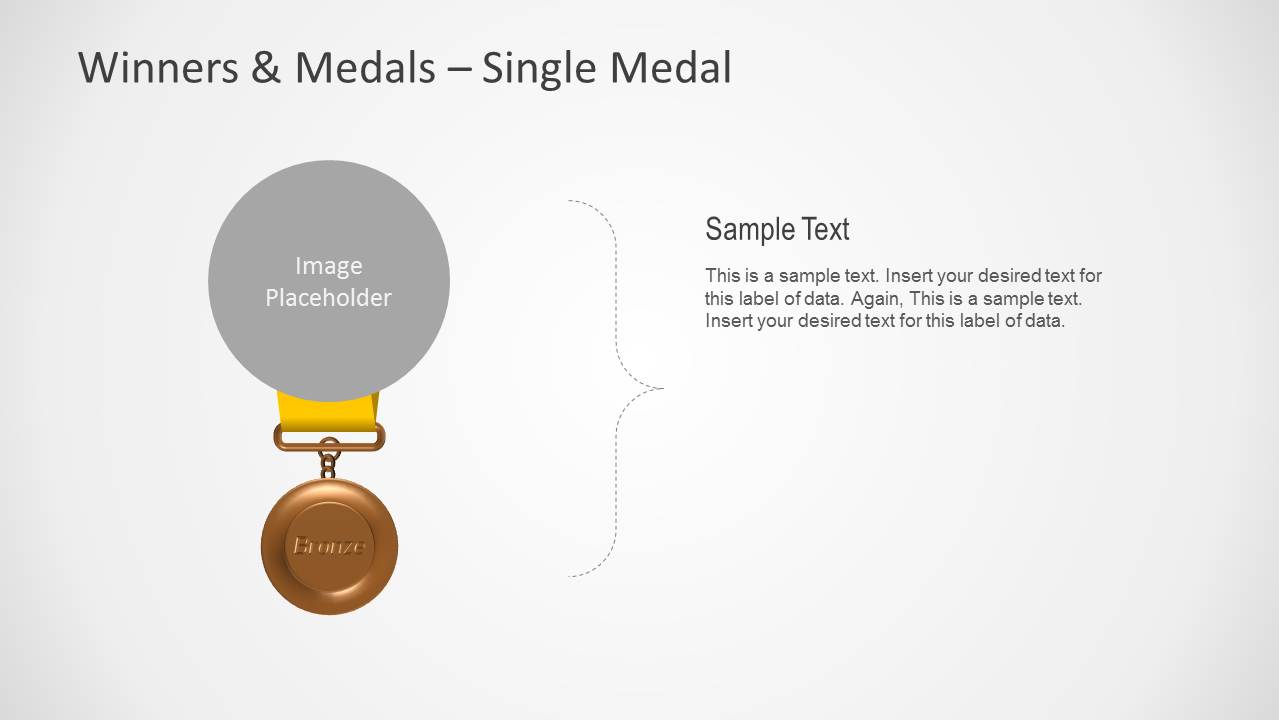
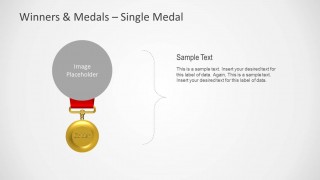
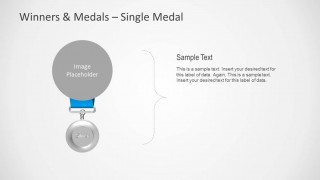
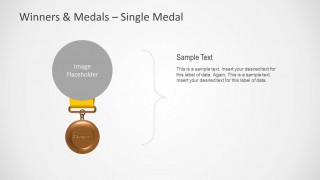
- A coach or instructor can spotlight one participant at a time with the single gold, silver, or bronze medal callout slides.
Features
- 100% editable presentation template
- Compatible with Microsoft PowerPoint
- 16:9 aspect ratio slides
- Scalable vector shapes, icons and illustrations
- AI-Ready for Microsoft Copilot and Claude
- Instant access and download
Frequently asked questions
Q: How should a presenter structure an awards message with this template?
A: Start with the cover to establish the recognition theme, then use the three-medal comparison slide to show the overall ranking. If winners need context, follow with the clustered medal and text layout for criteria or achievements. Reserve the single-medal slides for individual spotlights so each recipient gets focused attention.
Q: Who is this template best suited for?
A: This template fits presenters who need to announce winners or explain rankings without building a full event deck. HR leaders, coaches, sales managers, teachers, and competition hosts can use the medal cards, image placeholders, and single-medal callouts to make recognition feel structured and easy to follow.
Q: Why do medal visuals work well for competition and recognition slides?
A: Medals are a familiar visual metaphor for achievement, so the audience understands the hierarchy before reading the text. The gold, silver, and bronze layouts separate placements clearly, while the image placeholder versions connect the award to a person or team. This reduces explanation time and keeps attention on recognition.
Winners & Medal Shapes for PowerPoint
7-slide presentation template for medals, winners, prizes, and competition ranking in PowerPoint.
Winners & Medal Shapes for PowerPoint is a 7-slide medal themed presentation template for competition, recognition, and ranking topics. It includes a cover, three-medal comparison layouts, image placeholder medal cards, and single-medal callout slides. The deck is built for Microsoft PowerPoint with editable vector medal shapes.
- Category
- Shapes
- Rating

 Loading...
- Aspect ratio
- 16:9
- Item ID
- 6152-01
- Colors
 Microsoft PowerPoint
  Microsoft Copilot
  Claude for PowerPoint
 Other formats supported
Subscribe today and get immediate
access to download our PowerPoint templates.