Slide 1 of 7 from Winners & Medal Shapes for PowerPoint
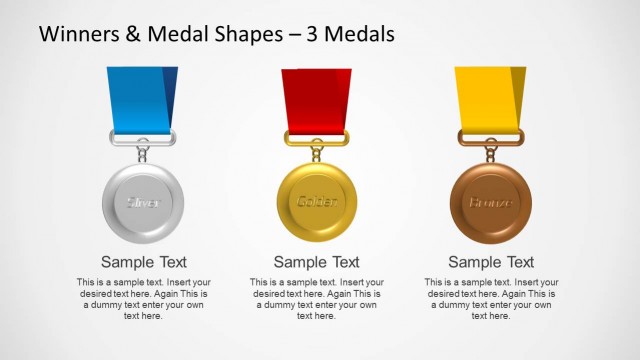
3 Medals Silver Golden Bronze Slide for PowerPoint
Medal Comparison Layout for Presentations
- Diagram
- Comparison Split
- Comparison Slide
- 16:9
- 100% Editable
The Medal Comparison Layout from the Winners & Medal Shapes for PowerPoint template offers a clear visual tool for award presentations and achievement highlights. This slide features editable shapes of gold, silver, and bronze medals arranged horizontally, making it suitable for business presentations and competition announcements. Its design supports effective communication of ranking distinctions within a corporate presentation or pitch deck template, utilizing slide templates that emphasize recognition and success.
About This Slide
Slide design to showcase three medals including Silver, Golden and Bronze medal shapes for PowerPoint presentations and Google Slides.
What’s on This Slide
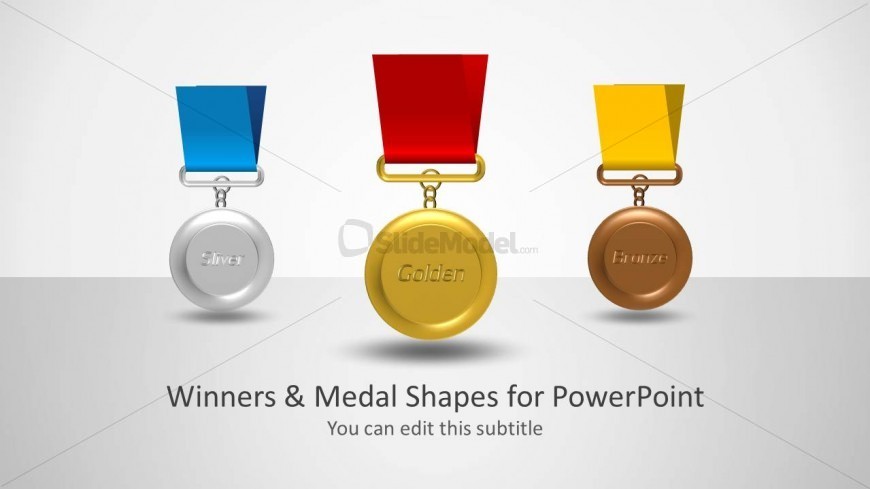
The slide features three medal shapes positioned horizontally at the center. The left medal is silver with a blue ribbon, the center medal is gold with a red ribbon, and the right medal is bronze with a yellow ribbon. Each medal has text placeholders for labeling, with the silver medal labeled 'Silver', the gold medal labeled 'Golden', and the bronze medal labeled 'Bronze'. Below the medals, there is a title placeholder centered above the medals and a subtitle placeholder directly beneath it. The background is light gray, enhancing the visibility of the medals.
How to Use It
This layout serves as a comparison tool for showcasing different medal types, ideal for presentations on competitions, awards, or achievements. It fits well at the beginning of a presentation to introduce the theme of recognition. This layout can be used in business contexts such as award ceremonies, sports events, or any scenario where ranking or achievement is discussed. It effectively highlights distinctions among categories or levels of success.
Text Placeholders & Capacity
Keep your copy within these limits so it fits without resizing. Title and subtitle slots can hold about 5-6 words each.
| Placeholder | Count | Max characters (approx.) |
|---|---|---|
| Slide title | 1 | 30 |
| Subtitle | 1 | 30 |
| Item heading | 3 | 10 |
Slide Keywords
Download unlimited PowerPoint templates, charts and graphics for your presentations with our annual plan.
DOWNLOADReturn to Winners & Medal Shapes for PowerPoint.