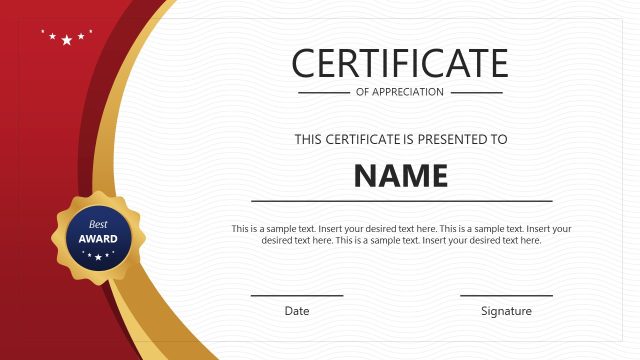
Our Awards PowerPoint Templates are engaging award timeline presentation slides for personal and professional use cases. Different awards are presented to professionals for exceptional performance in various countries, organizations, and roles. For instance, these include Employee of the Year, Student of the Year, and Best Performance awards. Similarly, some awards are presented to companies by national and international bodies. On a personal or organizational level, showcasing a record of winning awards is always prestigious. We have designed this awards roadmap PowerPoint template for this purpose. Users can display a series of their awards in different fields with this presentation template. Users can include this slide in their business presentations or employment introduction meetings. Professionals can also customize and print either slide for posting in their physical offices.
The Awards PowerPoint Templates have three designs. The first slide shows five certificate diagrams, each carrying an award badge. These certificates slides are arranged in a horizontal row. Below every certificate is an editable text area with placeholder text to mention the award’s title, date, or other relevant information. In certificate diagrams, there is space to mention the year of the award. This timeline template is ideal for making an easy timeline to show the sequence of awards won over the years. The following slides have a different format for showing the awards, i.e., these slides carry circular PowerPoint shapes surrounded on both sides by typical award badge decorations. In the circles, the space is provided to mention the award name, title, short caption, and winning year. The attractive blue & yellow color scheme is used to make the badges look brighter. However, users can alter the text fonts and colors of this PowerPoint design accordingly.
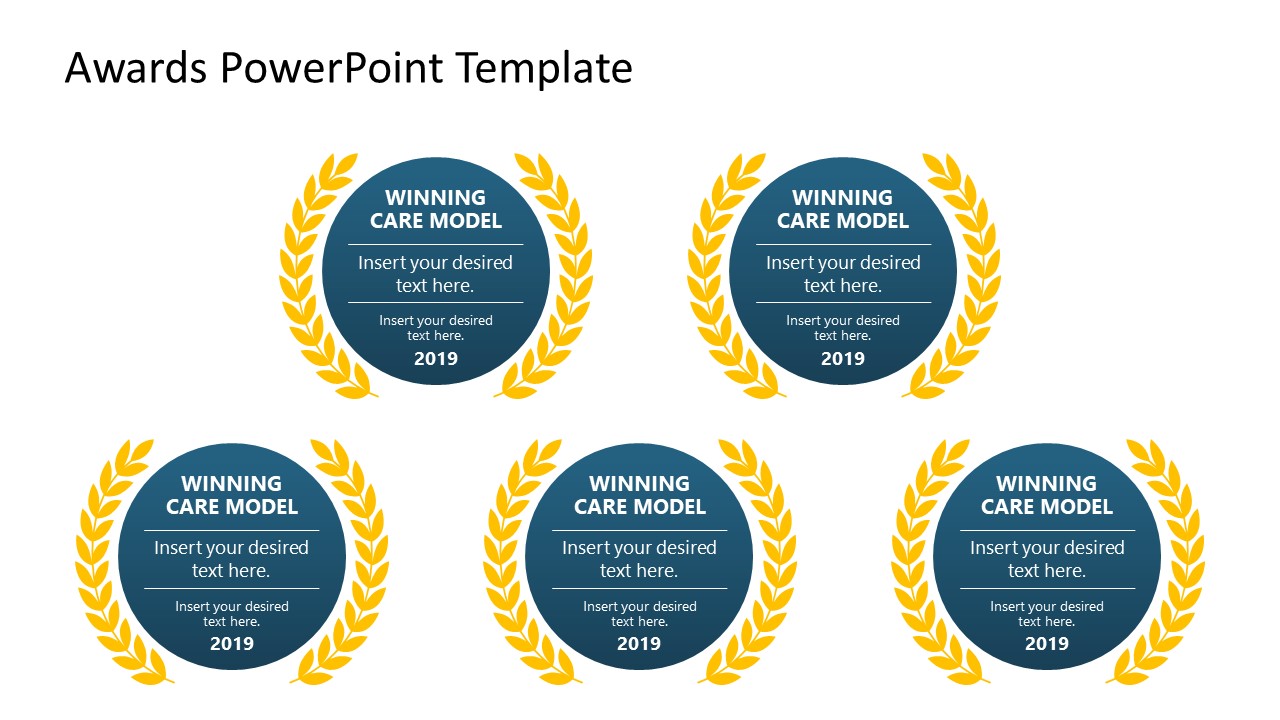
The second slide shows four badges arranged in two rows, while the next slide has five of them organized in a different pattern. This organization is 100% editable, and users can keep or delete these diagrams according to the requirements. Likewise, professionals can devise versatile use cases for our awards PowerPoint templates. All slides are compatible with all PowerPoint versions, Google Slides, and Keynote.
What’s inside this template
Example presentation scenarios
- An HR manager can present annual employee recognition results by placing each year and achievement in the certificate timeline layout.
- A school administrator can summarize student awards or competition results by using the medal badge layouts with award title, caption, and year fields.
- A business development presenter can add the five-medal laurel slide to a company profile to show industry prizes, service awards, or certification milestones.
- An event organizer can introduce winners in a ceremony deck by assigning each category to a circular badge with the winner name and short description.
Features
- 100% editable presentation template
- Compatible with Microsoft PowerPoint and Google Slides
- 16:9 aspect ratio slides
- Scalable vector shapes, icons and illustrations
- AI-Ready for Microsoft Copilot and Claude
- Instant access and download
Frequently asked questions
Q: How should a presenter organize an award history with this template?
A: Start with the certificate timeline when the order of recognition matters, such as a year-by-year company or career history. Use the badge slides for grouped awards, categories, or current winners. Keep each text area short: award name, issuing body, year, and one proof point are usually enough for the audience to read quickly.
Q: Who is this awards template best suited for?
A: This template fits HR teams, educators, managers, and business presenters who need to show credibility through recognitions rather than explain a long process. It works well inside employee recognition meetings, student award presentations, company introductions, portfolio reviews, and sales credentials sections where awards support trust and reputation.
Q: Why do the certificate and laurel medal metaphors work for recognition slides?
A: Certificates and laurel wreaths are familiar recognition symbols, so the audience understands achievement before reading the details. The first slide uses a timeline metaphor to show progression, while the circular badge slides create equal visual weight for multiple winners or categories. This reduces the need for long explanations.




Awards PowerPoint Templates
3-slide awards presentation template for recognition records, certificate timeline, and medal badge layouts
Awards PowerPoint Templates is a 3-slide award recognition presentation template with certificate timeline, four-badge recognition grid, and five-medal laurel arrangement. It helps business presenters, HR teams, educators, and managers show award years, titles, captions, and supporting notes in Microsoft PowerPoint and Google Slides.
- Category
- Shapes
- Rating

 Loading...
- Aspect ratio
- 16:9
- Item ID
- 21663-01
- Colors
 Microsoft PowerPoint
 Microsoft Copilot
 Claude for PowerPoint
Other formats supported
Subscribe today and get immediate
access to download our PowerPoint templates.