Slide 2 of 14 from Welcome to My Presentation PowerPoint Template
Today’s Journey Slide – Welcome to My Presentation PPT Layout
Today's Journey Slide Overview
- Text Layout
- Other
- Context Slide
- 16:9
- 100% Editable
The "Today's Journey" slide layout from the Welcome to My Presentation PowerPoint Template offers a clear and structured way to outline project updates or strategic plans. Featuring editable shapes and vector icons arranged vertically, this slide supports effective communication of key milestones within a business presentation or corporate slide deck. Its design balances text placeholders with a prominent graphic, making it suitable for agenda overviews in professional slide templates.
What’s on This Slide
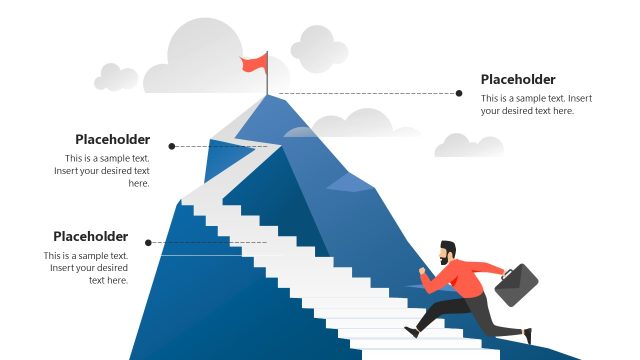
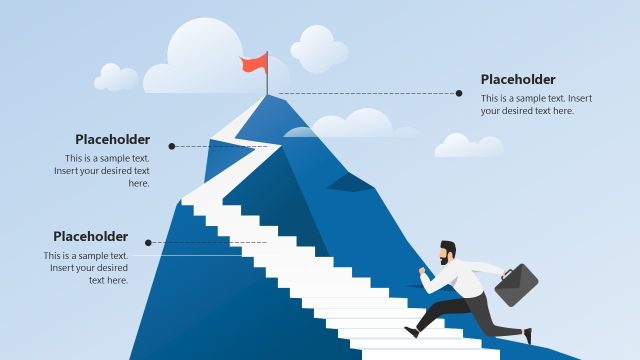
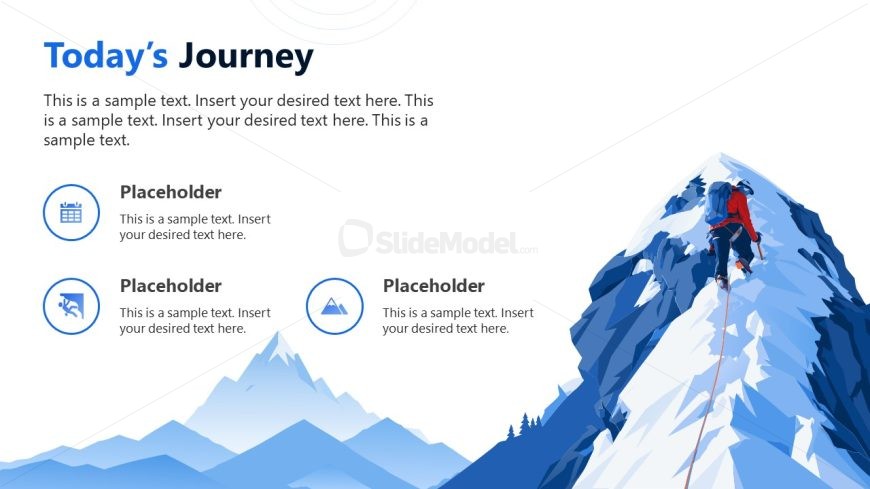
The layout features a prominent title at the top left, stating 'Today's Journey.' Below, there is a text placeholder for a brief description, aligned to the left. Three circular icons are positioned in a vertical arrangement on the left side, each accompanied by a text placeholder for additional details. The icons represent a calendar, an activity, and a mountain, respectively. A large mountain graphic occupies the right side, creating a visual balance. The overall color scheme includes shades of blue, enhancing the theme of exploration and progress.
How to Use It
This layout serves as an introductory slide to outline the journey or process being presented. It fits well after a welcome slide, providing context for the audience. Suitable for business presentations, project updates, or strategic planning sessions, it can effectively communicate key milestones or phases. The circular icons allow for easy identification of topics, making it useful for summarizing agenda items or objectives in a visually engaging manner.
Text Placeholders & Capacity
Keep your copy within these limits so it fits without resizing. Body slots can accommodate roughly 30-40 words each.
| Placeholder | Count | Max characters (approx.) |
|---|---|---|
| Slide title | 1 | 30 |
| Body paragraph | 1 | 200 |
| Item heading | 3 | 30 |
| Item body | 3 | 100 |
Slide Keywords
Download unlimited PowerPoint templates, charts and graphics for your presentations with our annual plan.
DOWNLOAD