Slide 1 of 1 from 4-Item Recap Slide PowerPoint Template
4-Item Recap Slide Presentation Template
Recap Slide for Key Points Presentation
- Text Layout
- List Blocks
- Summary Slide
- 16:9
- 100% Editable
The Recap Slide layout from the 4-Item Recap Slide PowerPoint Template offers a clear and organized way to summarize key points in a business presentation or pitch deck template. Featuring editable slides with numbered text blocks, it supports effective conclusion and reinforcement of main ideas in corporate presentations or training sessions.
What’s on This Slide
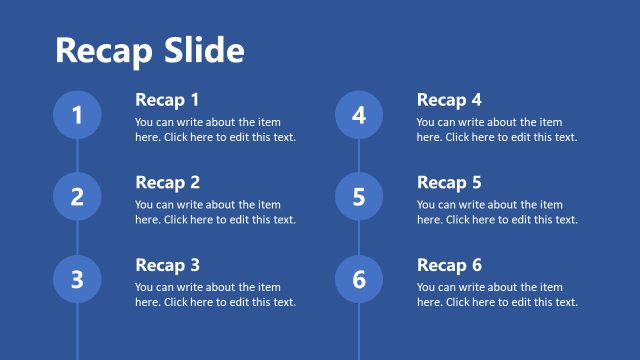
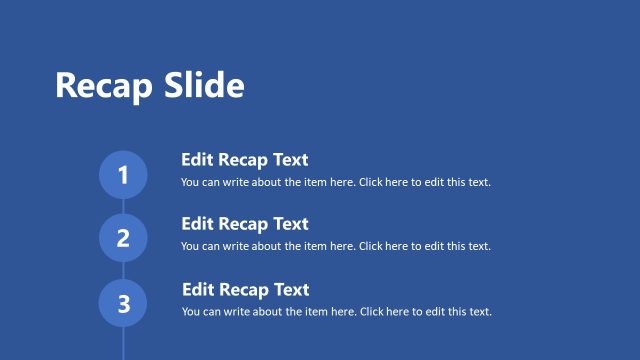
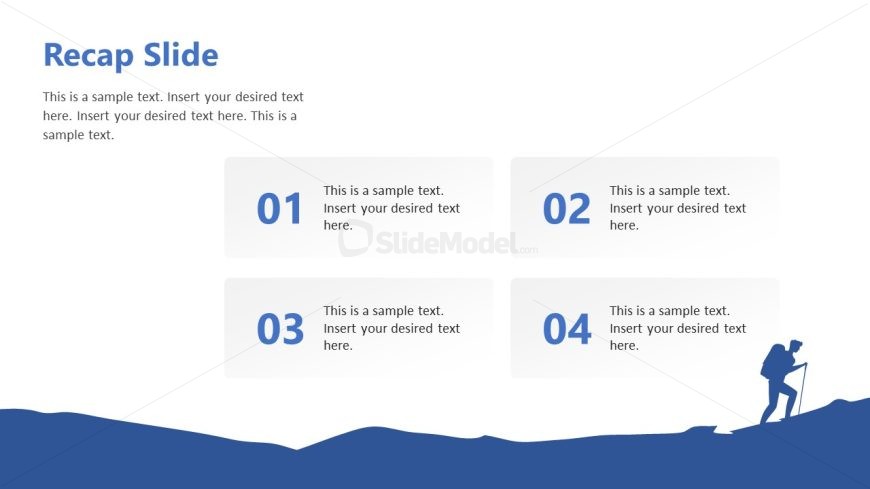
The layout features a title at the top center, labeled 'Recap Slide.' Below, there are four rectangular text boxes arranged in two columns and two rows. Each box contains a number in a larger font, positioned at the top left corner. The boxes are evenly spaced, with a light background and a blue wave graphic at the bottom. Text placeholders are present within each box, aligned to the left. The overall design emphasizes clarity and organization, with a consistent color scheme and visual hierarchy.
How to Use It
This layout serves as a recap slide, summarizing key points or takeaways from a presentation. It is suitable for concluding sections or reinforcing important information. In a business context, it can be used after a detailed discussion to highlight main ideas, making it effective for meetings, reports, or training sessions. The structure allows for easy adaptation to various topics, ensuring that the audience retains critical information.
Text Placeholders & Capacity
Keep your copy within these limits so it fits without resizing. Node body slots can hold about 15-20 words each.
| Placeholder | Count | Max characters (approx.) |
|---|---|---|
| Slide title | 1 | 30 |
| Item heading | 4 | 10 |
| Item body | 4 | 100 |
Slide Keywords
Download unlimited PowerPoint templates, charts and graphics for your presentations with our annual plan.
DOWNLOADReturn to 4-Item Recap Slide PowerPoint Template.