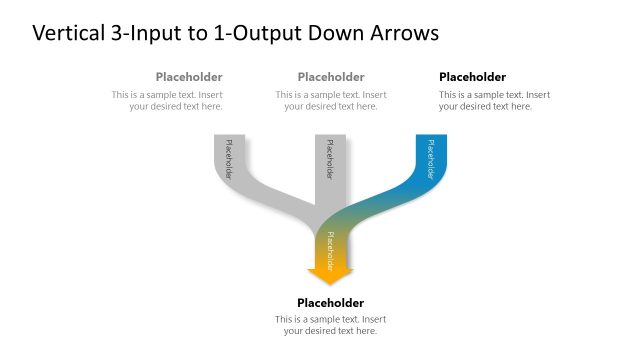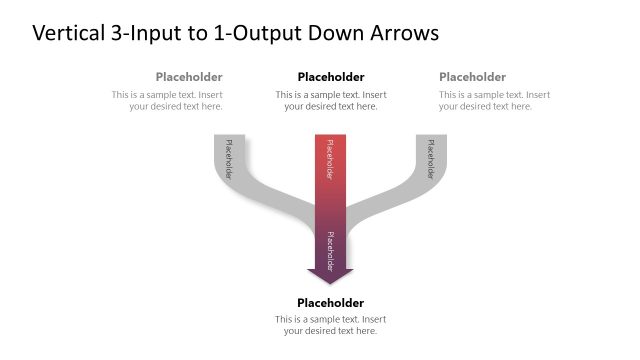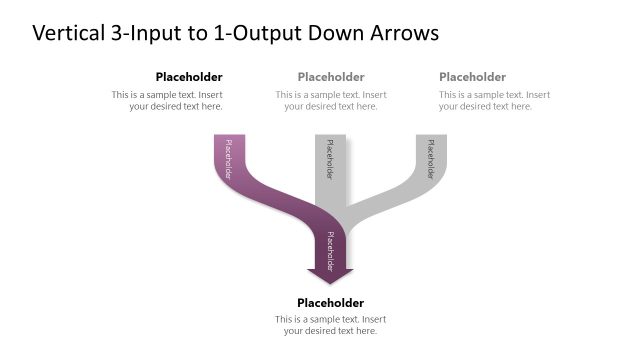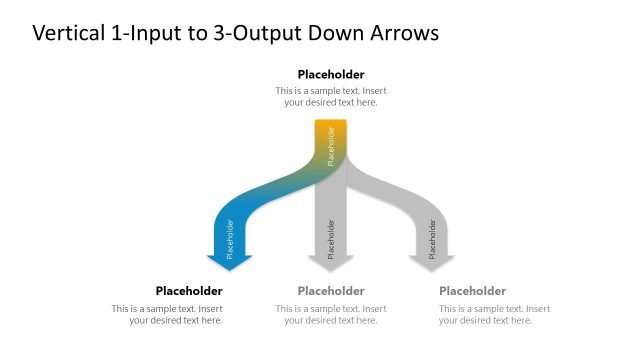
Slide 1 of 4 from Vertical 3-Input 1-Output Down Arrows PowerPoint Template
Engaging Vertical 3-Input 1-Output Down Arrows PPT Template
Vertical 3-Input to 1-Output Diagram
- Diagram
- Arrow Sequence
- Process Slide
- 16:9
- 100% Editable
The Vertical 3-Input to 1-Output Diagram from the Vertical 3-Input 1-Output Down Arrows PowerPoint Template visually represents how multiple inputs combine into a single output, ideal for business presentations and workflow illustrations. This slide layout uses editable shapes and vector icons to clarify decision-making processes or project workflows, making it a practical choice for corporate presentations and pitch deck templates requiring clear process explanation.
What’s on This Slide
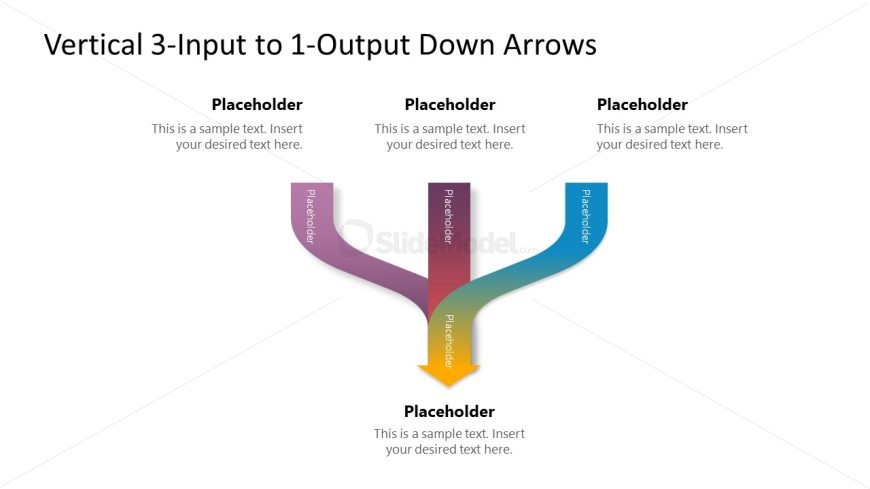
The layout features three vertical input arrows at the top, each leading to a single output arrow at the bottom. The input arrows are colored in purple, dark pink, and blue, while the output arrow is yellow. Each arrow has a corresponding text placeholder positioned above or below it, indicating where to insert text. The overall composition is centered, with a clean white background that enhances visibility. The arrows are designed to flow downward, creating a clear visual hierarchy. The text placeholders are aligned centrally with respect to their respective arrows.
How to Use It
This layout serves as a process flow diagram, illustrating how three inputs converge into one output. It is suitable for presentations that require a clear depiction of decision-making processes, project workflows, or resource allocation scenarios. This diagram can be effectively used in business meetings to explain how various factors contribute to a single outcome. It fits well at the beginning of a presentation to outline key points or as a summary of a complex process, helping the audience to visualize the relationship between inputs and outputs.
Text Placeholders & Capacity
Keep your copy within these limits so it fits without resizing. Node labels can hold about 40 characters each, while the body can hold around 80 characters.
| Placeholder | Count | Max characters (approx.) |
|---|---|---|
| Item heading | 3 | 40 |
| Item body | 1 | 80 |
Slide Keywords
Download unlimited PowerPoint templates, charts and graphics for your presentations with our annual plan.
DOWNLOADReturn to Vertical 3-Input 1-Output Down Arrows PowerPoint Template.