Slide 1 of 3 from Thermostat Infographic PowerPoint Template
Thermostat Infographic Presentation Slide
Cooling Thermostat Infographic Slide
- Diagram
- Other
- Context Slide
- 16:9
- 100% Editable
The Cooling Thermostat Display slide from the Thermostat Infographic PowerPoint Template offers a clear visual for temperature-focused presentations. This layout integrates editable shapes and vector icons to represent HVAC system data effectively, making it suitable for business presentations on energy management and environmental control. Its balanced design supports concise communication in corporate slide decks and pitch deck templates.
What’s on This Slide
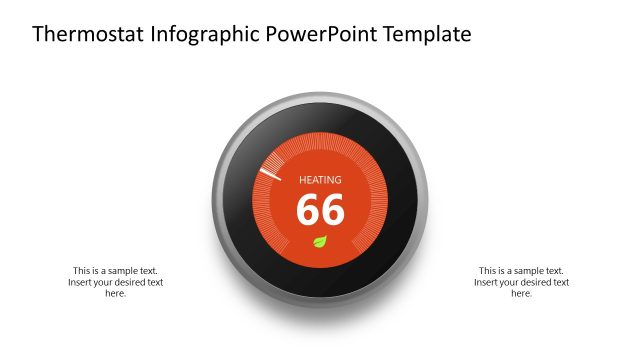
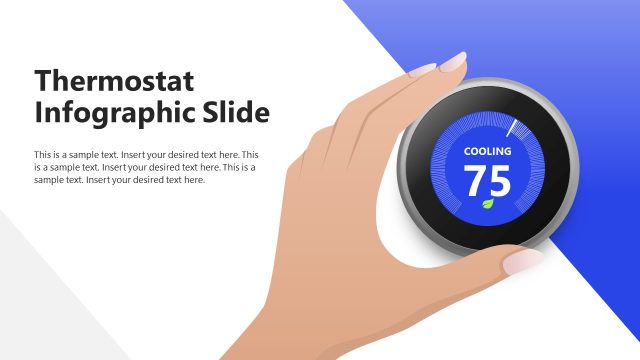
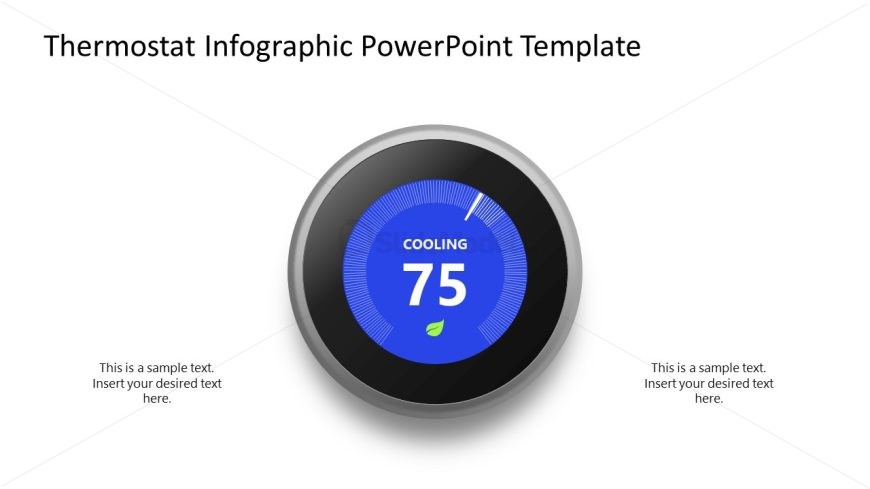
The layout features a central circular thermostat graphic displaying a cooling temperature of 75 degrees. The thermostat has a blue background with white markings and a leaf icon at the bottom. Surrounding the thermostat are two text placeholders, one positioned to the left and one to the right, both aligned vertically. The top of the slide contains a title area with the template name. The overall composition is balanced, with the thermostat as the focal point, and the text placeholders providing space for additional information.
How to Use It
This layout serves as a visual representation of temperature settings, suitable for presentations on HVAC systems, energy efficiency, or environmental controls. It fits well at the beginning of a presentation to introduce topics related to climate control or energy management. The design allows for easy updates to temperature readings, making it practical for real-time data displays in business meetings or educational contexts.
Text Placeholders & Capacity
Keep your copy within these limits so it fits without resizing. Text slots can accommodate roughly 5-8 words each.
| Placeholder | Count | Max characters (approx.) |
|---|---|---|
| Slide title | 1 | 30 |
| Item body | 2 | 50 |
Slide Keywords
Download unlimited PowerPoint templates, charts and graphics for your presentations with our annual plan.
DOWNLOADReturn to Thermostat Infographic PowerPoint Template.