Slide 3 of 3 from Thermostat Infographic PowerPoint Template
Thermostat Infographic PPT Layout for Presentation
Thermostat Infographic Slide for Presentations
- Diagram
- Other
- Concept Explanation Slide
- 16:9
- 100% Editable
The Thermostat Infographic Slide from the Thermostat Infographic PowerPoint Template offers a clear visual layout ideal for business presentations on HVAC systems and energy efficiency. This slide template includes editable shapes and vector icons to effectively illustrate temperature settings and climate control concepts within a corporate presentation or pitch deck template.
What’s on This Slide
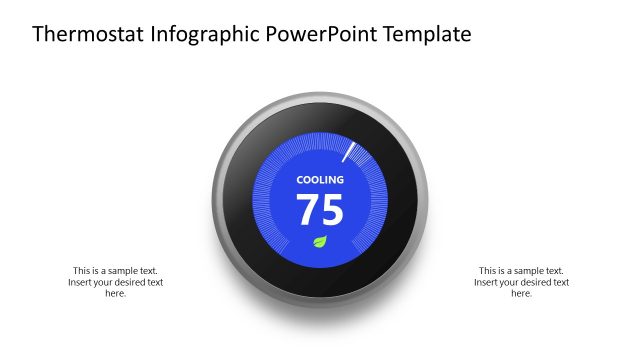
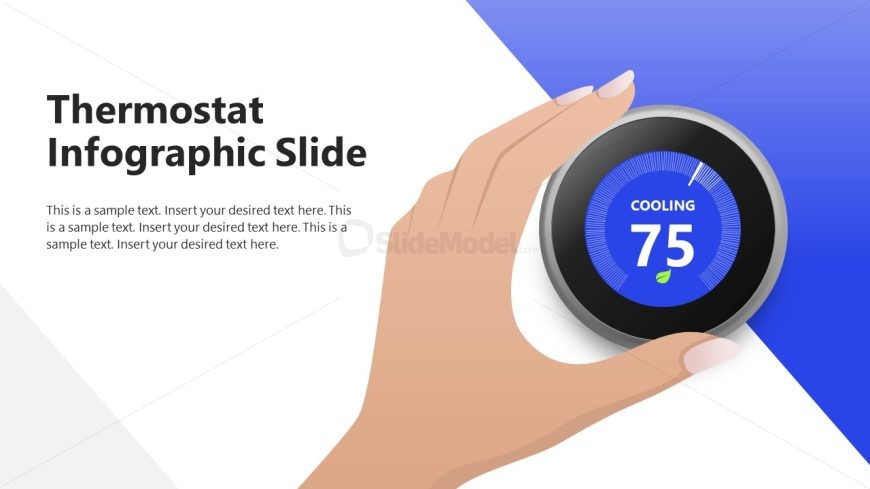
The slide features a hand adjusting a circular thermostat graphic positioned centrally. The thermostat displays a blue background with a temperature reading of 75 and the label 'COOLING.' To the left, there is a large text placeholder for the title, aligned to the left side. Below the title, additional text placeholders are arranged in a vertical stack, allowing for multiple lines of text. The background is divided diagonally, with a light gray section on the left and a blue section on the right, creating a clear visual separation.
How to Use It
This layout serves as an infographic slide to illustrate temperature settings or climate control concepts. It fits well in a presentation sequence discussing energy efficiency or HVAC systems. Suitable for scenarios where visual representation of temperature data is needed, such as facility management or environmental presentations. It can also be used to highlight specific temperature goals or adjustments in a broader discussion about climate control strategies.
Text Placeholders & Capacity
Keep your copy within these limits so it fits without resizing. Body slots can accommodate roughly 10-12 words each.
| Placeholder | Count | Max characters (approx.) |
|---|---|---|
| Slide title | 1 | 30 |
| Body paragraph | 4 | 50 |
Slide Keywords
Download unlimited PowerPoint templates, charts and graphics for your presentations with our annual plan.
DOWNLOADReturn to Thermostat Infographic PowerPoint Template.