The Golden Circle PowerPoint Diagram is a presentation template that helps to present a marketing message and explain the way you will connect with your customers.
The Golden Circle was popularized by Simon O. Sinek describing the model as “a simple but powerful model for inspirational leadership”. The model reasoning is simple. Start the message by expressing the why of your story, the emotional side of things. Then, let them know the how and the what you do.
Most people (and organizations) communicate by starting with the what they do aspect and working their way back to talk about the how and the why they do. The theory states that successful people and organizations communicate with an inside-out type of thinking. They start with the why and only then do they move on to talk about the how and the what portions of what they do.
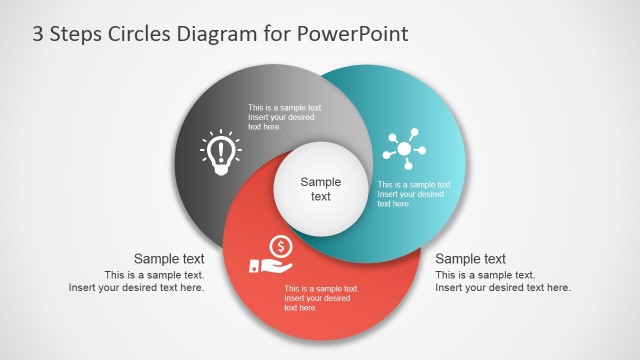
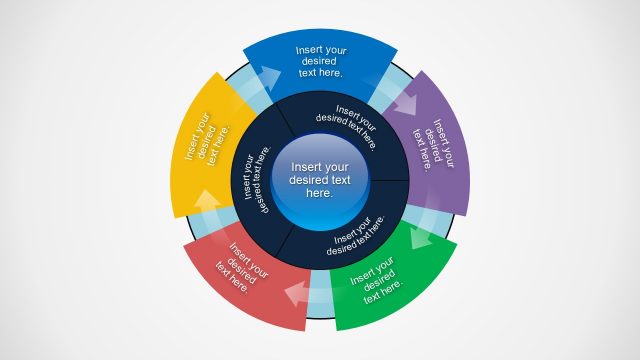
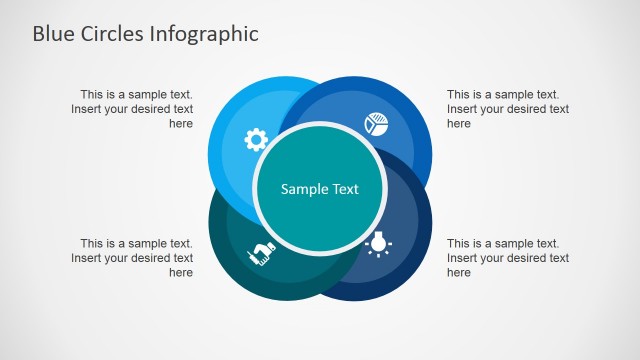
Using The Golden Circle PowerPoint Diagram you can create an artistic visual for your marketing management proposals. The circles in the PowerPoint slide have the same color palette. This results in a simple, neat visual that is easy to understand. The PowerPoint graphics can be used to explain the reason behind business projects. The template is easy to understand.
The golden circle provides venues for storytelling. The user has the chance to market the proposal to the management. Provide the reason, the method, and the project itself. This is done to align the audience with the goals of the presenter and ensure a successful message relay.
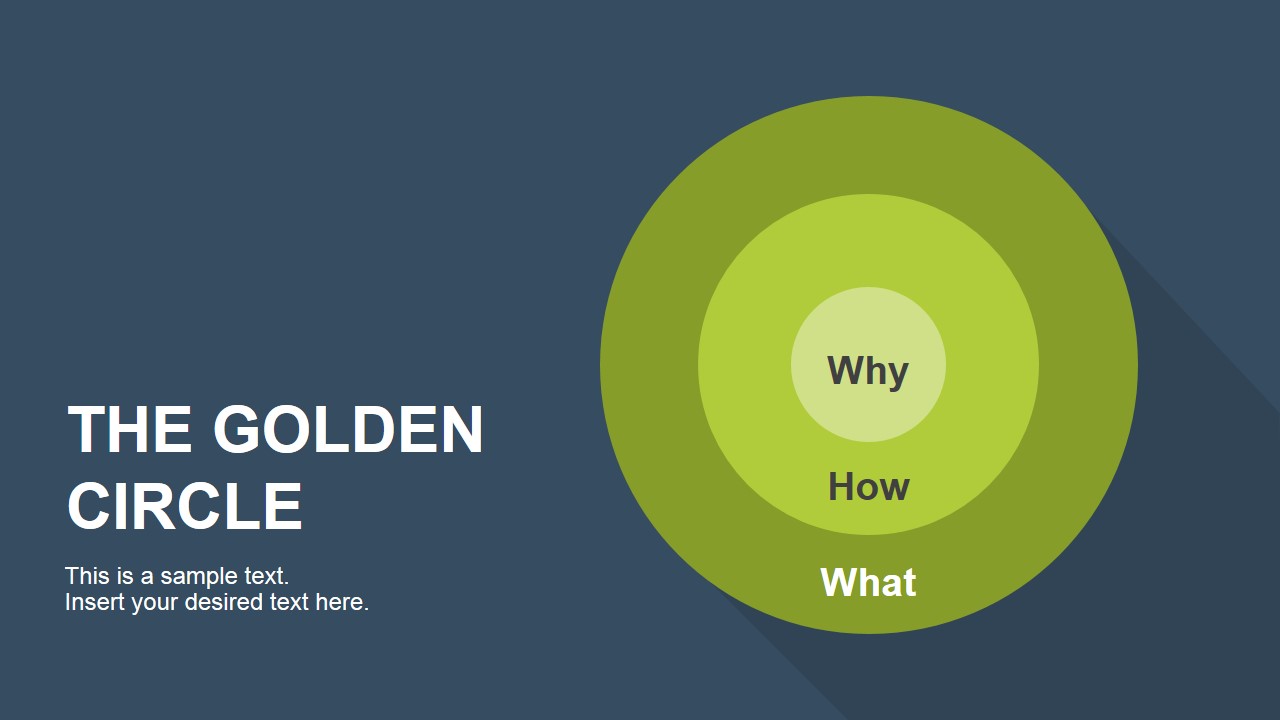
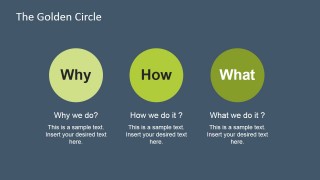
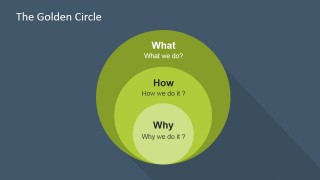
The first slide contains text placeholders for the title and subtitles. It also contains a PowerPoint diagram composed of three concentric circles. These are labeled as “Why”, “How”, and “What”, to establish the premise of the presentation.
In the second slide, these three elements are further explained. The user may include inspirational quotes to elaborate on the topic. As the three elements are broken down, the user may take the opportunity to make the audience empathize with the cause.
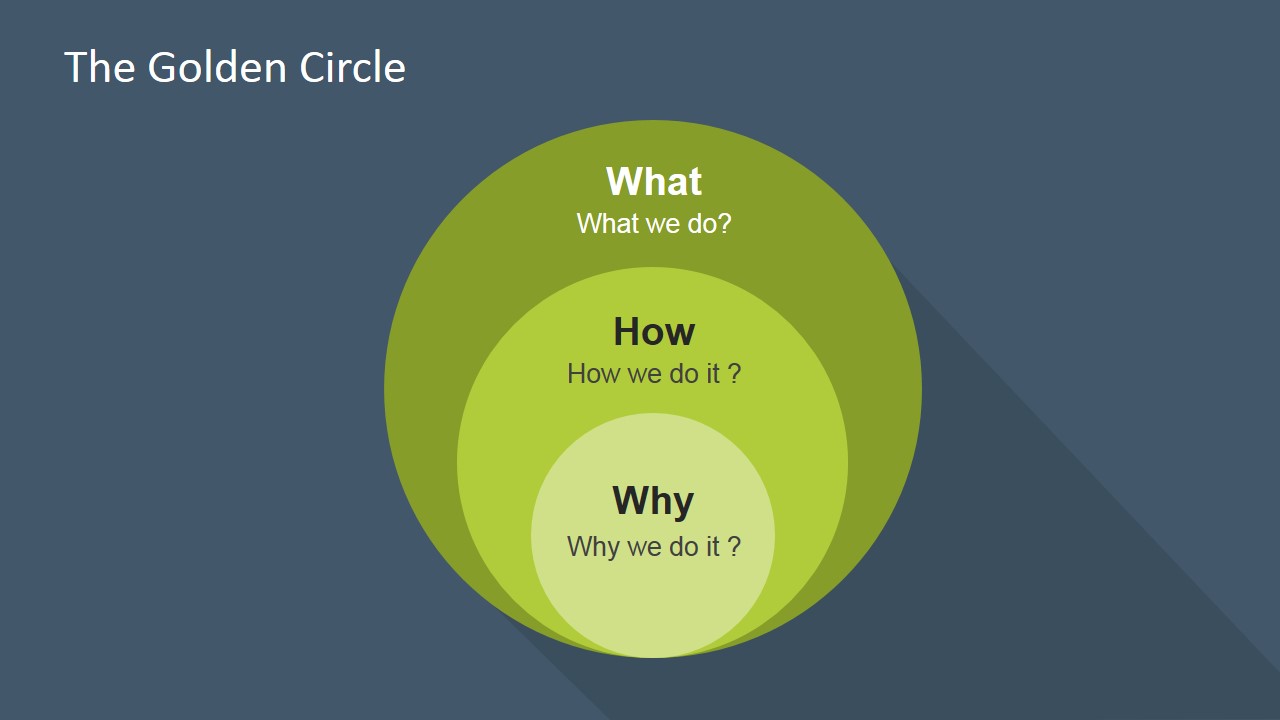
The last slide in the PowerPoint template also shows the three circles. The diagram resembles the one in the title slide, except the circles are now non concentric. They contain the How, What, and Why labels. The slide also includes the guide questions for each of these elements. Alternatively, you can download other creative circle diagrams for presentations and circular slides that are compatible with PowerPoint and Google Slides.
Suitable for business projects and advocacies, The Golden Circle PowerPoint Diagram uses a simple diagram that makes the presentation easier to understand. The graphics found in the template are created as PowerPoint objects. This makes the diagram easier to edit for the presenter’s needs.
The presenter may also download the Creative Business Layout Template for PowerPoint from the Slide Model Gallery.
What’s inside this template
Example presentation scenarios
- A founder can use the concentric Why-How-What cover diagram to open a pitch by stating the company purpose before explaining the product.
- A marketing manager can use the three-circle explanation slide to align a campaign team around customer motivation, method, and offer.
- A consultant can use the overlapping question diagram to help executives test whether a strategic initiative has a clear reason, approach, and deliverable.
- A nonprofit leader can use the slide sequence to connect an advocacy message to mission, operating model, and visible program work.
Features
- 100% editable presentation template
- Compatible with Microsoft PowerPoint and Google Slides
- 16:9 aspect ratio slides
- Scalable vector shapes, icons and illustrations
- AI-Ready for Microsoft Copilot and Claude
- Instant access and download
Frequently asked questions
Q: How should a presenter use this template to make the Golden Circle message clear?
A: Start with the Slide 1 concentric circle to anchor the audience on the full Why-How-What model. Then use Slide 2 to unpack each idea in plain language. Close with Slide 3 as a diagnostic check, asking whether the audience can repeat the purpose, method, and offering without confusion.
Q: Who is this template best suited for?
A: This template fits leaders, founders, marketers, and consultants who need to explain the reason behind an organization, project, product, or campaign. It works best when the core challenge is not data volume but message order: getting the audience to care about the why before describing the how and what.
Q: Why does the circular metaphor help communicate this framework?
A: The circle metaphor makes the idea feel centered and connected rather than linear. Slide 1 places Why at the core, so the audience sees purpose as the source of the message. Slide 3 then overlaps the three areas, which helps show that purpose, process, and offering should reinforce one another.

The Golden Circle PowerPoint Diagram
3-slide presentation template for Golden Circle diagrams, purpose messaging, and leadership storytelling.
The Golden Circle PowerPoint Diagram is a 3-slide presentation template for explaining purpose-driven messaging. It includes a concentric Why-How-What cover diagram, a three-circle explanation slide, and an overlapping circle question diagram. It is for leaders, marketers, consultants, and founders using Microsoft PowerPoint or Google Slides.
- Category
- Diagrams
- Rating


 Loading...
- Aspect ratio
- 16:9
- Item ID
- 6929-01
- Colors
 Microsoft PowerPoint
  Microsoft Copilot
  Claude for PowerPoint
 Other formats supported
Subscribe today and get immediate
access to download our PowerPoint templates.