Create a quick and easy way to present concepts with the Risk Management Word Cloud Picture for PowerPoint. The simple word cloud design of the PowerPoint slides is perfect for time-bound presentations, such as elevator pitches.
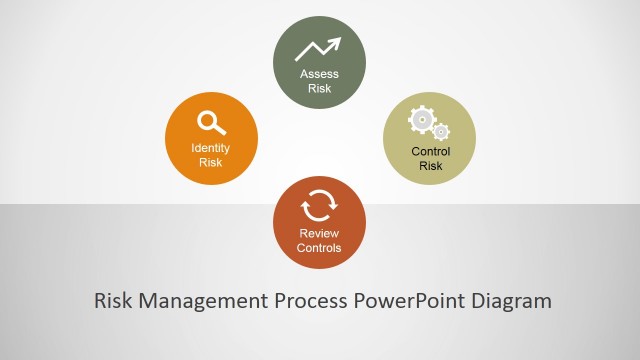
The PowerPoint template features the concept of risk management. This refers to the act of minimizing risks by creating effective contingency plans and tying up all visible loose ends in a project. It is a matter of strategic planning and rules to identify problems before and as they occur, quickly and efficiently. Risk management minimizes the impact of unforeseen problems on the overall implementation of a plan.
The slides are ideal for introducing the basics of risk to a professional audience. Using the slide designs, the presenter can highlight terms and concepts that are significant to the topic by pointing them out on the slide itself. Since most of the related terms have already been laid out on the slide, all the user needs to do is pick out some of them to discuss more thoroughly.
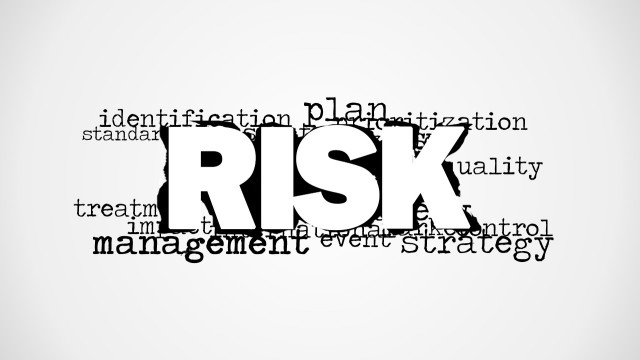
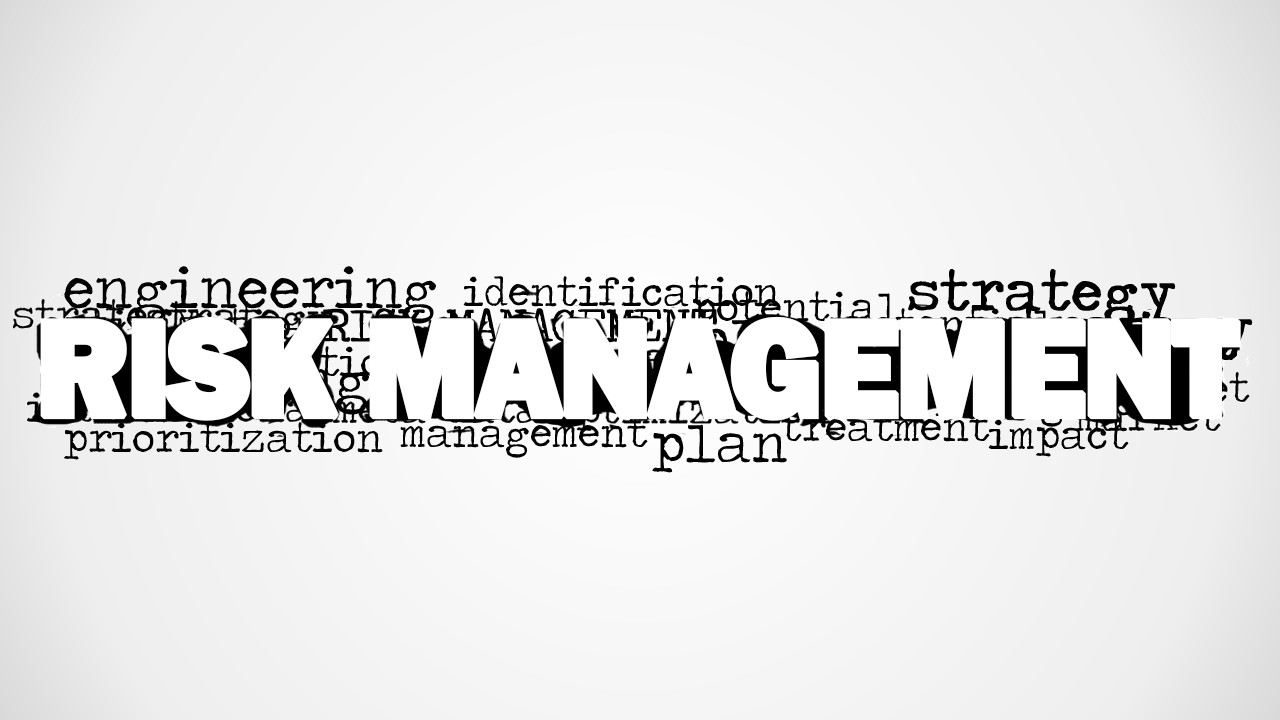
The word cloud is created by placing the main topic, which is Risk Management, at the center of the slide, in bold block letters. The other related words are then arranged around the term to create a visible “cloud.” Some of the words presented include engineering, identification, strategy, prioritization, management, plan, treatment, and impact. These can refer to specific actions made during risk management.
The Risk Management Word Cloud is suited for use in conceptual presentations that aim for ease of reporting. The PowerPoint icons can be rearranged to suit the presenter’s need or specifications. Any modification, even to size, will not affect its graphic resolution, so the design remains visually appealing. The presenter can opt to download other PowerPoint templates involving risk management from the SlideModel Gallery.
What’s inside this template
Example presentation scenarios
- A project manager can open a risk review by using the central word cloud to frame terms like identification, strategy, prioritization, plan, treatment, and impact before discussing a specific project.
- An engineering lead can use the gray gradient picture slide to start a technical risk conversation and point to terms that connect design decisions with contingency planning.
- A Six Sigma facilitator can use the white-background word cloud as a training opener, asking participants to identify which terms belong to prevention, detection, response, or prioritization.
- An operations leader can place this word cloud before a longer dashboard or risk register to align executives on the vocabulary used later in the meeting.
Features
- 100% editable presentation template
- Compatible with Microsoft PowerPoint and Google Slides
- 16:9 aspect ratio slides
- Scalable vector shapes, icons and illustrations
- AI-Ready for Microsoft Copilot and Claude
- Instant access and download
Frequently asked questions
Q: How should a presenter use the word cloud without making it feel like decoration?
A: Treat the word cloud as an agenda map. Start with the large RISK MANAGEMENT term, then select three to five surrounding words to define the conversation. For example, connect identification to discovery, prioritization to decision making, and treatment to action. Avoid reading every word; use the visual density to show that risk management is connected work.
Q: Who is this template best suited for?
A: This template fits presenters who need a short conceptual opening, not a detailed risk register. Project managers, engineering leads, operations leaders, and Six Sigma facilitators can use it to introduce shared vocabulary before moving into processes, plans, or decisions. It works especially well in elevator pitches, kickoff meetings, and training introductions.
Q: Why does the design place RISK MANAGEMENT as oversized text in the center?
A: The central oversized phrase acts as the anchor while smaller terms create a cloud of related actions and concerns. This visual metaphor helps the audience see risk management as a system of connected concepts, not a single task. The grayscale treatment keeps attention on hierarchy, making the main message readable before the supporting vocabulary is explored.



Risk Management Word Cloud Picture for PowerPoint
2-slide presentation template with a risk management word cloud and grayscale concept picture layouts
Risk Management Word Cloud Picture for PowerPoint is a 2-slide presentation template for introducing risk terminology. It includes a centered risk management word cloud, a gray gradient picture layout, and a clean white-background word cloud slide. It is built for managers, engineers, and project teams using Microsoft PowerPoint or Google Slides.
- Category
- Pictures
- Rating

 Loading...
- Aspect ratio
- 16:9, 4:3
- Item ID
- 8171-01
- Colors
 Microsoft PowerPoint
  Microsoft Copilot
  Claude for PowerPoint
 Other formats supported
Subscribe today and get immediate
access to download our PowerPoint templates.