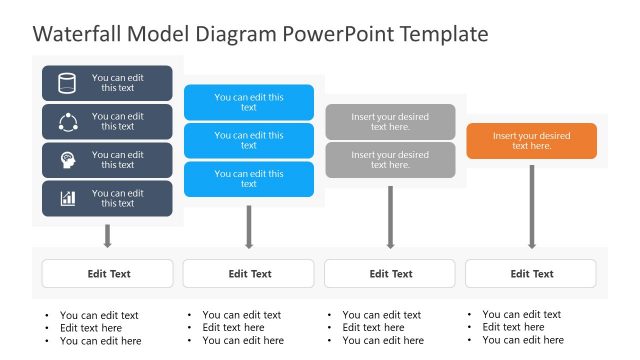
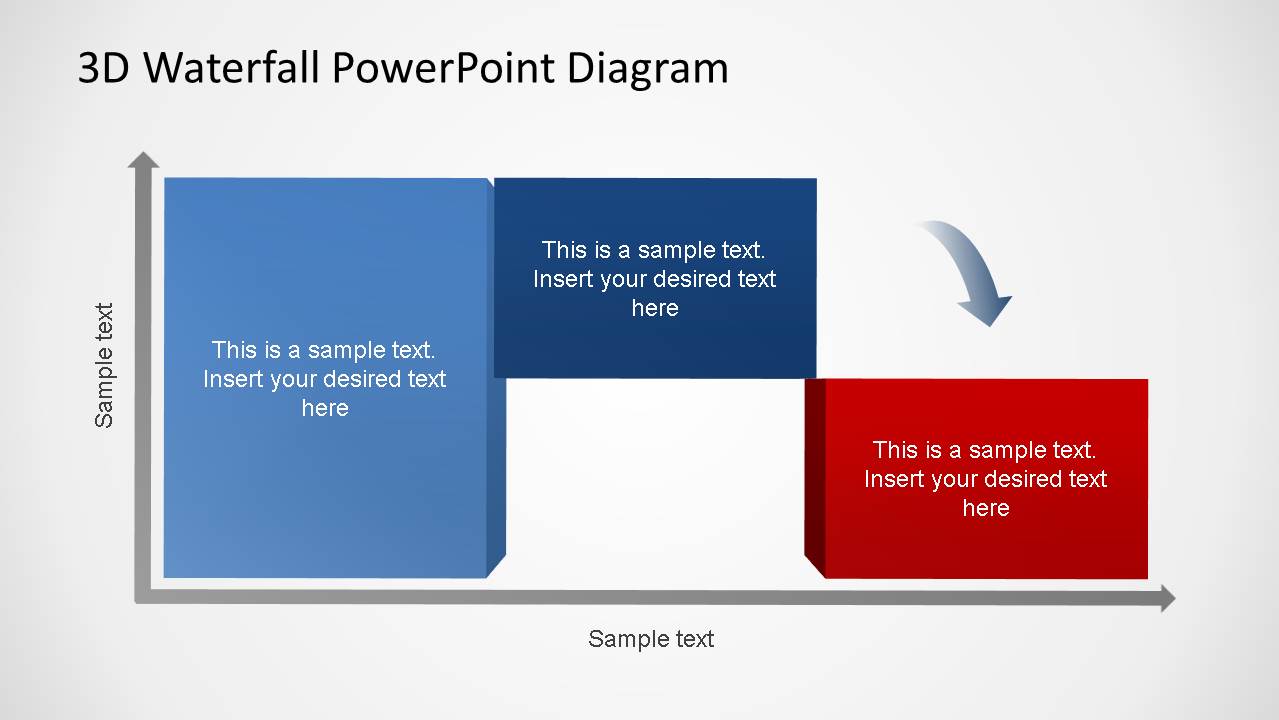
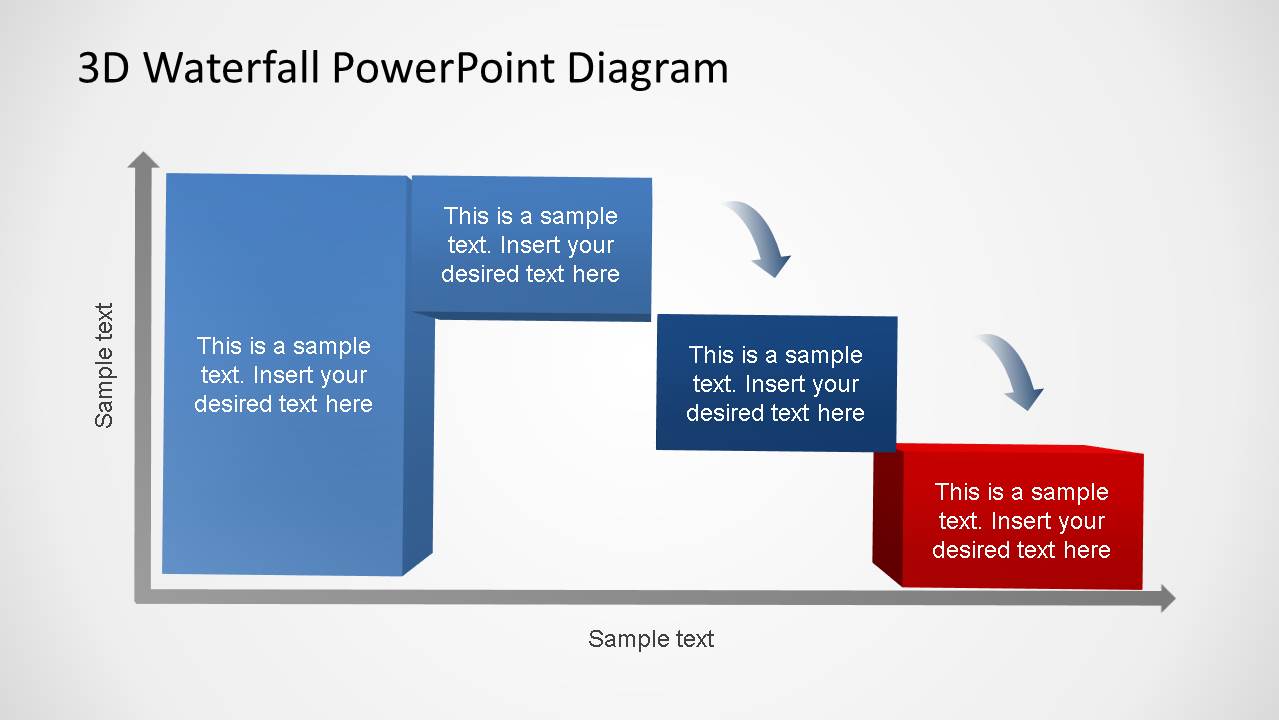
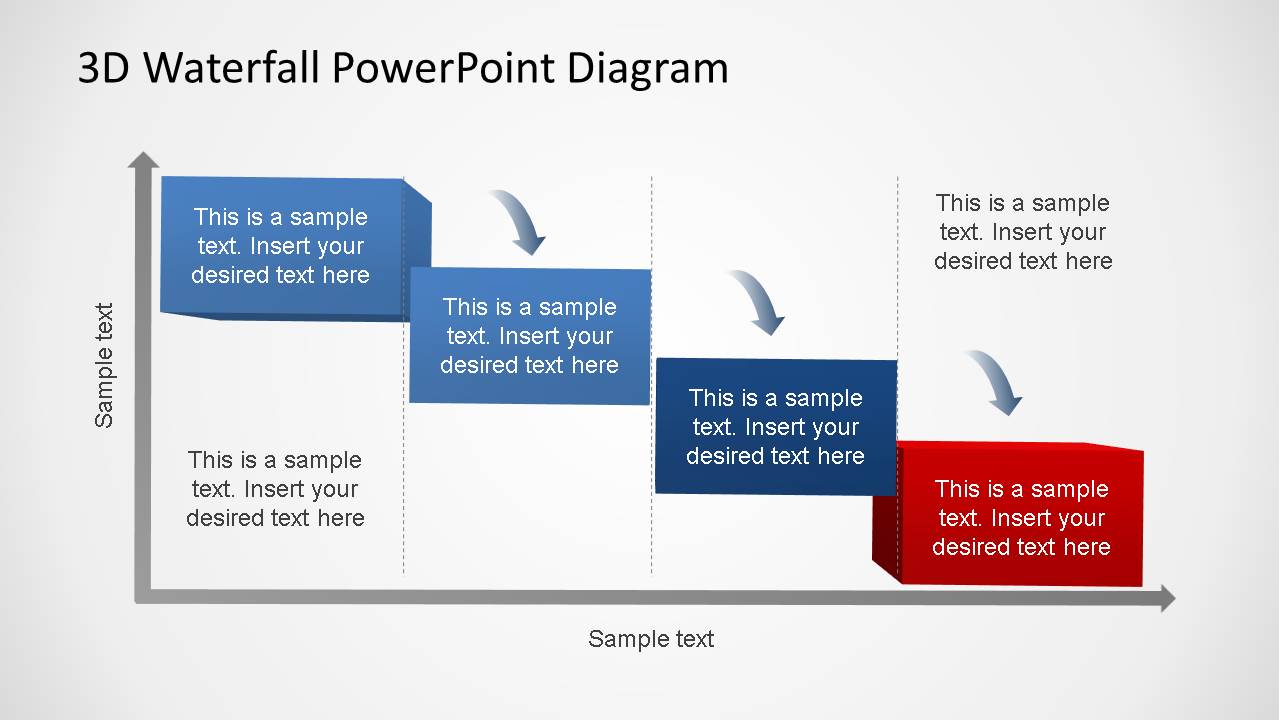
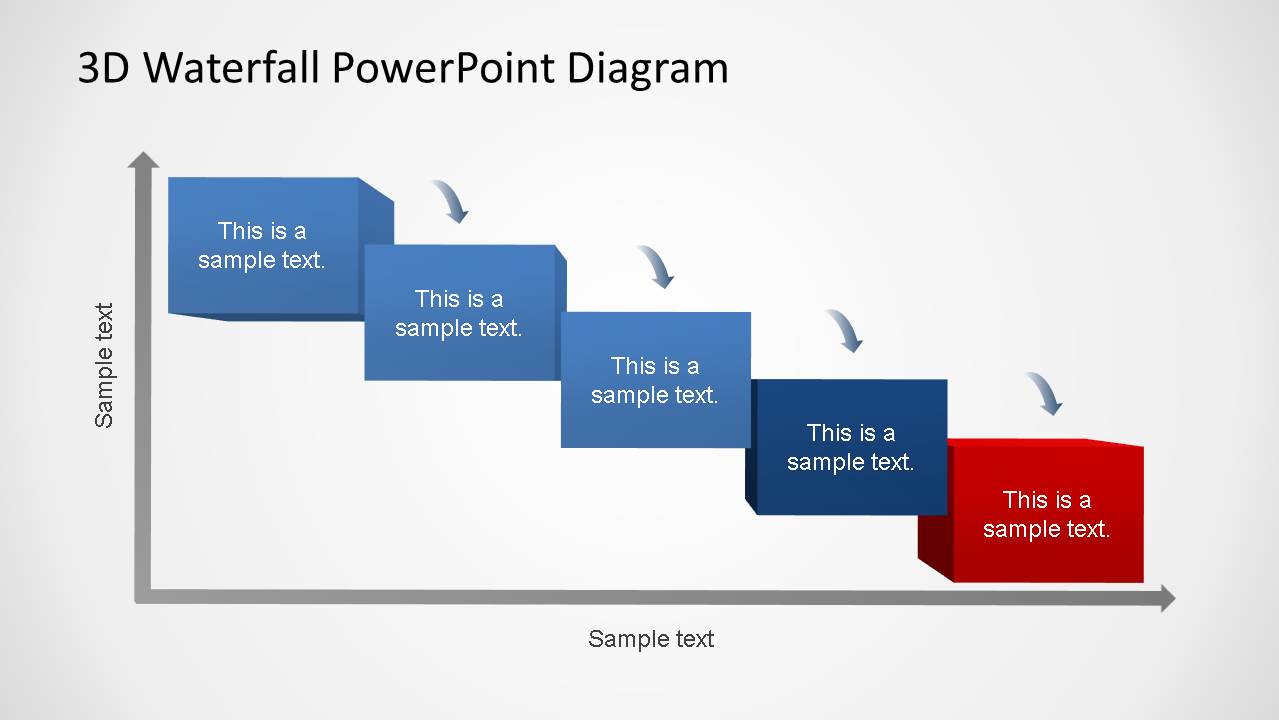
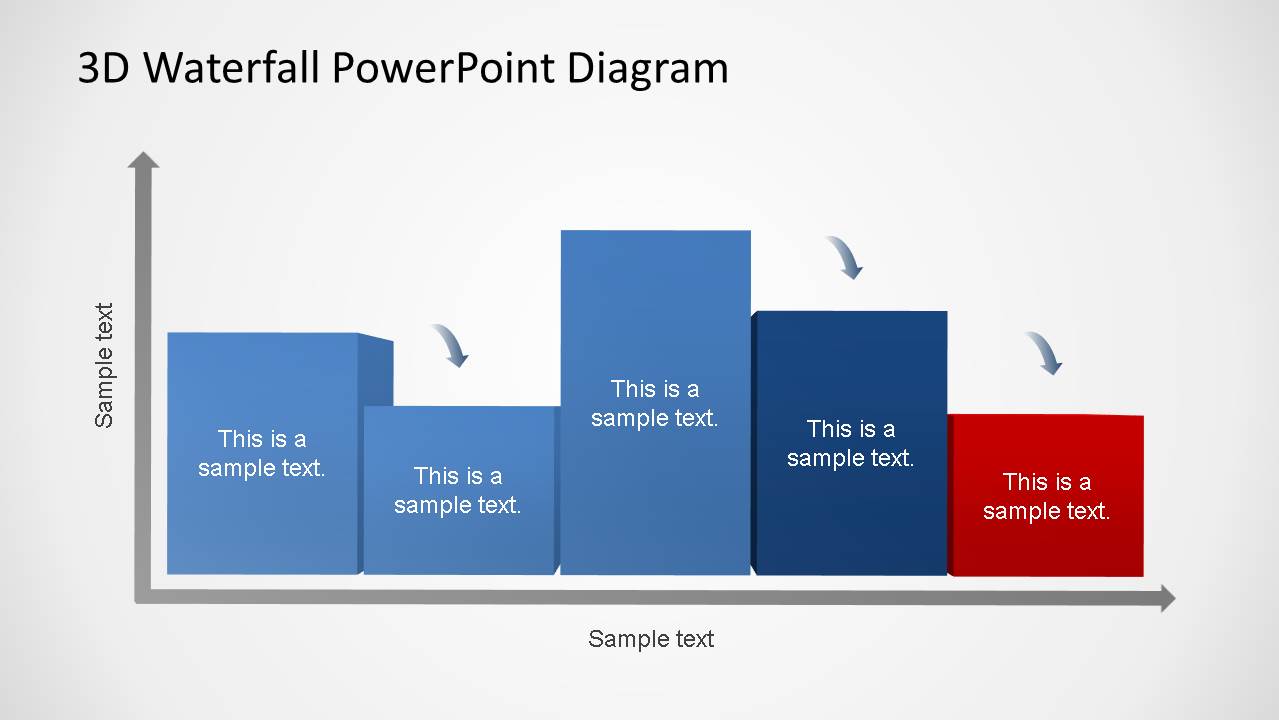
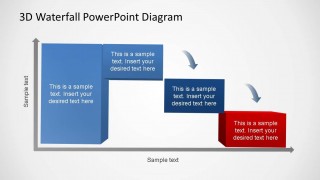
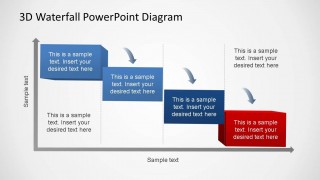
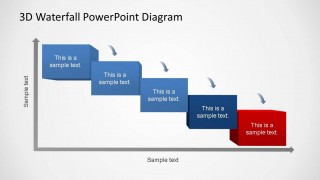
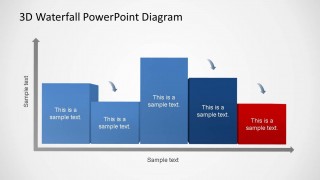
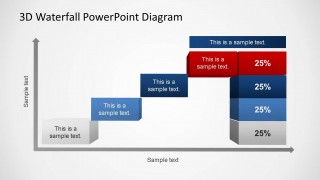
3D Generic Waterfall PowerPoint Diagram is a simple waterfall process diagram modeled as a sequence of 3D phases boxes that are assembled inside Cartesian Axis. Each phase of the diagram is created as a PowerPoint 3D object, allowing the user to change every 3D property and all the shapes attributes to customize the diagrams as needed.
The waterfall process has been extensively used as a software development process for sequential development, involving Requirements, Design, Implementation, Verification, Maintenance as the baseline sequence of high level phases. Also the manufacturing industry has executed for long time sequential processes following the non-overlapping phases principle.
The user can edit this 3D Generic Waterfall PowerPoint Diagram for a Software development model process, Construction Process or any sequential process involving non-overlapping phases.
Complement your presentations with additional diagrams from our PowerPoint Diagrams catalog.Use this flexible 3D Generic Waterfall PowerPoint Diagram for your presentations and impress your audience with a ready made, professional PowerPoint Template.
What’s inside this template
Example presentation scenarios
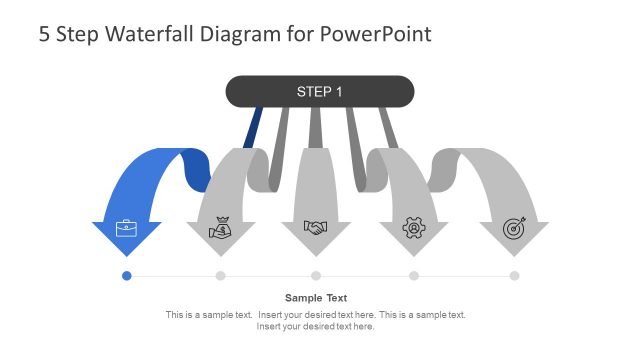
- A software development manager can explain a requirements-to-maintenance lifecycle by using the descending five-step waterfall layout to show phase order and handoffs.
- A manufacturing manager can present a staged production workflow with the three-stage 3D block layout to clarify where one phase ends before the next begins.
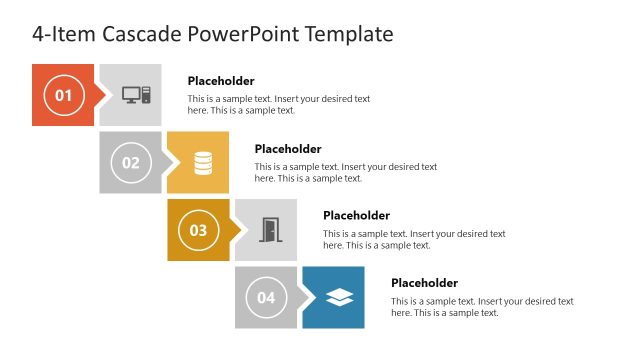
- A construction project planner can map design, procurement, build, and verification phases with the four-phase waterfall diagram and its curved arrows between blocks.
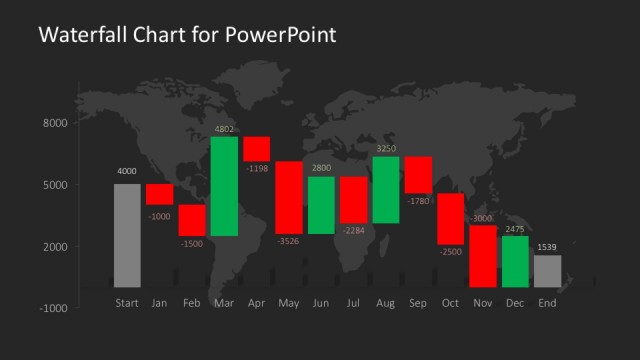
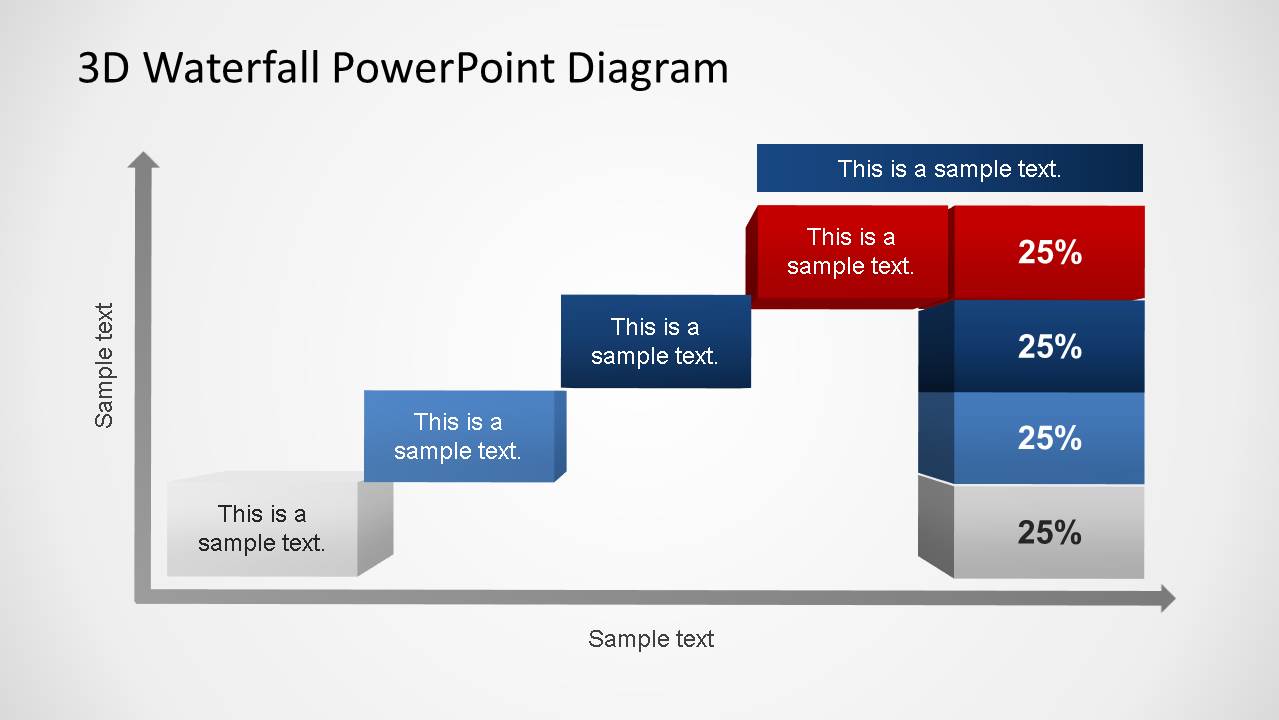
- An operations analyst can summarize process output distribution by using the rising block path and stacked 25% endpoint column to connect workflow progress with final categories.
Features
- 100% editable presentation template
- Compatible with Microsoft PowerPoint and Google Slides
- 16:9 aspect ratio slides
- Scalable vector shapes, icons and illustrations
- AI-Ready for Microsoft Copilot and Claude
- Instant access and download
Frequently asked questions
Q: How should a presenter explain a waterfall process with this template without overloading the audience?
A: Start by naming the full process on the slide title, then use each 3D block for one phase only. Keep each block label short, and place supporting detail in nearby callouts or speaker notes. The curved arrows should carry the handoff story, so avoid adding extra connectors that compete with the built-in movement.
Q: Who is this waterfall diagram best suited for in a business presentation?
A: This template fits presenters who must explain work that moves in a defined order, such as project managers, software leads, manufacturing supervisors, and operations analysts. It is strongest when the audience needs to understand sequence, dependency, or phase ownership rather than explore alternatives or compare many unrelated options.
Q: Why does the 3D waterfall metaphor help communicate sequential work?
A: The 3D blocks make each phase feel like a distinct step, while the descending and rising paths show progression across the axis. This metaphor reduces ambiguity because viewers can see that work flows from one block to the next. The red endpoint also creates a clear visual destination for completion, risk, or final output.
3D Generic Waterfall PowerPoint Diagram
6-slide 16:9 presentation template with 3D waterfall process diagrams and phased axis flows
3D Generic Waterfall PowerPoint Diagram is a 6-slide diagram template for presenting sequential processes in Microsoft PowerPoint and Google Slides. It includes 3D waterfall phases on Cartesian axes, descending cascade steps, variable-height phase blocks, and a stacked percentage endpoint layout for software, manufacturing, project, or operations workflows.
- Category
- Process Diagrams
- Rating


 Loading...
- Aspect ratio
- 16:9
- Item ID
- 6492-01
- Colors
 Microsoft PowerPoint
  Microsoft Copilot
  Claude for PowerPoint
 Other formats supported
Subscribe today and get immediate
access to download our PowerPoint templates.