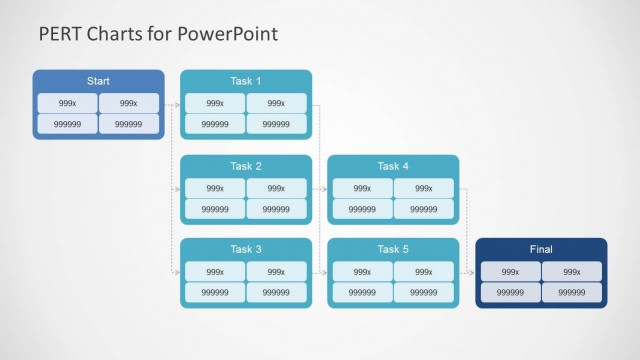
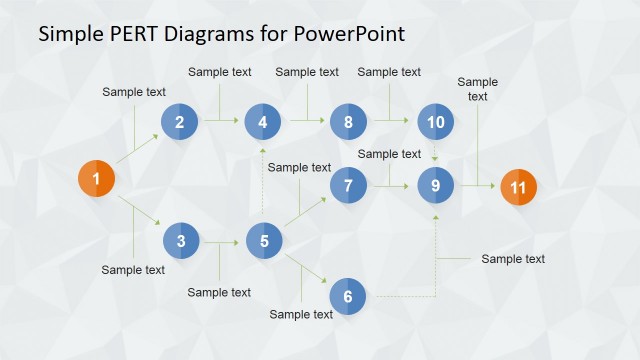
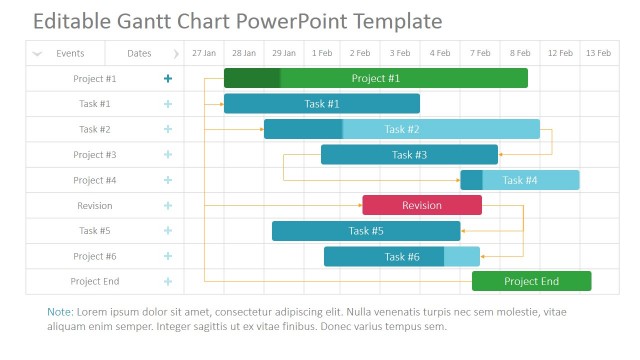
PERT Chart PowerPoint Diagram is a modern Flat Design Template containing different combinations of PERT Charts.
PERT is the acronym for “Program Evaluation Review Technique” which is one of the most wide spread project management and control statistical tools within the Project Management Field. The PERT chart tool is used for scheduling, organizing and coordinating task within a project. It is generally used with the Critical Path Method, which determines the path of tasks that cannot be delayed within a project without affecting a milestone.
The PERT technique is based in the concepts of estimating the shortest time each task will take, the most likely length and the longest time that might be taken if the tasks takes longer than expected.
The following formula is used to calculate the time for each project stage:
- Shortest Time (ST): Minimum possible time required to finish a task, assuming overestimations and everything proceeds exceeding expectations.
- Longest Time (LoT): Maximum possible time required to finish a task, assuming sub estimation everything goes under expectations, without major impact.
- Likely Time (LiT): Best estimate possible of time required to accomplish the task, assuming everything is up to expectations.
( ST + 4*LiT + LoT) / 6
This helps to bias time estimates away from the unrealistically short time-scales normally assumed.
It was first introduced by the US Navy for their military projects and acquired in the 80’s as formal practice under different project management organizations.
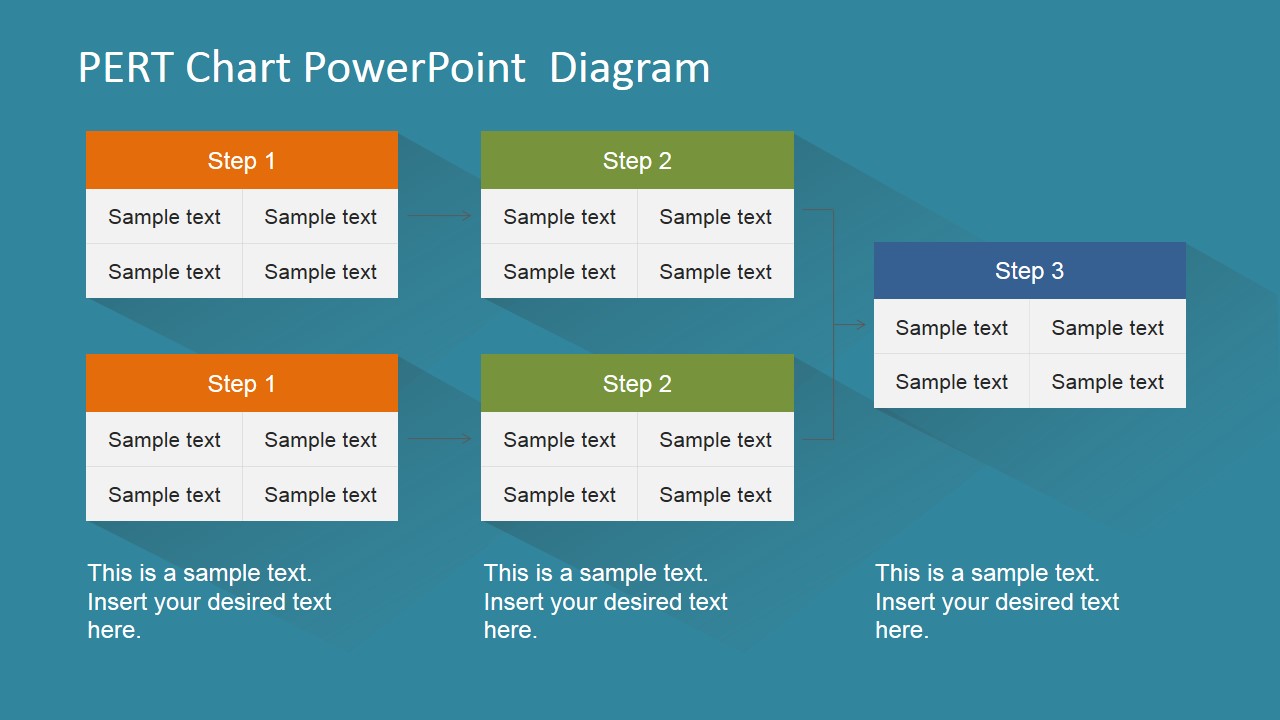
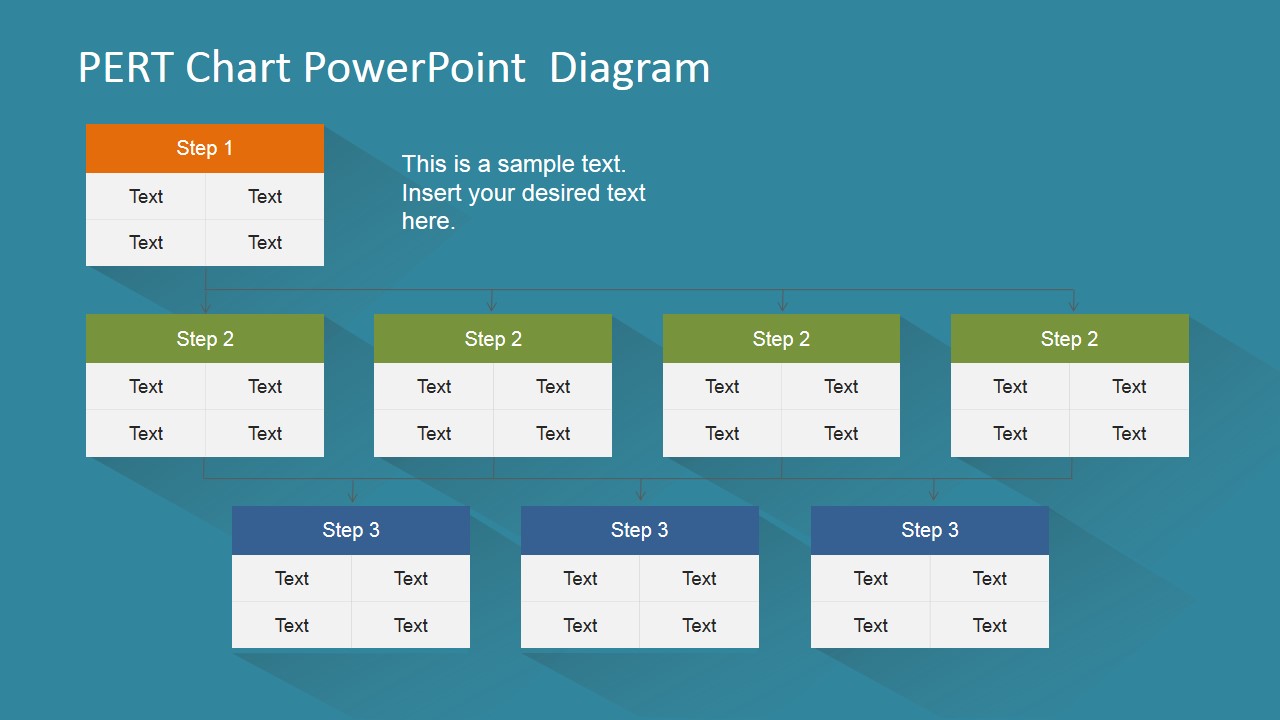
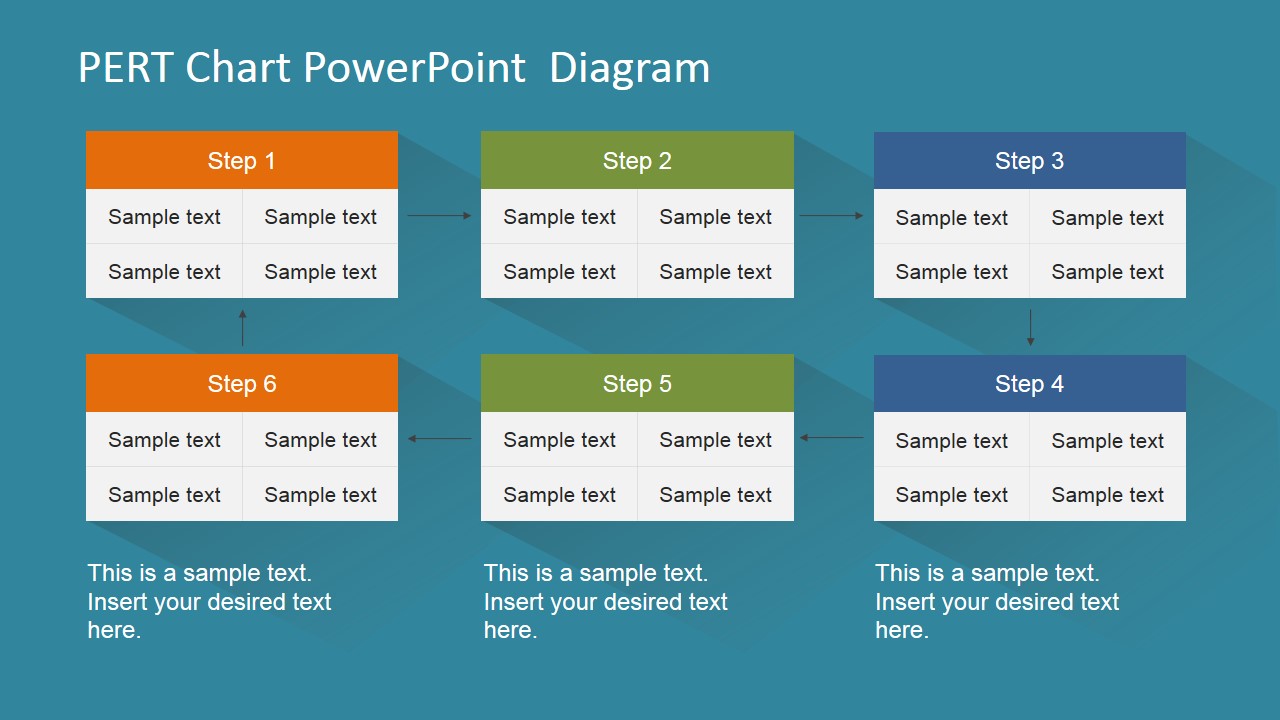
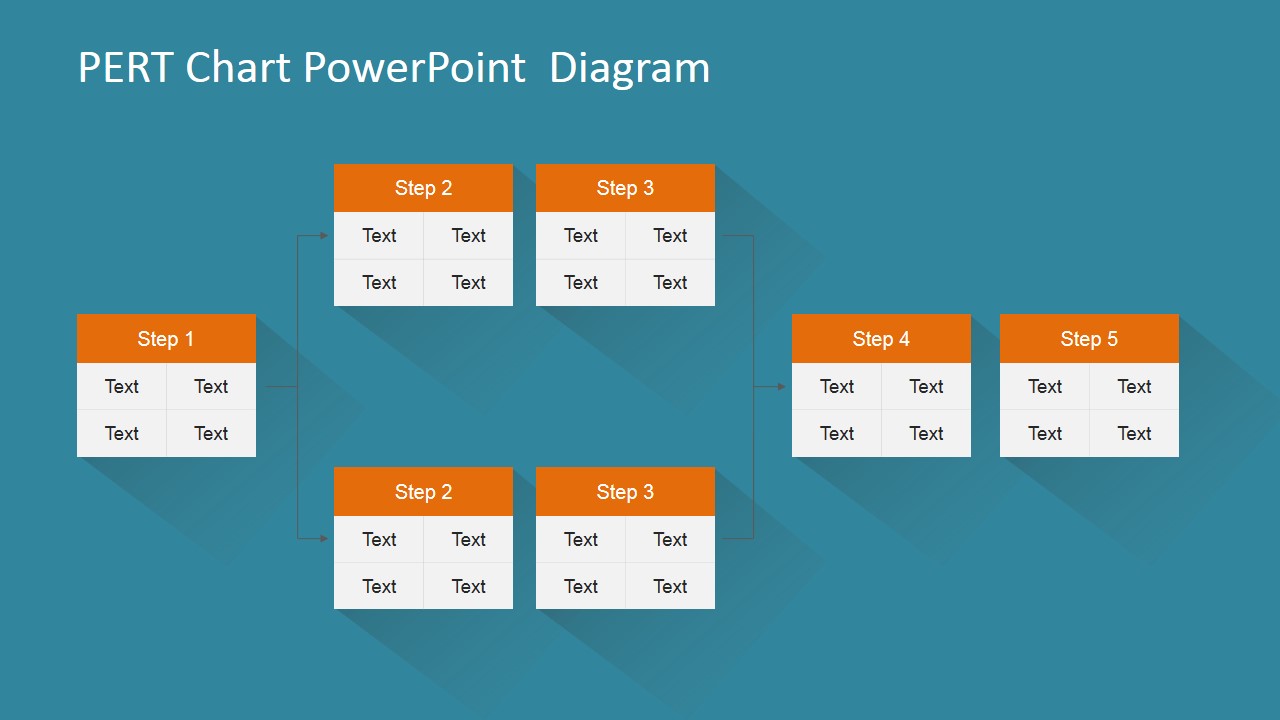
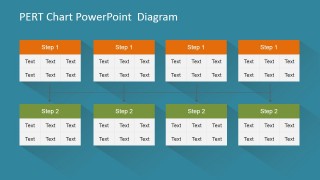
Every PERT node in out PERT chart is created using PowerPoint tables, allowing the user to fully customize their appearance as size, color and effects. The activity arrows are created using PowerPoint connectors, enabling the user to move nodes around the slide without loosing connection of the chart.
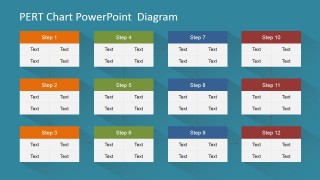
Each slide provides a different PERT chart scenario, that the user can combine to create their own diagram.
Impress your audience with this modern PERT Chart PowerPoint Diagram that appeals to executives audiences.
What’s inside this template
Example presentation scenarios
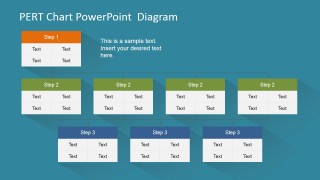
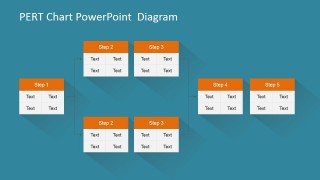
- A project manager can use the branching PERT hierarchy to show executives how early tasks lead into several dependent workstreams before later project stages begin.
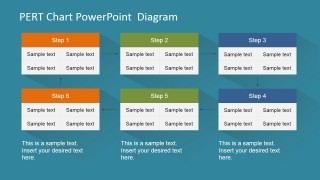
- A PMO analyst can use the twelve-step matrix to report schedule status by stage, replacing each table cell with task names, owners, or timing assumptions.
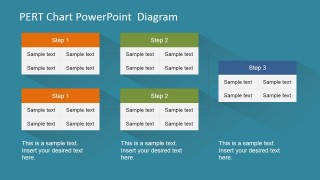
- A consultant can use the split-and-merge network to explain where parallel activities run at the same time and where they must converge before moving forward.
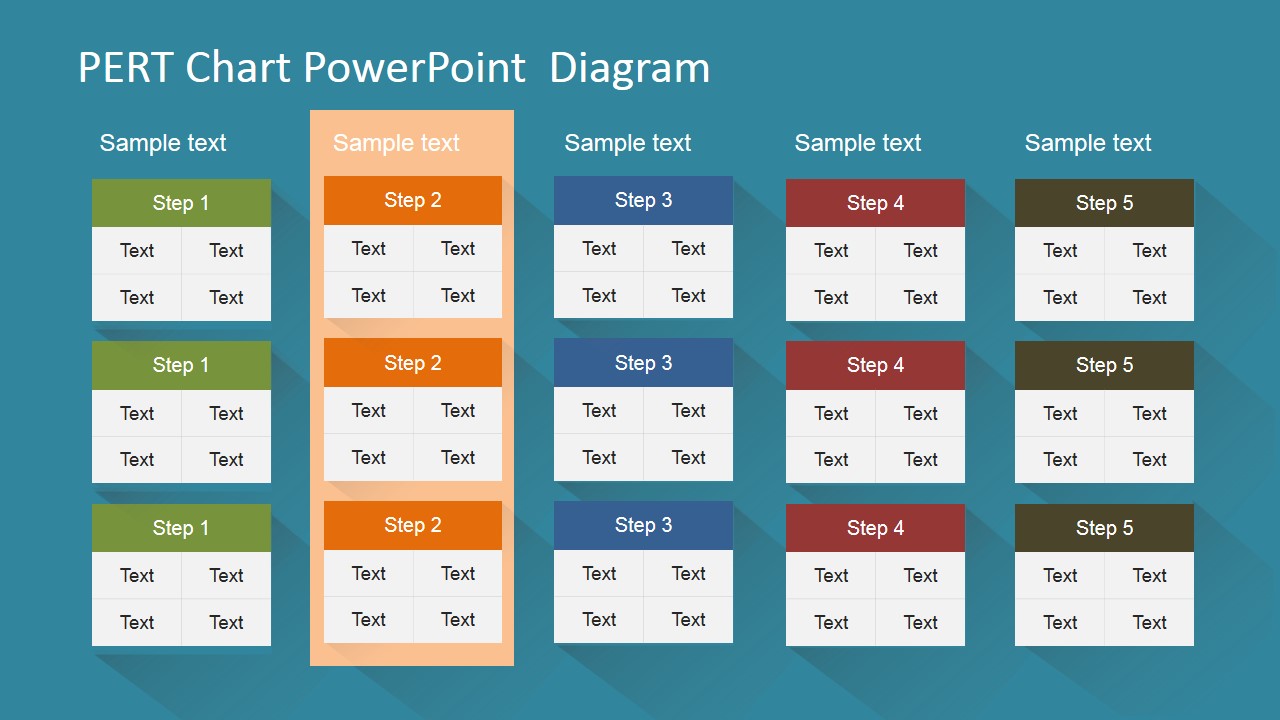
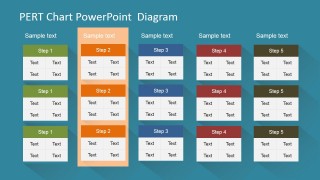
- An operations leader can use the highlighted column comparison slide to focus a workshop discussion on one workstream while still showing related Step 1 through Step 5 paths.
Features
- 100% editable presentation template
- Compatible with Microsoft PowerPoint and Google Slides
- 16:9 aspect ratio slides
- Scalable vector shapes, icons and illustrations
- AI-Ready for Microsoft Copilot and Claude
- Instant access and download
Frequently asked questions
Q: How should a presenter explain a PERT chart clearly with this template?
A: Start with the simplest network, such as Slide 1 or Slide 3, and define what each node represents before discussing timing. Then move to the branching or split-and-merge layout only after the audience understands the dependency logic. Keep each table cell short so the connectors remain the main reading path.
Q: Who is this PERT chart template best suited for?
A: This template fits project managers, PMO teams, consultants, and operations leaders who need to explain task order before a schedule is finalized. It is especially useful when the discussion is about dependencies, parallel workstreams, and sequence risk rather than budget, resourcing, or calendar tracking.
Q: Why do the node-and-connector layouts work well for project planning?
A: The repeated task tables act as milestones or activity nodes, while the connector lines show dependency flow without forcing the audience to read a dense schedule. Branching layouts make parallel work visible, and the highlighted comparison column helps isolate one path for discussion while keeping the full structure in view.


PERT Chart PowerPoint Diagram
7-slide PERT chart presentation template for project planning, task dependencies, and process sequencing diagrams
PERT Chart PowerPoint Diagram is a 7-slide diagram template for mapping project tasks, dependencies, and sequence options. It includes branching PERT networks, step matrices, parallel task rows, and a highlighted column comparison layout for project managers, PMO teams, and consultants using Microsoft PowerPoint or Google Slides.
- Category
- Diagrams
- Rating

 Loading...
- Aspect ratio
- 16:9, 4:3
- Item ID
- 6575-01
- Colors
 Microsoft PowerPoint
  Microsoft Copilot
  Claude for PowerPoint
 Other formats supported
Subscribe today and get immediate
access to download our PowerPoint templates.