Performance Improvement Plan PowerPoint Templates
When an employee’s performance falls short of expectations, the conversation that follows needs to be clear, documented, and structured enough that both parties leave the room with the same understanding. A Performance Improvement Plan PowerPoint template gives that conversation a visual backbone.
Instead of reading from a written document, you present goals on screen, walk through the timeline slide by slide, and give the employee a concrete reference to take with them. Our performance improvement plan PPT templates are ready to fill in and present, whether you’re running a 30-day corrective review or a 90-day development track.
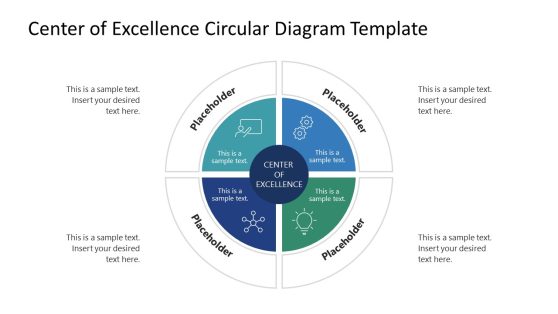
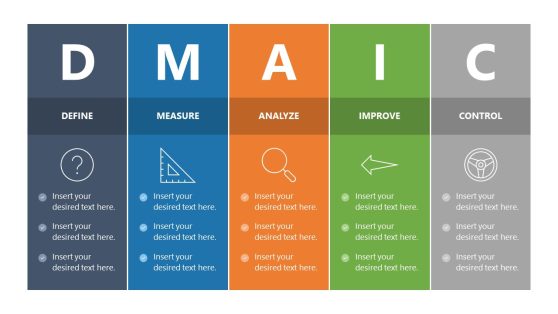

Workforce Capacity Planning PowerPoint Template
Process Improvement Project PowerPoint Template
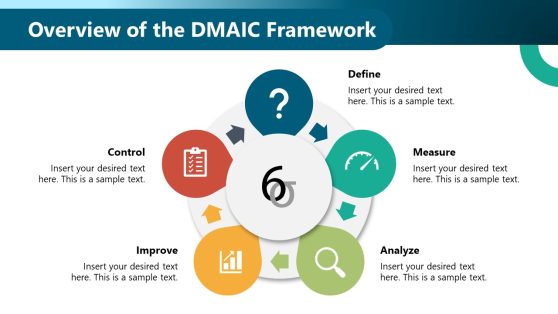
Control Charts PowerPoint Template
Performance Analysis PowerPoint Template
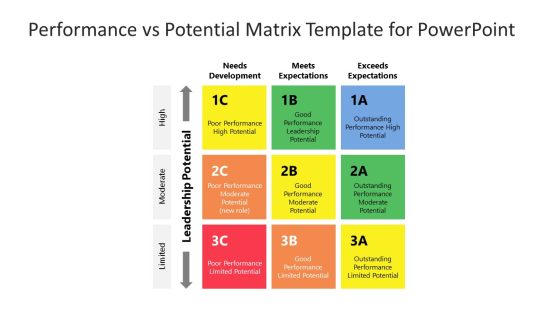
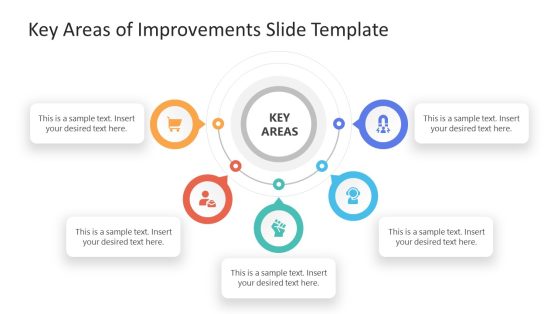
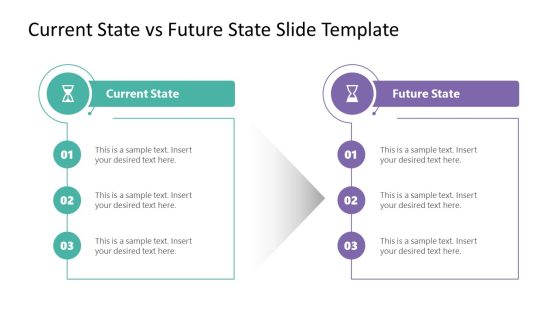
Current State vs Future State Slide Template for PowerPoint
Fluid 3×3 Matrix PowerPoint Template
Structure Performance Conversations with a Performance Improvement Plan PPT
When you’re a department manager or HR business partner preparing to address underperformance, the conversation itself is only part of the challenge. The harder part is showing the employee exactly where they stand and what they need to achieve by a defined date. A performance improvement plan template PPT takes the structure you’ve already built in your documentation and turns it into a presentation format both parties can follow in real time.
Unlike a static written document handed across a desk, a performance improvement plan PPT puts the plan on screen. Goals appear alongside timelines. Milestones get their own slide. Progress checkpoints are laid out in sequence, so the employee can see the full arc of the process before the meeting ends. Writing a performance review is one step; presenting it in a format that drives accountability is another, and that is exactly the gap these slides fill.
Our performance improvement plan PowerPoint templates are built for professionals who need to move from a documented concern to an actionable path forward without spending hours in design. You get a ready-made structure that you can fill in with your organization’s specifics and present the same day.
What Is a Performance Improvement Plan Template PPT?
A performance improvement plan template PPT is a pre-structured slide deck designed to formalize and present the contents of a performance improvement plan during a meeting, with the written PIP document serving as the reference artifact. A performance improvement plan presentation turns that document into a shared visual experience, one that guides the conversation from problem identification through to expected outcomes.
These PowerPoint templates are purpose-built for HR and management use cases where clarity and professionalism matter. A well-structured improvement plan PPT typically includes:
- An overview slide summarizing the performance concern and the employee’s role.
- A goals slide outlining measurable objectives tied to the SMART framework and expected outcomes.
- A timeline slide showing 30-, 60-, or 90-day milestones and scheduled check-in dates.
- A support resources slide covering training, coaching, or mentoring provisions offered to the employee
Each slide type serves a distinct purpose in the conversation. The overview grounds the discussion in documented facts. The goals slide shifts focus to what success looks like going forward. The timeline turns the abstract into a schedule both parties can reference afterward. Every element is fully editable to match your organization’s standards and the specific circumstances of the plan.
Why HR Managers and Team Leads Choose Performance Improvement Plan Slides
When a PIP conversation goes poorly, it’s usually because the employee leaves without a clear picture of what is expected or how progress will be measured. A performance improvement plan presentation addresses that directly. Instead of reading aloud from a document, you walk through a visual structure that the employee can follow and take away as a reference after the meeting.
The benefit of using a pre-formatted performance improvement plan PPT is the consistency it creates across your organization. Every manager runs the same type of structured session. Every employee receives the same quality of presentation, regardless of their direct supervisor. That consistency matters for compliance and for perceived fairness, and it creates a documentation record that holds up when decisions are later reviewed.
Setting SMART goals is standard practice in most performance management frameworks, and these templates give those goals a visual home, making them harder to dispute or misremember. Pairing a PIP session with structured one-on-one check-ins throughout the review period is a proven way to track progress, and the timeline slides in our templates are designed to support that cadence. You don’t need to redesign the layout for each use case. The templates are adaptable enough to cover 30-day corrective plans and 90-day development pathways without requiring you to rebuild from scratch each time.
Where and How to Use a Performance Improvement Plan Presentation
HR business partners use performance improvement plan PPT templates to standardize how PIPs are delivered across departments. When a manager in one division conducts a PIP meeting very differently from a manager in another, the inconsistency can become a procedural liability. Presenting from a shared template type resolves that without requiring centralized oversight of every conversation.
Department managers rely on these slides when they need to bring structure to a difficult one-on-one with a direct report. Rather than talking through a document page by page, they present the goals and the support provisions on screen alongside the timeline, so the employee has something concrete to respond to and sign off on during the meeting itself.
Learning and development professionals use performance improvement plan presentations to keep corrective plans distinct from growth-oriented ones. Pairing a PIP with a separately structured individual development plan keeps the two purposes clear: one addresses what needs to change, the other addresses where the employee can grow. Both benefit from purposeful visual formatting that signals the difference in tone.
Workforce compliance officers use performance improvement plan PPT decks to document that the improvement plans were formally presented and reviewed with the employee. When a process improvement plan escalates to a formal PIP, having a recorded presentation adds a layer of procedural rigor that supports HR audits and, if necessary, legal defensibility.
All templates are compatible with Google Slides. Upload the file to Google Drive and open it natively with Google Slides for full editing without any conversion step.
What is a performance improvement plan template PPT used for in HR?
A performance improvement plan template PPT is used to present the contents of a formal PIP in a structured meeting setting. It helps managers communicate goals and timelines clearly, alongside the support provisions on offer, so employees understand exactly what is expected and by when, rather than having to interpret a written document on their own.
Can I customize the performance improvement plan PPT for different review periods?
Yes. All elements are fully editable, including goal descriptions and milestone dates. You can adapt the same template for a 30-day or 90-day plan without rebuilding the layout. Simply update the text fields and adjust the visual timeline to match your organization’s review cycle.
Are performance improvement plan PowerPoint templates compatible with Google Slides?
Yes. Upload the file to Google Drive and open it with Google Slides. All layouts and text fields remain intact for browser-based editing. No conversion or reformatting is required, which makes it straightforward to share with collaborators or HR leadership before the meeting.
Who typically uses a performance improvement plan presentation?
HR business partners, department managers, team leads, and workforce compliance officers all use these templates. L&D professionals also use them to distinguish corrective plans from employee development pathways, since presenting both types clearly reduces confusion about the purpose of each conversation.
How is a performance improvement plan PPT different from a written PIP document?
A written PIP is the formal record kept in HR files and signed by both parties. A performance improvement plan PPT is what you use in the meeting itself. It structures the live conversation, keeps both parties focused on the same information, and gives the employee a visual walkthrough of the plan before they sign the written version.
Can performance improvement plan slides be used for group training on PIP processes?
Yes. While these templates are designed for individual PIP meetings, they can also support manager training sessions on how to conduct PIP conversations correctly, department-level performance reviews, or HR onboarding workshops where standardized PIP delivery is part of the curriculum.