Download the 100% editable Process Improvement Project PowerPoint Template and present your thoughts or plans to the stakeholders. This best PPT template is crafted for data analysts, business analysts, operational managers, project managers, and other related professionals to showcase a brief review of the company’s performance and effectively display the areas of improvement. The template has editable PPT elements, which users can customize from the toolbar quickly based on their needs.
Professionals can visualize the company’s current state and new project implementation protocols to streamline the workflow and optimize the systems. Further, the slide template has a bright color palette that attracts the audience’s attention and lets them convey their ideas in the executive sessions.
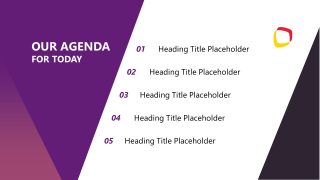
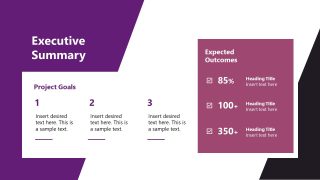
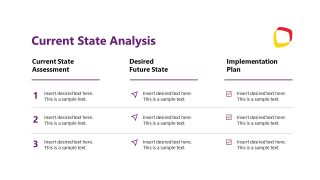
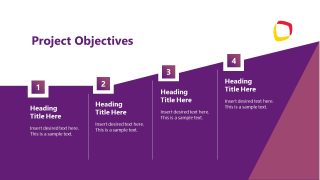
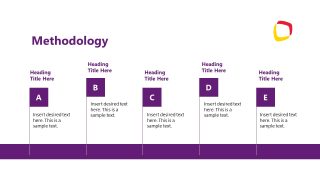
Our Process Improvement Project PowerPoint Template has fourteen slides with unique side designs to showcase multiple attributes of the process improvement project. The template has modern cover slides followed by agenda slides. At first, they can showcase the executive summary and analysis of the current state of the organizational processes. Further, we have a project objective and methodology slides to display the action plan to enhance the company’s growth and market position. Professionals can use the stepwise approach to streamline workflows.
We have slides for showing the following data points:
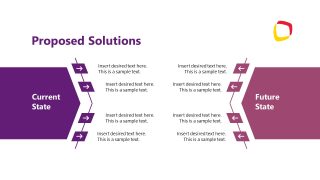
- Proposed Solutions
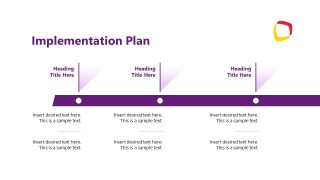
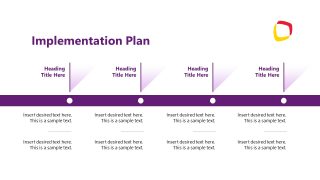
- Implementation Plan Timeline
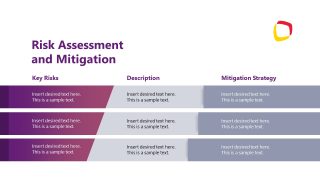
- Risk Assessment and Mitigation
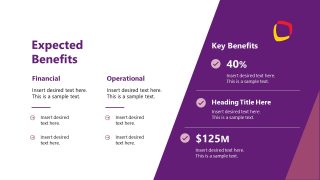
- Expected Benefits
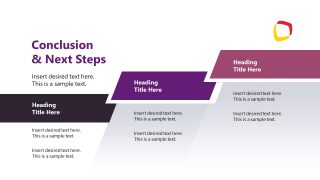
- Conclusion & Next Steps
You can modify the slide features to meet your theme needs. Presenters can also alter the process improvement project presentation template’s shapes, infographics, and graphical arrangement. Download our engaging slide template and demonstrate your project execution steps to improve company systems. Alternatively, you can download other improvement plan slide templates for Microsoft PowerPoint and Google Slides presentations.
What’s inside this template
Example presentation scenarios
- An operations manager can use the current state analysis slide to show where a workflow fails today, what the future state should look like, and how the implementation plan will close the gap.
- A project manager can present the implementation timeline slides to align stakeholders on milestones, ownership, and timing before a process improvement initiative begins.
- A business analyst can use the methodology and proposed solutions slides to compare the current state with the future state and explain the logic behind recommended changes.
- An executive sponsor can use the expected benefits and conclusion slides to connect the project plan to financial, operational, and next-step decisions.
- A risk lead can use the risk assessment and mitigation table to summarize likely obstacles, describe their impact, and assign mitigation strategies.
Features
- 100% editable presentation template
- Compatible with Microsoft PowerPoint
- 16:9 aspect ratio slides
- Scalable vector shapes, icons and illustrations
- Ready with Animations & Transitions in PowerPoint
- AI-Ready for Microsoft Copilot and Claude
- Instant access and download
Frequently asked questions
Q: How should a presenter make the process improvement story clear with this deck?
A: Start with the executive summary to state the business goal, then use the current state analysis to define the gap before showing objectives and methodology. The proposed solutions slide works best after the gap is accepted. Finish with implementation, risk, benefits, and next steps so the audience sees both the plan and the decision path.
Q: Who is this template best suited for in a process improvement meeting?
A: This template is best for operations managers, project managers, business analysts, and improvement leads who need to brief stakeholders on a planned change. It is especially useful when the meeting must cover the current process, target state, methodology, implementation milestones, risks, and expected financial or operational benefits in one structured discussion.
Q: Why does the deck use arrows, timelines, and stepped blocks for this topic?
A: The visual metaphors match the improvement message. Arrows show movement from current state to future state, timelines show execution order, and stepped blocks show objectives or actions building toward a result. This reduces cognitive load because the audience can read direction, sequence, and priority directly from the layout.
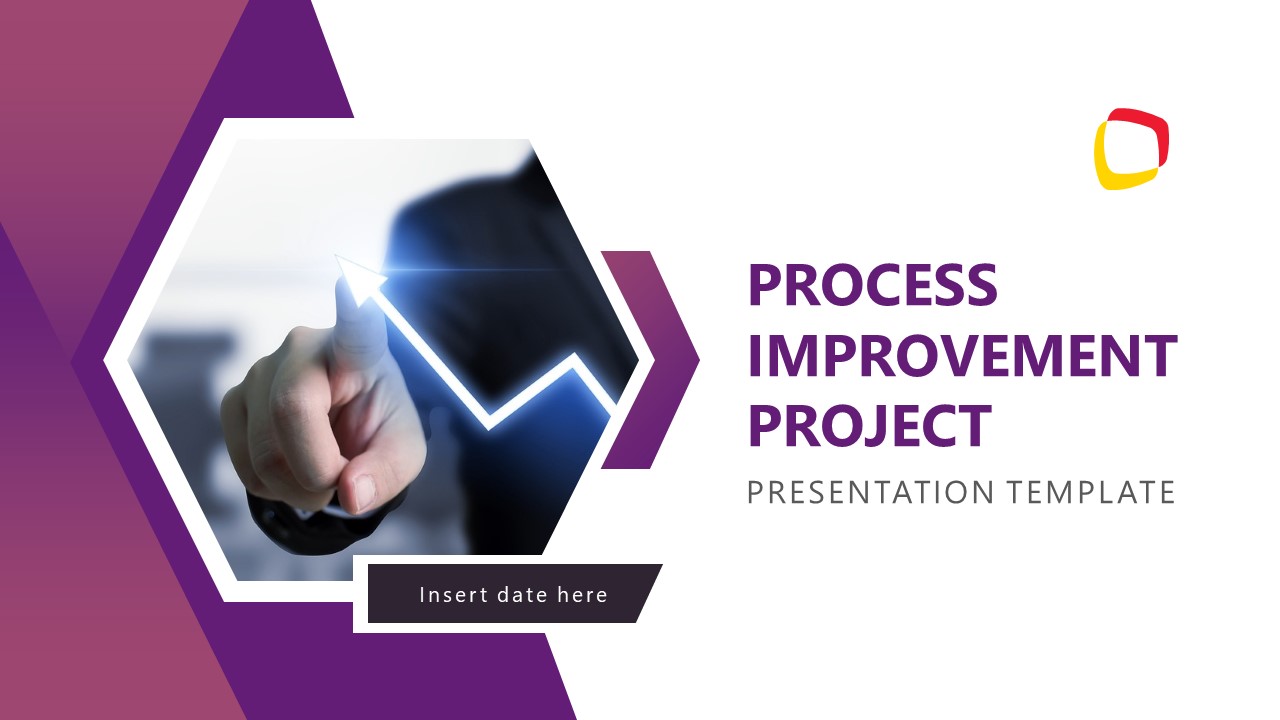




Process Improvement Project PowerPoint Template
14-slide process improvement presentation template with timelines, risk assessment, benefits, and implementation planning layouts.
The Process Improvement Project PowerPoint Template is a 14-slide 16:9 business deck for planning and presenting operational improvement work. It includes an agenda, executive summary, current state analysis, project objectives, methodology steps, proposed solutions, implementation timelines, risk assessment table, benefits summary, Q&A, and contact slide for Microsoft PowerPoint.
- Category
- Business PowerPoint Templates
- Rating

 Loading...
- Aspect ratio
- 16:9
- Item ID
- 85186-01
- Colors
 Microsoft PowerPoint
 Microsoft Copilot
 Claude for PowerPoint
Other formats supported
Subscribe today and get immediate
access to download our PowerPoint templates.