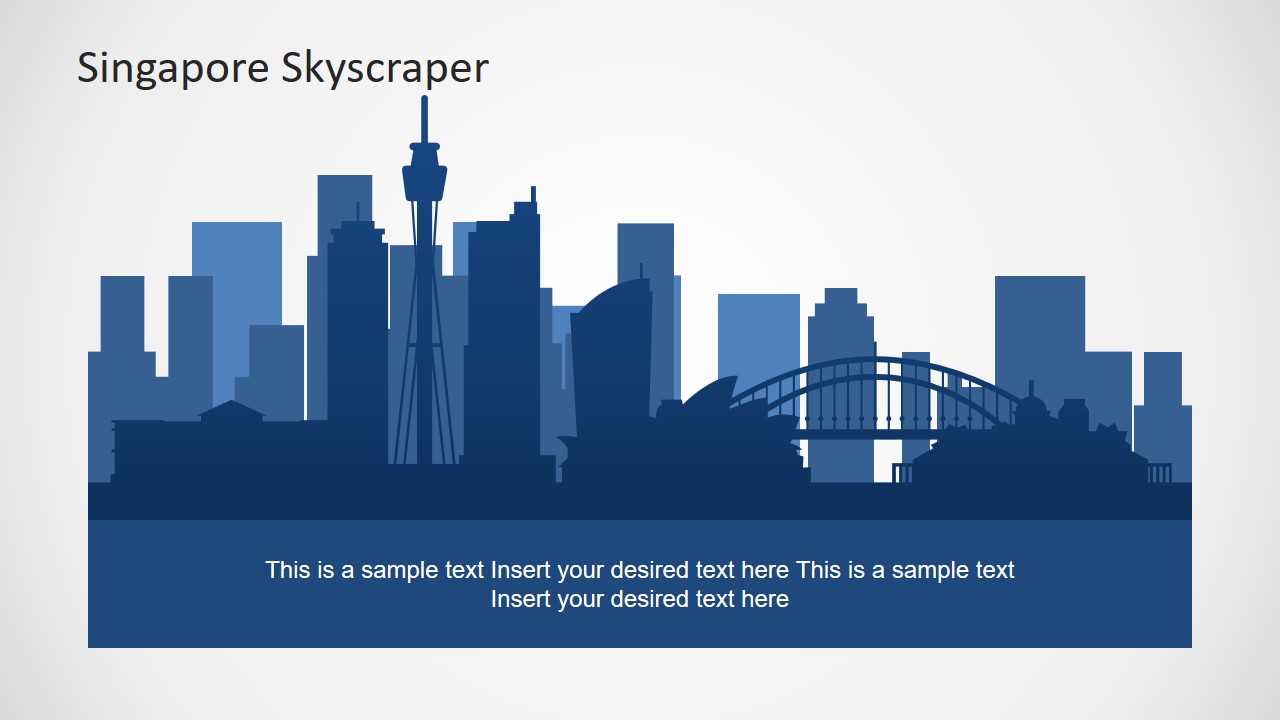
The Sydney PowerPoint Template is a flat presentation design for Australia’s most popular city. This template is a collection of 8 slides containing editable PowerPoint maps, landscape layouts, and landmark shapes. All slides of Sydney template provide a different layout design to complement presentations about the city. Sydney is located on the Eastern coast of Australia and it is also the capital of New South Wales. It is one of the most advanced cities in the world and hub for business development, education, and tourism. Therefore, the PowerPoint map template of SlideModel offers several slide designs for diverse presentation topics.
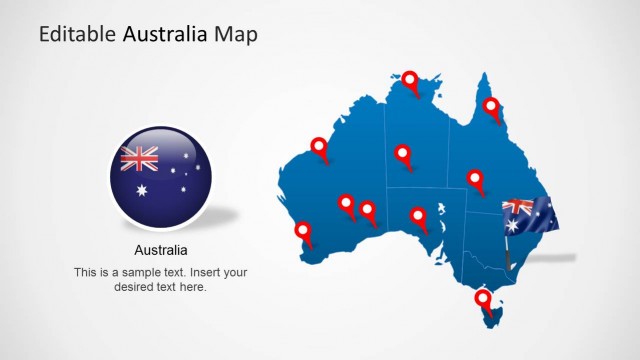
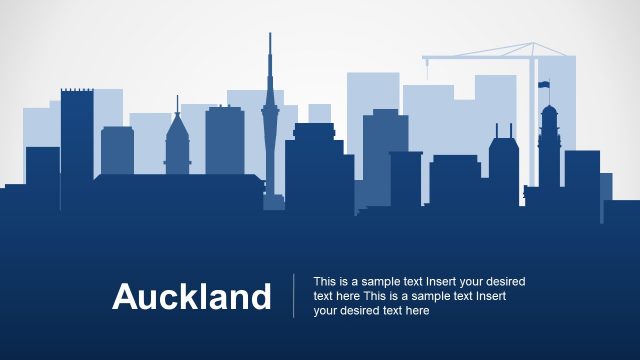
The PowerPoint template of Sydney includes four map slides that are fully editable silhouette segments. Here, two slides contain an editable map of Australia while highlighting Sydney through location marker. Further slides include two silhouette landscape coastal views, Sydney Opera House, and data graph char. It is a suitable slide deck for discussing business opportunities and target markets with the help of map pointers. Moreover, the multiple bar graph in last slide of Sydney PowerPoint is a data-drive template. Therefore, users can enter numeric data value which automatically updates bar chart.
The Sydney PowerPoint Template is an editable slide deck of individual segments. In this way, users can customize most details of slide design. For example, changing building colors in city landscape view of Sydney from solid fill option in format menu. Or, present a colorful map template by altering colors of Sydney editable PowerPoint map.
What’s inside this template
Example presentation scenarios
- A tourism presenter can introduce Sydney as a destination by opening with the skyline cover, showing the Opera House landmark slide, and then using the map slides to orient visitors within New South Wales and Australia.
- A business development team can explain a Sydney market opportunity by using the regional pin maps for target locations and the bar chart slide to compare yearly performance or demand indicators.
- An educator can teach Sydney's geographic position by moving from the Australia map to the New South Wales map and using the pin markers as discussion points for city location and regional context.
- A consultant can brief executives on expansion options by pairing the New South Wales callout map with short text cards that describe priority areas, risks, or next actions.
Features
- 100% editable presentation template
- Compatible with Microsoft PowerPoint and Google Slides
- 16:9 aspect ratio slides
- Scalable vector shapes, icons and illustrations
- AI-Ready for Microsoft Copilot and Claude
- Instant access and download
Frequently asked questions
Q: How should a presenter organize a short Sydney location briefing with this deck?
A: Start with the skyline cover to establish the city topic, then use the Opera House slide as a recognizable anchor before moving into the Australia and New South Wales maps. Close with the bar chart only after the audience understands the geography, so the numbers connect to a clear place-based story.
Q: Who is this template best suited for in a business presentation?
A: It is a good fit for teams explaining Sydney-related market entry, regional coverage, tourism planning, education, or site selection. The map slides support location context, the callout cards help separate key messages, and the chart slide gives a simple place to compare city or region metrics.
Q: Why does the template mix skyline silhouettes, landmarks, pins, and maps?
A: The skyline and Opera House create immediate city recognition, while the pins and maps shift the audience from identity to location evidence. This visual metaphor makes Sydney feel both recognizable and measurable: first as a city brand, then as a geographic market or destination that can be discussed with data.




Sydney PowerPoint Template
8-slide Sydney map presentation template with skyline, Opera House, and New South Wales location slides
Sydney PowerPoint Template is an 8-slide map and city presentation template for business, tourism, education, and market briefings about Sydney and New South Wales. It includes a skyline cover, Sydney Opera House landmark slide, Australia and New South Wales maps with pins, and a bar chart with editable Excel data for PowerPoint and Google Slides.
- Category
- Maps
- Rating

 Loading...
- Aspect ratio
- 16:9
- Item ID
- 20036-01
- Colors
 Microsoft PowerPoint
 Microsoft Copilot
 Claude for PowerPoint
Other formats supported
Subscribe today and get immediate
access to download our PowerPoint templates.