Slide 5 of 13 from Strategic Overview PowerPoint Template
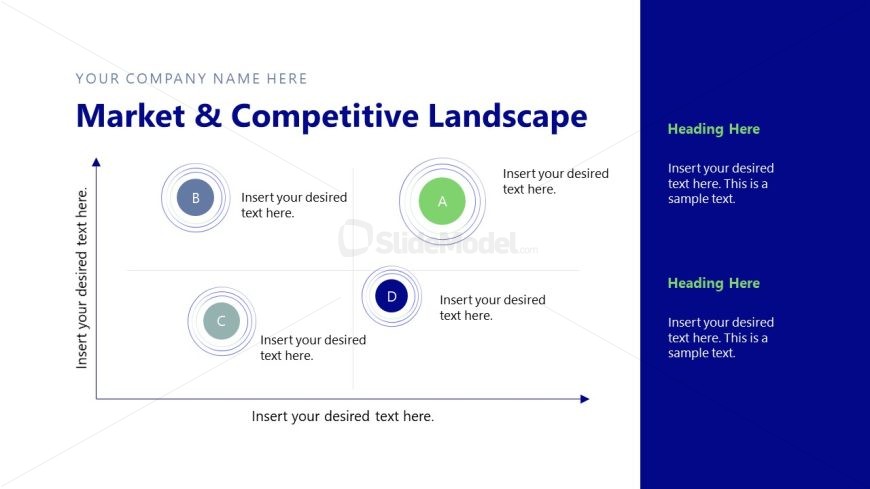
Market & Competitive Landscape Slide with Four Quadrant Diagam
Market & Competitive Landscape Overview
- Diagram
- Matrix Quadrant
- Strategic Analysis Slide
- 16:9
- 100% Editable
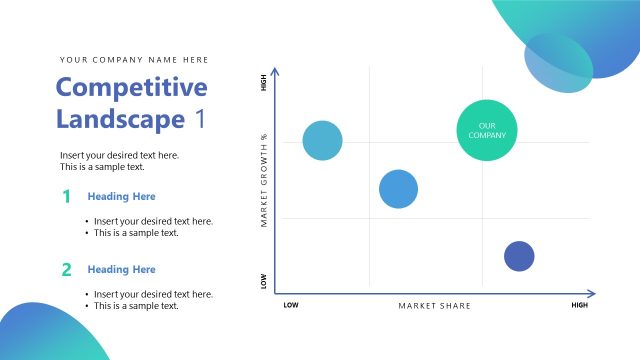
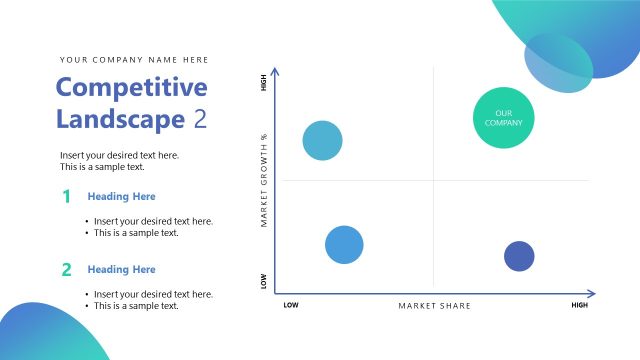
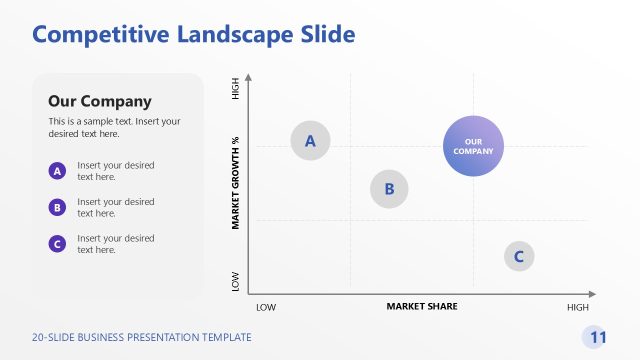
The Market & Competitive Landscape slide from the Strategic Overview PowerPoint Template offers a quadrant diagram ideal for strategic analysis in business presentations. This layout supports market analysis and competitive assessment by visually organizing data into four segments, enhancing clarity in corporate presentations. It integrates editable shapes and text placeholders to customize insights, making it a practical choice for slide decks focused on strategic planning and market dynamics.
What’s on This Slide
The layout features a quadrant diagram positioned centrally, with four circular nodes labeled A, B, C, and D. Each node has a corresponding text placeholder below it, aligned to the left. The vertical axis is labeled with a placeholder for text, while the horizontal axis has a placeholder for text at the bottom. The background is divided into two sections: a white area on the left and a dark blue area on the right. There are additional text placeholders on the right side, with headings and sample text positioned vertically. The overall composition emphasizes the quadrant structure.
How to Use It
This layout serves as a matrix for comparing market segments or competitive positioning. It is suitable for presentations that analyze market dynamics or competitive landscapes. Typically, it fits after problem framing slides and before strategy discussions. This structure is useful for business scenarios involving market analysis, competitive assessments, or strategic planning discussions, where visual representation of data is essential.
Text Placeholders & Capacity
Keep your copy within these limits so it fits without resizing. Node body slots can hold roughly 10-12 words each.
| Placeholder | Count | Max characters (approx.) |
|---|---|---|
| Slide title | 1 | 30 |
| Item heading | 4 | 20 |
| Item body | 4 | 50 |
| Body paragraph | 3 | 80 |
Slide Keywords
Download unlimited PowerPoint templates, charts and graphics for your presentations with our annual plan.
DOWNLOADReturn to Strategic Overview PowerPoint Template.