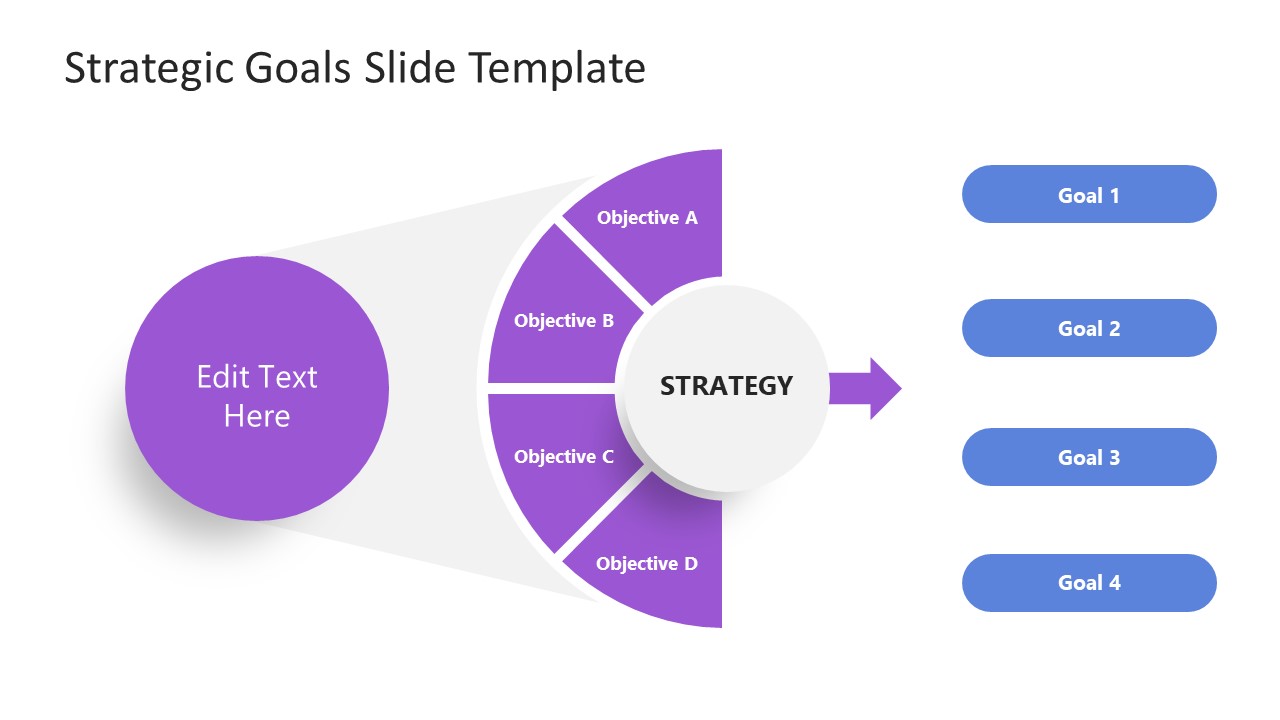
The Strategic Goals PowerPoint Template presents is a process of aim with objectives to achieve goals. It is a simple diagram template for business strategies or organizational goal setting. This strategy template contains four sections in a horizontal hierarchy format. The first circular icon represents the main heading i.e. the aim of strategic goals. It illustrates a shadow over four objectives. You can describe the purpose of an initiative using goals PowerPoint template. The one page template helps discuss ideas of how to accomplish plans through well-defined strategy planning. The diagram of strategic goals visualizes one strategy that caters to four objectives. This strategy leads to achieving four goals.
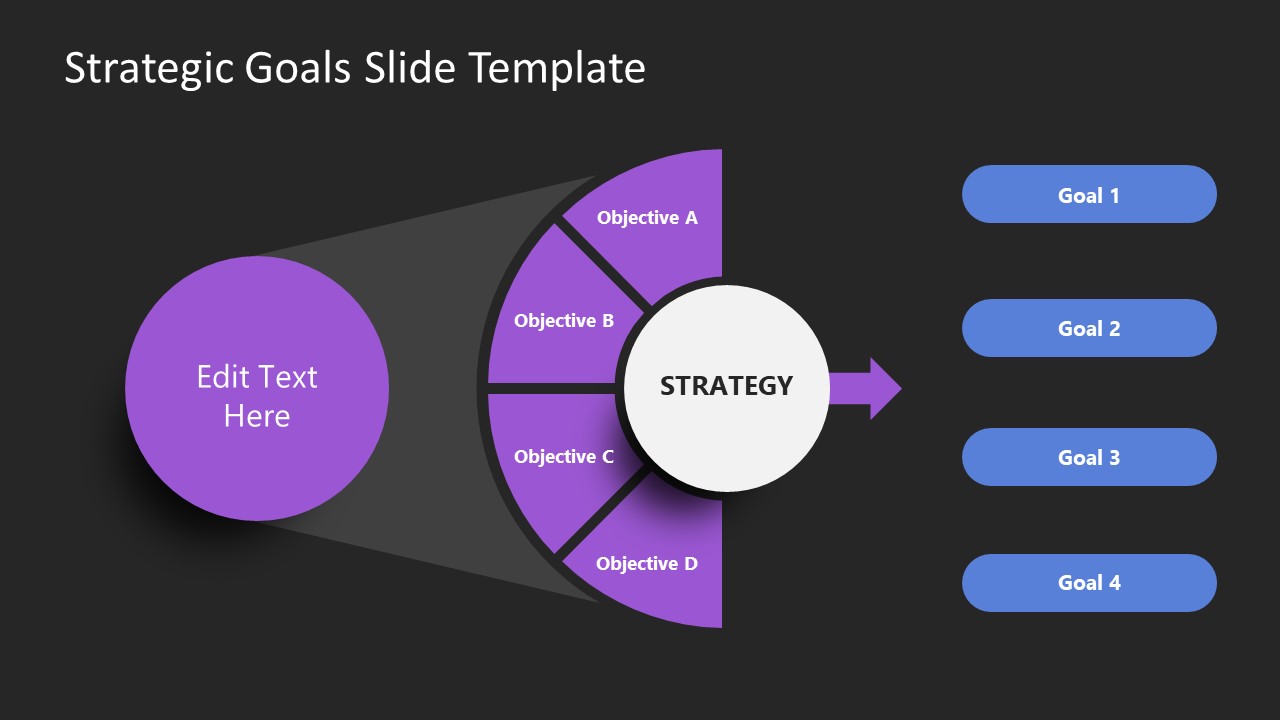
The Strategic Goals PowerPoint Template provides two slide layouts with a white and black background. Simple PowerPoint shapes and backgrounds enable users to customize the colors and shape sizes with editing features. Change the color of shapes, for example, to match the color scheme of the existing presentation. Here, you can list down the objectives and goals of an entity for brainstorming presentation of strategy planning. This diagram outlines the achievable goals with a strategy visually. You can download the strategy goals PowerPoint template for business models and various strategy presentations.
The PowerPoint diagram of strategic goals is suitable for when you want or organize future plans for a business. The slides on goal setting are suitable for internal staff meetings and investors’ sales pitches to explain business strategies. The flow of processes in this diagram display a seamless connection between aim, objectives strategy, and goals. The concept of goal setting is used in every industry since the generic design of strategic goals in PowerPoint benefits all professionals. The objectives template can be combined with other goals and objectives slide for presentations, including the OKR slides and SMART Goals PowerPoint templates.
What’s inside this template
Example presentation scenarios
- A strategy manager can use the objective wedges and goal labels to explain how a department aim translates into four practical goals during an internal planning meeting.
- A consultant can present the horizontal strategy flow to help a client connect a broad initiative with objectives before discussing execution details.
- A business leader can use the light-background version to align stakeholders around priorities, showing the aim, central strategy, and four goal outcomes on one slide.
- A project manager can use the dark-background version in an executive update to summarize how project objectives support the chosen strategy and intended results.
Features
- 100% editable presentation template
- Compatible with Microsoft PowerPoint and Google Slides
- 16:9 aspect ratio slides
- Scalable vector shapes, icons and illustrations
- AI-Ready for Microsoft Copilot and Claude
- Instant access and download
Frequently asked questions
Q: How should a presenter explain the goal-setting logic on this slide?
A: Start with the left circle as the overall aim, then move through the four objective wedges before naming the central strategy. End with the four goal labels on the right. This reading order keeps the message causal: what the organization wants, what must be addressed, what strategy connects the work, and what outcomes are expected.
Q: Who is this template best suited for?
A: This template is best for leaders, consultants, and project managers who need to make a strategy discussion simple without adding timelines or metric dashboards. It fits workshops, leadership updates, and planning sessions where the audience must see the relationship between one aim, four objectives, and four intended goals.
Q: Why does the diagram use a funnel-like spotlight and objective wedges?
A: The visual metaphor narrows attention from a broad aim into defined objectives, then passes the message through a central strategy point. The wedges help separate objectives without turning the slide into a table. The arrow and goal labels then make the outcome side easy to scan and discuss.


Strategic Goals PowerPoint Template
2-slide strategic goals presentation template with objective wedges and goal mapping diagrams
The Strategic Goals PowerPoint Template is a 2-slide diagram template for mapping an aim into four objectives and four goals. It includes light and dark versions of the same horizontal strategy flow, with a central strategy node, objective semicircle, arrow, and goal labels for Microsoft PowerPoint and Google Slides.
- Category
- Strategy
- Rating

 Loading...
- Aspect ratio
- 16:9
- Item ID
- 21235-01
- Colors
 Microsoft PowerPoint
 Microsoft Copilot
 Claude for PowerPoint
Other formats supported
Subscribe today and get immediate
access to download our PowerPoint templates.