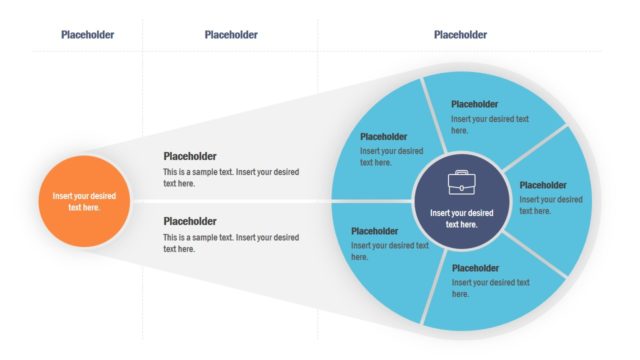
The Strategic Initiative PowerPoint Template features an engaging diagram for presenting the strategic initiatives. Every business and organization has a practical strategic plan to achieve its goals. The strategic initiatives are the small steps to implement that plan. These initiatives can be a new project start-up, acquisition, hiring campaign, or other similar actions. Such initiatives are discussed with the team and stakeholders to align them with how the company operates according to its strategic goals. Also, this presentation is required when planning to partner with a company. Thus, we have created this ready-made slide template to showcase the vision, mission statement, and strategic initiatives. Users can download and edit the slides using all PowerPoint templates, Google Slides, or Keynote.
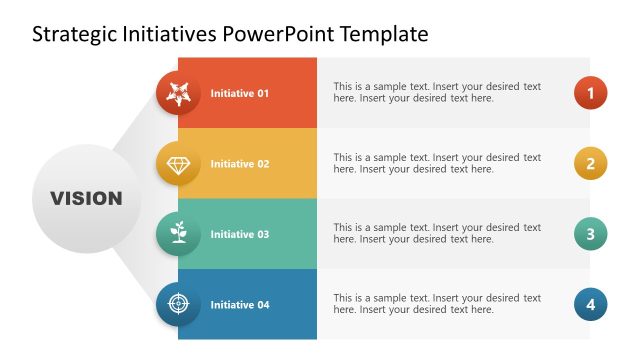
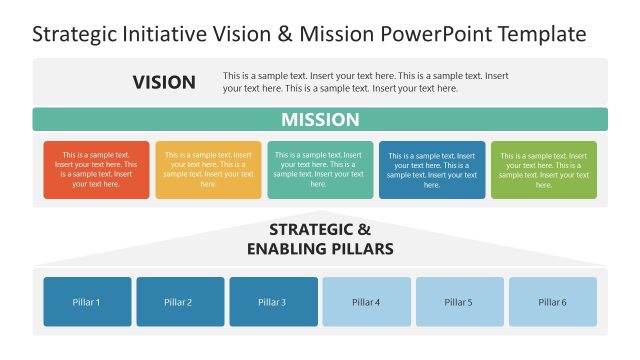
Our Strategic Initiative PowerPoint Template has two slides with alternate background color options. The template diagram is a hut-like diagram with a triangular top and rectangular base. The top segment is to mention the vision statement, while the body of the diagram is divided into four columns to showcase the strategic initiatives. These fours columns have a color bar with placeholder title text and a representative graphical PowerPoint icon. Presenters are also provided with space to adjust relevant descriptions for each initiative. Users can conveniently change the colors, font styles, and icons and add their vision statement to the diagram.
The diagram depicts the idea that a vision directs the path to implementing the whole strategy. Without this statement, no organization can perform well according to its goals. Users can include this slide in their corporate strategy presentations or business discussions. Professionals can also copy the diagram and use it on other destinations. The slide can be re-purposed for other mission vision presentations by slightly changing the text and graphics. So, download and try our 100% editable strategic initiative PPT template now!
What’s inside this template
Example presentation scenarios
- A strategy director can use the vision diagram to explain how four initiative workstreams support a company goal during an executive planning meeting.
- A consultant can present the dark-background version in a stakeholder workshop to compare initiative themes, owners, or priority statements under one shared vision.
- A project leader can use the four numbered columns to summarize launch priorities, supporting notes, and expected focus areas for a new internal program.
- A nonprofit leader can adapt the vision statement and initiative icons to show board members how mission goals translate into operational actions.
Features
- 100% editable presentation template
- Compatible with Microsoft PowerPoint and Google Slides
- 16:9 aspect ratio slides
- Scalable vector shapes, icons and illustrations
- AI-Ready for Microsoft Copilot and Claude
- Instant access and download
Frequently asked questions
Q: How should a presenter structure the message on this template?
A: Start with the vision statement in the triangular top area, then treat each colored column as one strategic commitment. Keep each initiative title short, use the icon as a memory cue, and reserve the lower text blocks for what will be done, who owns it, or why it matters.
Q: Who is this strategic initiative diagram best suited for?
A: This template fits executives, consultants, strategy teams, and department heads who need one slide to align people around direction and priorities. It is strongest when the conversation is about shared intent, initiative categories, or operating focus, rather than detailed project schedules or financial reporting.
Q: Why does the hut-shaped design help communicate strategy?
A: The roof-like vision area creates a clear metaphor: the vision sits above and gives purpose to the four supporting initiatives. The numbered columns make the message easy to follow from left to right, while the colored headers and icons help the audience separate each initiative quickly.


Strategic Initiative PowerPoint Template
2-slide presentation template for strategic initiatives, vision statements, and four-column strategy diagrams
Strategic Initiative PowerPoint Template is a 2-slide diagram deck for presenting a vision statement above four strategic initiatives. It includes light and dark versions of the same hut-shaped vision diagram, four numbered initiative columns, icon headers, and text blocks for strategy notes. It is built for Microsoft PowerPoint and Google Slides.
- Category
- Diagrams
- Rating

 Loading...
- Aspect ratio
- 16:9
- Item ID
- 21776-02
- Colors
 Microsoft PowerPoint
 Microsoft Copilot
 Claude for PowerPoint
Other formats supported
Subscribe today and get immediate
access to download our PowerPoint templates.