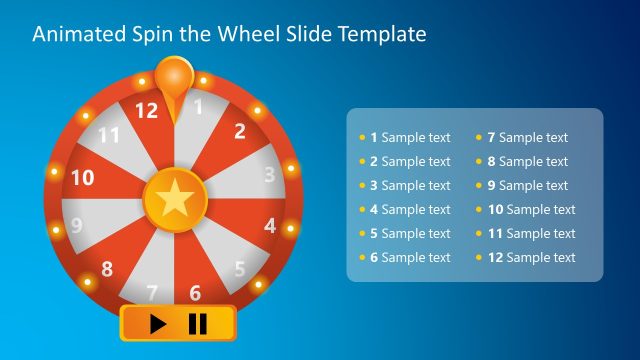
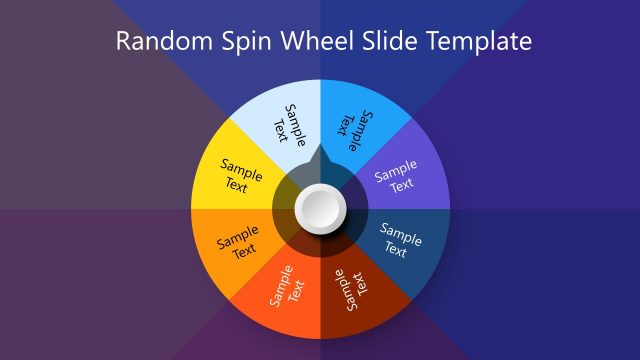
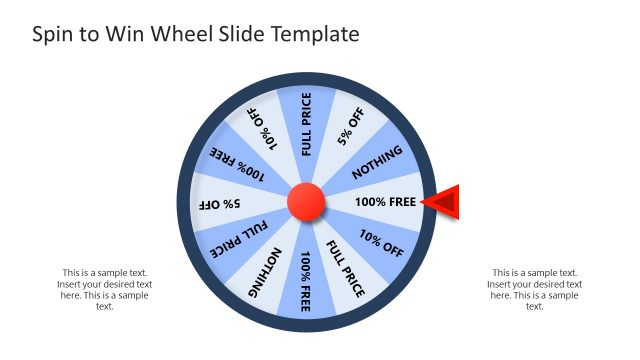
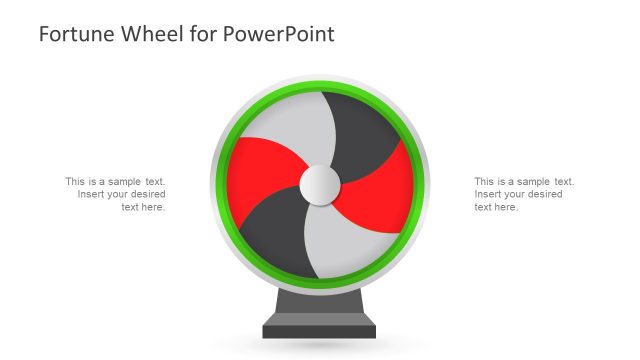
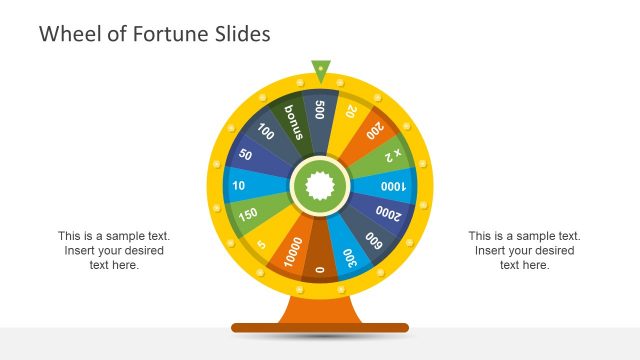
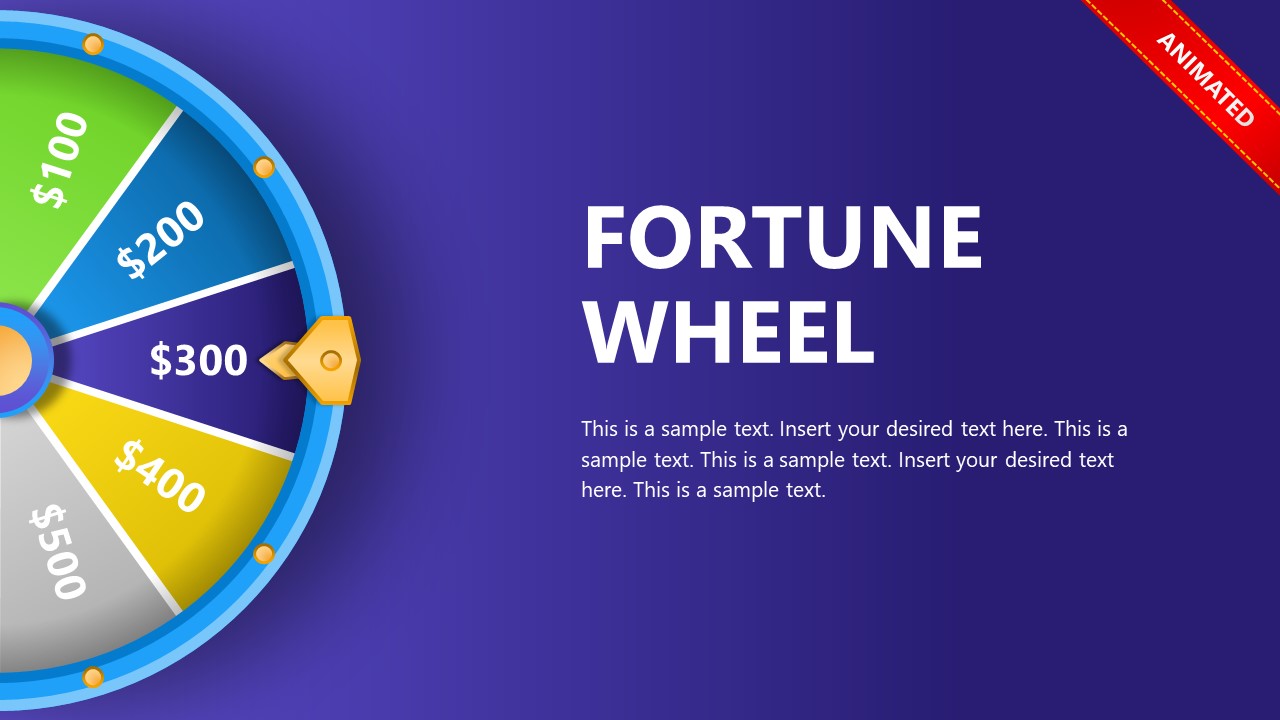
The Spin the Wheel PowerPoint Template is a presentation layout of a popular prize wheel game. The spin the wheel template for PowerPoint and Google Slides consists of two slides of spinning wheel shapes on the left side of the layout. The slides show dollar amounts with the head pointer but can be easily customized for other purposes, for example to spin the wheel and pick a name. It illustrates the idea of TV game shows the Wheel of Fortune. When the host spins the wheel, the position of pointer determines what you win. The PPT template presents a similar idea of taking chances and see the results.
Spin the Wheel PowerPoint template contains a creative slide of animations. The visuals of how wheel spins and land at specific section makes presentation engaging for the audience. These slides give a playful effect to PowerPoint whether it is business, school presentation, or other formal sessions. Taking an example of a marketing strategy that acts as a wheel of fortune. The effective implementation of marketing processes can help businesses grow and make them a fortune. The PowerPoint template of Spin the wheel can display the importance of good market plans.
The teachers use the picker wheel template in PowerPoint to make learning fun and interactive. One way is to create a wheel of names for students to answer questions or participate in-class activities. Alternatively, spin the wheel in PowerPoint to show points that students got or topics they are going to talk about.
Spin the Wheel PowerPoint Templates are customizable shapes. You can change the colors of segments or modify the speed of spinning wheel rotations. This template is ideal for learning concepts with the help of random picker games or activity. One example of spin the wheel activity is role-playing scenarios where you write a role performance on a raffle generator.
The SlideModel PowerPoint collection includes more template of animated spin the wheel template. You can download these templates of random picker to make your professional presentation attractive to the audience. Alternatively, you can download other gamification PowerPoint templates and slide designs for presentations.
What’s inside this template
Example presentation scenarios
- A teacher can use the fortune wheel layout to select students, assign discussion prompts, or reveal point values during a classroom game.
- A corporate trainer can open a workshop with the animated wheel variant to choose role-play scenarios, quiz categories, or team challenges.
- A marketing presenter can use the wheel segments and pointer to reveal promotional prizes, discount tiers, or customer engagement rewards.
- An event host can use the large headline and game wheel visual to run a live prize draw or energizer between agenda sections.
Features
- 100% editable presentation template
- Compatible with Microsoft PowerPoint and Google Slides
- 16:9 aspect ratio slides
- Scalable vector shapes, icons and illustrations
- Ready with Animations & Transitions in PowerPoint
- AI-Ready for Microsoft Copilot and Claude
- Instant access and download
Frequently asked questions
Q: How should a presenter frame the wheel activity so it supports the message instead of feeling like a gimmick?
A: Introduce the fortune wheel as a decision or reveal mechanism tied to the session objective. Replace the dollar amounts with topics, names, questions, rewards, or scenarios, then explain the rule before spinning or revealing the result. Keep the body text short so the audience focuses on the wheel and the outcome.
Q: Who gets the most value from this spin the wheel format?
A: The format works best for teachers, trainers, facilitators, marketers, and event hosts who need a quick participation device. It is strongest when the presenter wants suspense, random selection, or reward-based interaction, such as choosing quiz categories, assigning speaking turns, or revealing prizes during a live session.
Q: Why does the game show metaphor help audience engagement?
A: The wheel, pointer, and segmented prize fields create a clear cause-and-result visual metaphor: a spin leads to an outcome. That structure makes uncertainty visible, builds anticipation, and gives the audience a shared focal point. The large headline beside the wheel also keeps the activity anchored to a clear presentation theme.



Spin the Wheel PowerPoint Template
2-slide presentation template with a fortune wheel layout for games, prizes, and classroom picker activities
Spin the Wheel PowerPoint Template is a 2-slide presentation template for gamified selection, prize draws, and classroom activities. It includes a fortune wheel title slide and an animated wheel variant with prize segments, pointer, headline, and body text areas. Built for presenters using Microsoft PowerPoint and Google Slides.
- Category
- Shapes
- Rating


 Loading...
- Aspect ratio
- 16:9
- Item ID
- 20935-01
- Colors
 Microsoft PowerPoint
 Microsoft Copilot
 Claude for PowerPoint
Other formats supported
Subscribe today and get immediate
access to download our PowerPoint templates.