Slide 4 of 4 from Spheres with Editable Fill Levels
1194-spheres-with-levels-4
Editable Fill Level Spheres Diagram
- Diagram
- Comparison Split
- Evaluation Slide
- 16:9
- 100% Editable
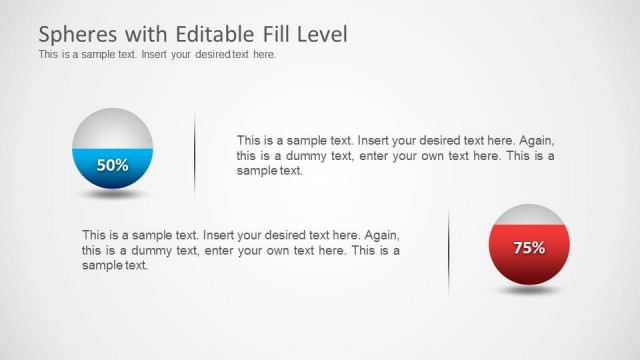
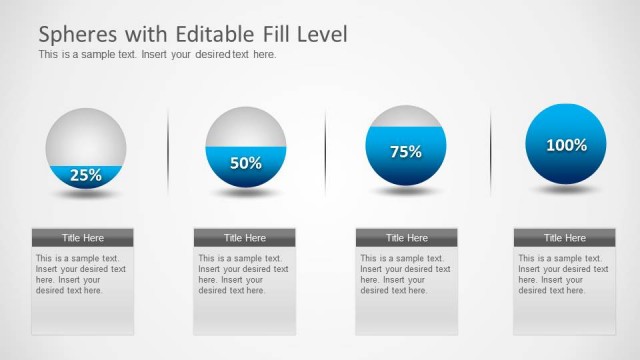
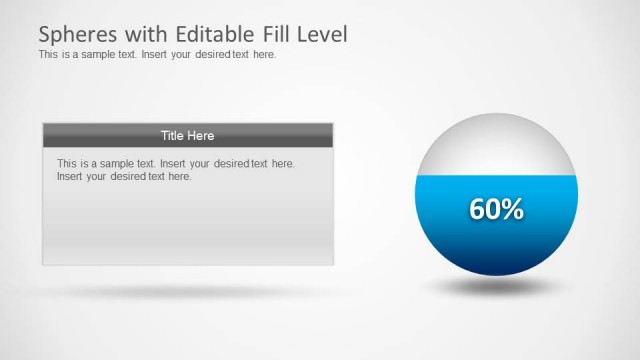
The Editable Fill Level Spheres slide from the Spheres with Editable Fill Levels template offers a clear visual comparison of progress percentages or capacity levels using editable shapes. Ideal for business presentations or scientific reports, this slide uses vector icons to highlight performance metrics effectively within a corporate presentation or pitch deck template.
What’s on This Slide
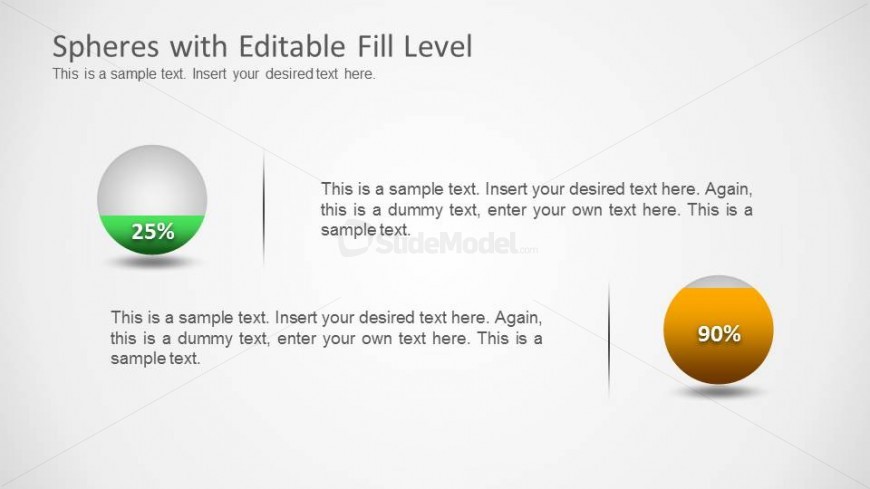
The slide features two spheres representing fill levels, positioned left and right. The left sphere is filled to 25%, with a green fill and a label indicating the percentage. The right sphere is filled to 90%, displaying an orange fill. Each sphere has associated text placeholders beneath them, aligned centrally, for additional descriptions. The background is light gray, creating a neutral canvas for the spheres. The visual hierarchy emphasizes the fill levels through color contrast and size, with both spheres being circular and equal in size.
How to Use It
This layout serves to visually compare two fill levels, making it suitable for presentations on progress, capacity, or performance metrics. It fits well in a sequence following a problem statement, illustrating solutions or achievements. This structure can be used in business contexts to show project completion percentages or in scientific presentations to depict liquid levels in experiments. The clear visual representation aids in quick comprehension of comparative data.
Text Placeholders & Capacity
Keep your copy within these limits so it fits without resizing. Node body slots can hold about 15-20 words each.
| Placeholder | Count | Max characters (approx.) |
|---|---|---|
| Slide title | 1 | 40 |
| Item heading | 2 | 10 |
| Item body | 2 | 100 |
Slide Keywords
Download unlimited PowerPoint templates, charts and graphics for your presentations with our annual plan.
DOWNLOADReturn to Spheres with Editable Fill Levels.