Slide 2 of 4 from Spheres with Editable Fill Levels
1194-spheres-with-levels-2
Editable Fill Level Sphere Slide
- Diagram
- Other
- Process Slide
- 16:9
- 100% Editable
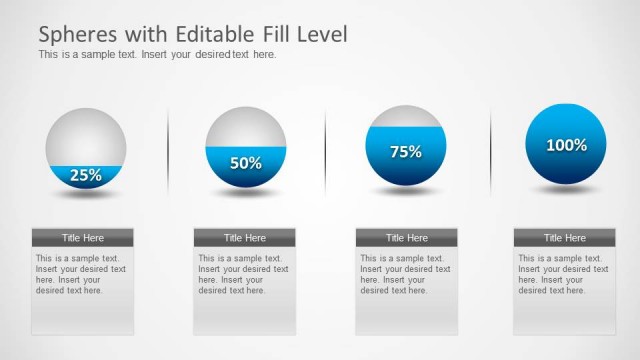
The Editable Fill Level Sphere slide from the Spheres with Editable Fill Levels template provides a clear visual tool for tracking progress and capacity metrics. This slide layout uses editable shapes and a prominent percentage display within a large sphere, making it suitable for business presentations and performance reporting. Its clean design and editable features support effective communication of key data points in corporate presentations or pitch decks.
What’s on This Slide
The layout features a large sphere on the right, filled to 60% with a blue gradient, and a white upper half. The sphere displays the percentage prominently. On the left, there is a rectangular text box with a dark gray header and a placeholder for a title. Below the title, there is another placeholder for body text. The overall background is light gray, creating a clean and simple visual hierarchy. The text placeholders are aligned vertically, while the sphere is centered and occupies a significant portion of the slide.
How to Use It
This layout serves as a visual representation of percentage data, ideal for illustrating progress or capacity metrics. It fits well in a presentation sequence following an overview of objectives or goals. Suitable for business reports, scientific presentations, or project updates, it allows for quick comprehension of key metrics. The editable nature of the fill level makes it adaptable for various contexts, such as performance tracking or resource allocation.
Text Placeholders & Capacity
Keep your copy within these limits so it fits without resizing. Body slots can hold about 20-30 words each.
| Placeholder | Count | Max characters (approx.) |
|---|---|---|
| Slide title | 1 | 30 |
| Body paragraph | 2 | 150 |
| Item heading | 1 | 10 |
Slide Keywords
Download unlimited PowerPoint templates, charts and graphics for your presentations with our annual plan.
DOWNLOADReturn to Spheres with Editable Fill Levels.