PR Smith’s SOSTAC®, invented by Paul Smith (best-selling author and international speaker) is the base of the SOSTAC Planning System, utilized by various organizations worldwide.
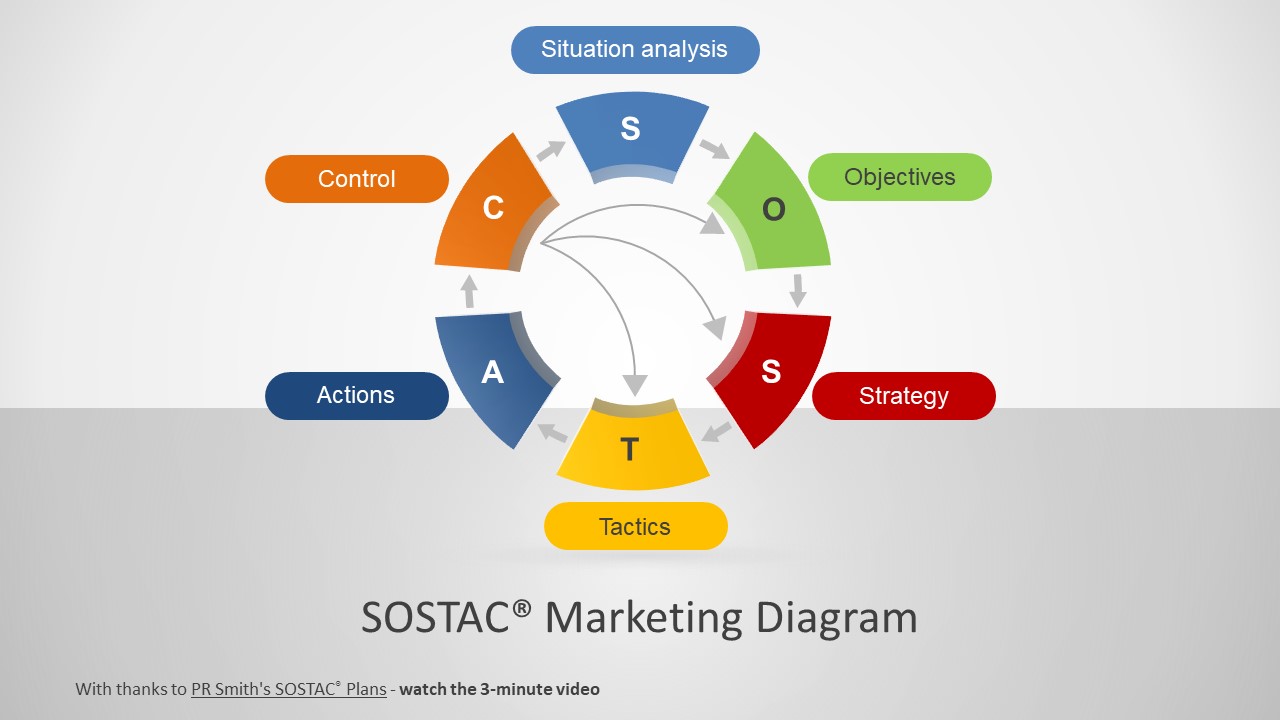
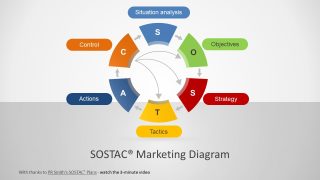
SOSTAC ® represents six areas of the business; SOSTAC itself is an acronym for:
- Situation Analysis, which focuses around the current state of the organization.
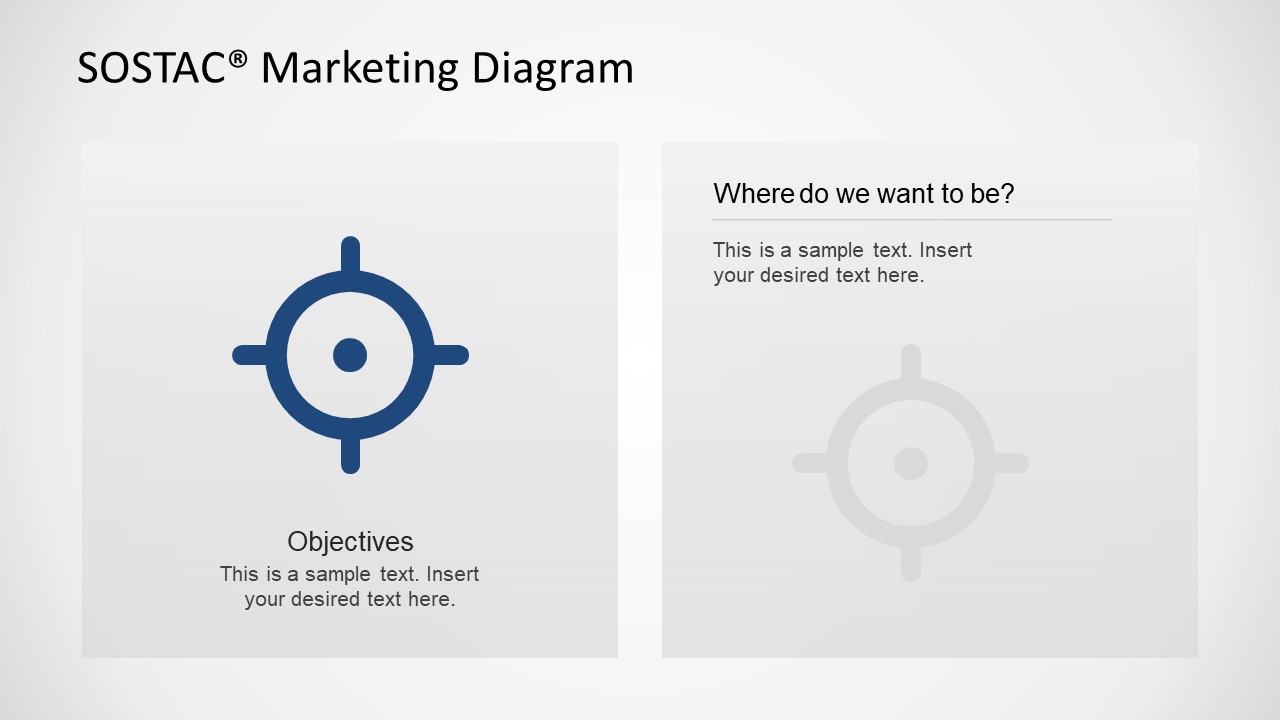
- Objectives, focuses on the organization’s goals for the business.
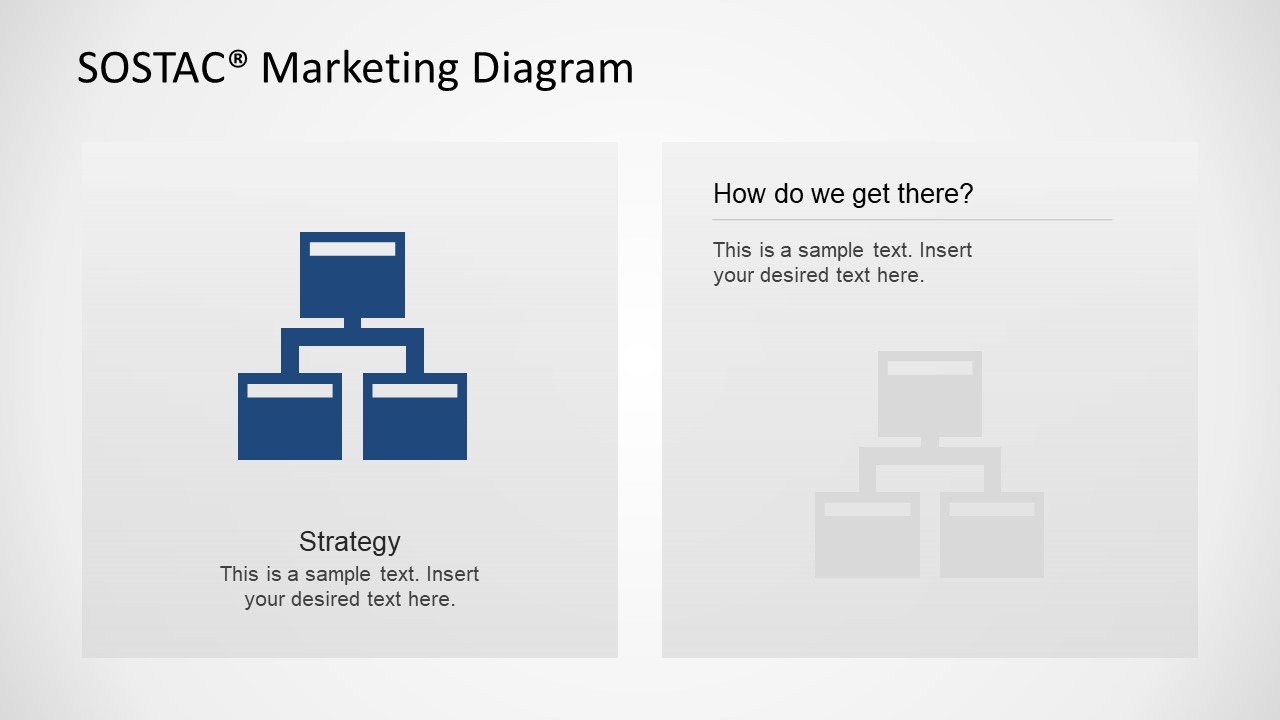
- Strategy, focuses in providing an overall view of the plan to achieve the goals.
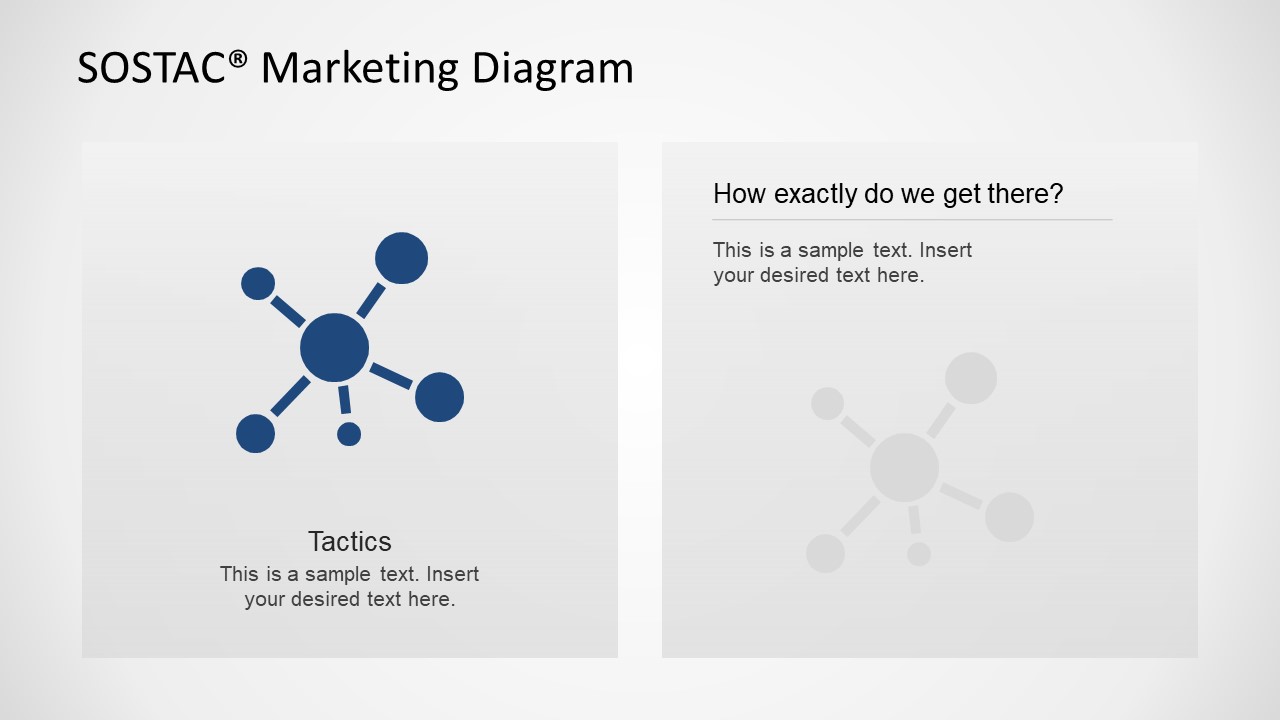
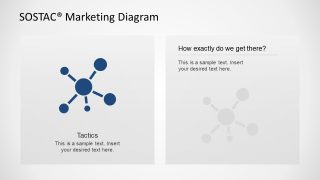
- Tactics, focuses on breaking down the strategy into achievable individual detailed plans.
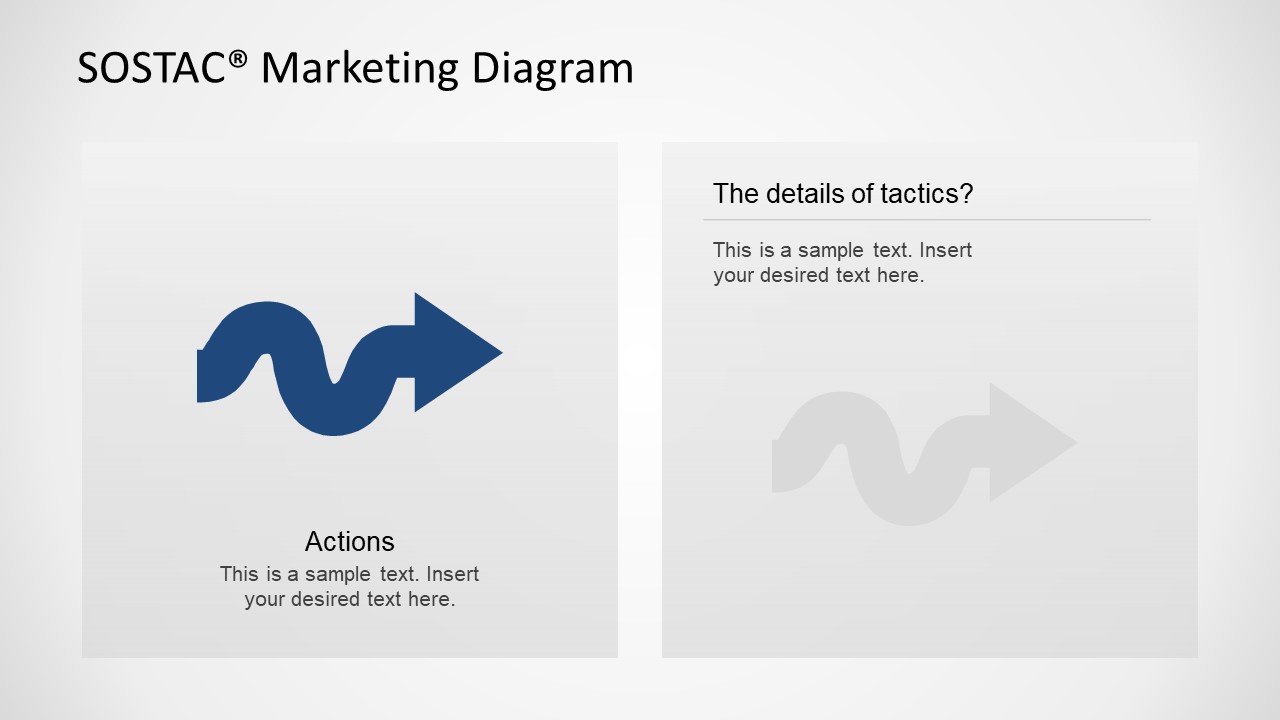
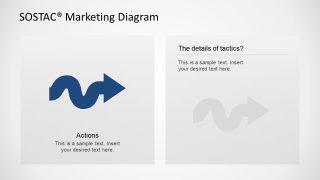
- Action, focuses on the accountability, deadlines and achievement of goals for certain tasks.
- Control, focuses on the way to track progress and the plan activities itself.
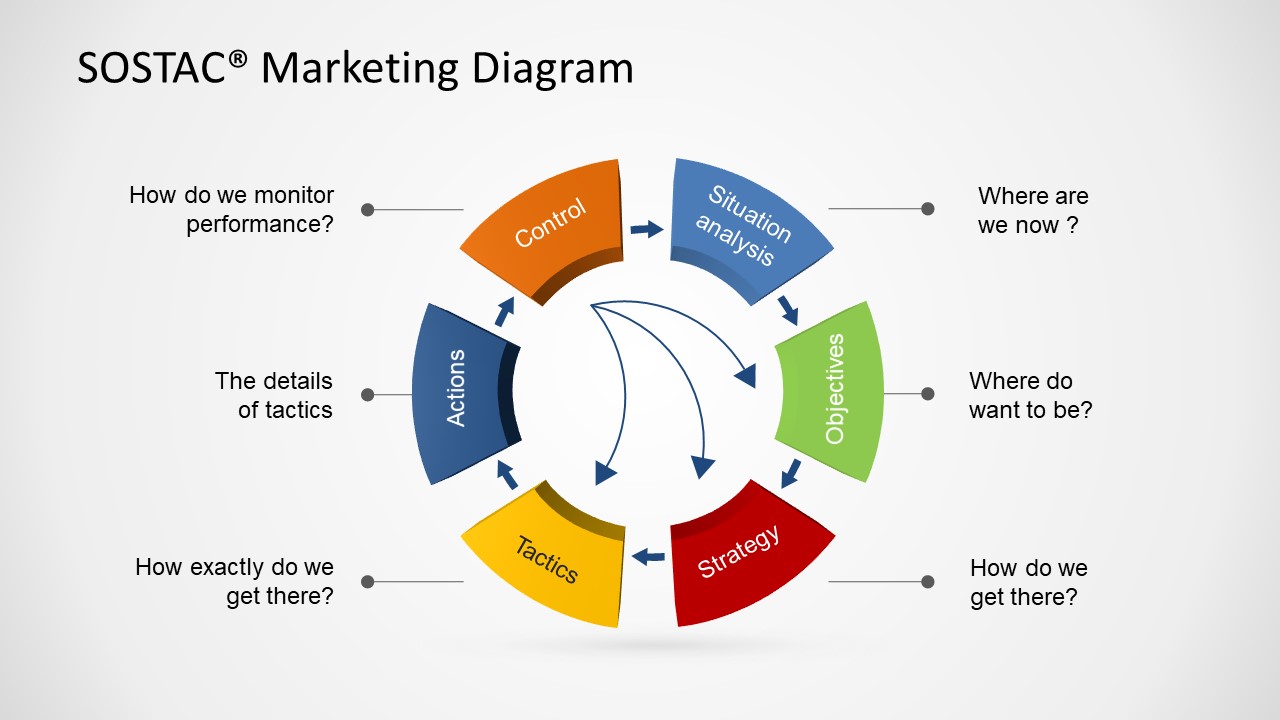
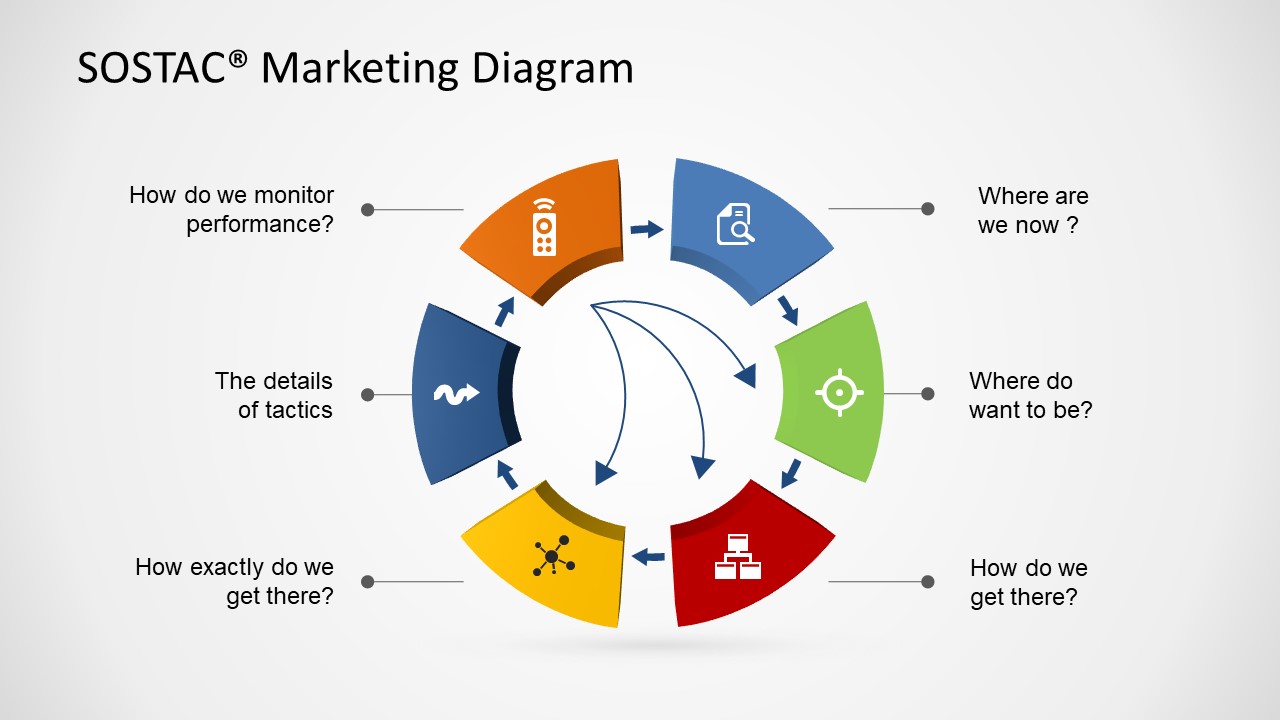
Each of the elements contributes as a piece to the marketing plan. Generally, the way to attack each area is through a set of questions:
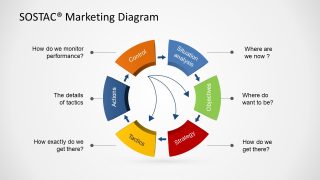
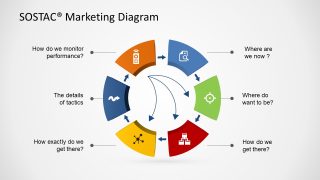
- Where are we now? (S)
- Where do we want to get it? (O)
- How are we going to get there? (S)
- How are we going to get there, in detail ? (T)
- Who is going to do what and when? (A)
- How can we monitor and measure the process ? (C)
The SOSTAC® Marketing Diagram provides a professional diagram ideal for SOSTAC® analysis results presentation or just for lecturing purposes. Engage your audience with this appealing graphics, and give your presentation the right visual quality. SOSTAC ® is a registered trade mark of PR Smith. For more information on SOSTAC ® Planning & becoming a SOSTAC ® Certified Planner visit www.SOSTAC.org
What’s inside this template
Example presentation scenarios
- A marketing manager can use the circular SOSTAC wheel to introduce a planning meeting and align stakeholders on the six stages before discussing campaign details.
- A consultant can use the question callout diagram to guide a client workshop from current situation through measurement and control.
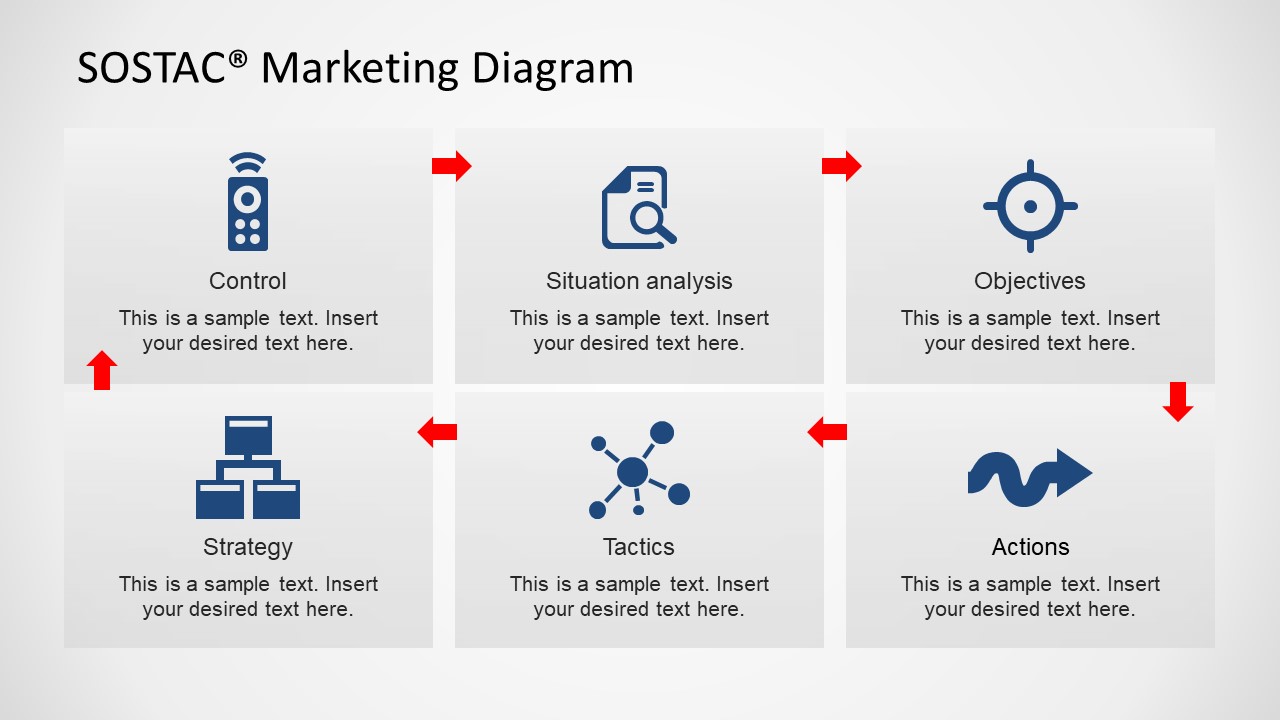
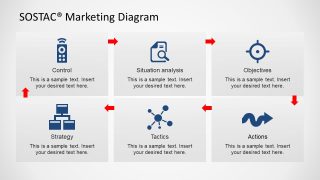
- A digital marketing trainer can use the six-tile component matrix to teach the meaning of each SOSTAC element before moving into individual detail slides.
- An agency strategist can use the tactics and actions detail slides to separate execution choices from ownership, timing, and accountability.
Features
- 100% editable presentation template
- Compatible with Microsoft PowerPoint and Google Slides
- 16:9 aspect ratio slides
- Scalable vector shapes, icons and illustrations
- AI-Ready for Microsoft Copilot and Claude
- Instant access and download
Frequently asked questions
Q: How should a presenter turn this SOSTAC diagram into a clear planning conversation?
A: Start with the circular wheel to show the complete planning loop, then use the question callout slide to ask one decision question per stage. Move into the six-tile matrix only after the audience understands the acronym. The individual stage slides work best as discussion pages where the presenter captures decisions, owners, or next steps.
Q: Who is this template best suited for in a marketing planning session?
A: This template fits marketing leaders, agency strategists, consultants, and trainers who need to explain a repeatable planning method rather than present a finished campaign dashboard. It is especially useful when a group must agree on current state, target objectives, strategy, tactics, action ownership, and control measures in a workshop format.
Q: Why does the circular SOSTAC wheel work better than a simple list for this message?
A: The wheel treats marketing planning as a cycle, not a checklist. That metaphor is useful because control feeds back into situation analysis, and each stage depends on the previous one. The surrounding question prompts reduce abstraction by turning each colored segment into a practical conversation about decisions the team must make.



SOSTAC® Marketing Diagram for PowerPoint
11-slide SOSTAC presentation template with a circular planning wheel, six-step tiles, and action detail slides
This 11-slide SOSTAC® Marketing Diagram for PowerPoint is a marketing planning presentation template built around the Situation, Objectives, Strategy, Tactics, Action, and Control framework. It includes a circular SOSTAC wheel, question callouts, a six-tile component matrix, and detail slides for each stage, for marketers, consultants, and trainers using PowerPoint or Google Slides.
- Category
- Marketing
- Rating


 Loading...
- Aspect ratio
- 16:9
- Item ID
- 6551-02
- Colors
 Microsoft PowerPoint
  Microsoft Copilot
  Claude for PowerPoint
 Other formats supported
Subscribe today and get immediate
access to download our PowerPoint templates.