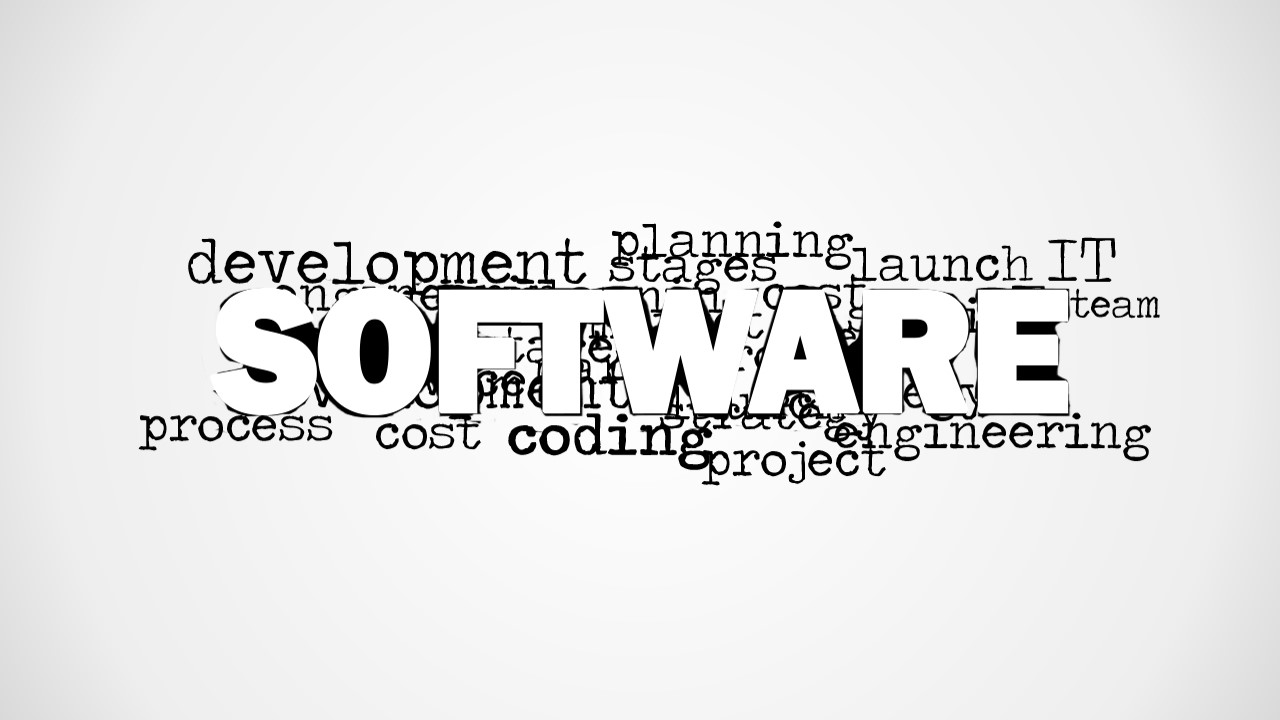
This software image for PowerPoint contains a creative tag cloud with the main word Software. You can use the software tag cloud to decorate your slides and presentations on software development topics, business software tools and programming in general.
Behind the main keyword Software you can find other relevant keywords for software topics in the IT industry including planning, cost, management, process, IT, coding, launch, engineering, etc.
What’s inside this template
Example presentation scenarios
- An IT manager can open a software planning meeting by using the word cloud to frame topics such as cost, process, coding, and engineering before moving into the project agenda.
- A product manager can introduce a business software roadmap by placing the word cloud before a discussion of launch stages, team responsibilities, and development priorities.
- A programming trainer can use the software word cloud as a course title slide to preview technical themes such as coding, IT, development, and project work.
- A technology consultant can adapt the blank slide for client-specific notes after using the word cloud as a neutral visual divider between discovery and recommendations.
Features
- 100% editable presentation template
- Compatible with Microsoft PowerPoint and Google Slides
- 16:9 aspect ratio slides
- Scalable vector shapes, icons and illustrations
- AI-Ready for Microsoft Copilot and Claude
- Instant access and download
Frequently asked questions
Q: How should a presenter use the word cloud without making the slide feel decorative only?
A: Treat the large Software keyword as the central concept, then call out three to five surrounding terms that match the meeting objective. For example, an IT planning talk might point to cost, process, planning, coding, and launch. This turns the picture into a framing device rather than a background image.
Q: Who is this template best suited for?
A: This template fits presenters who need a quick visual introduction to software development, IT planning, programming, or business software topics. It is most useful for managers, trainers, consultants, and product leads who want to signal the subject before explaining a process, plan, proposal, or discussion agenda.
Q: Why does the word cloud design help communicate a software topic?
A: The design uses scale to create a clear hierarchy: Software is the dominant idea, while related terms surround it as context. This metaphor works well for broad technical topics because it shows that development discussions connect planning, cost, coding, engineering, team work, and launch decisions.


Software Word Cloud Picture for PowerPoint
2-slide presentation template with software word cloud picture for IT planning and development topics
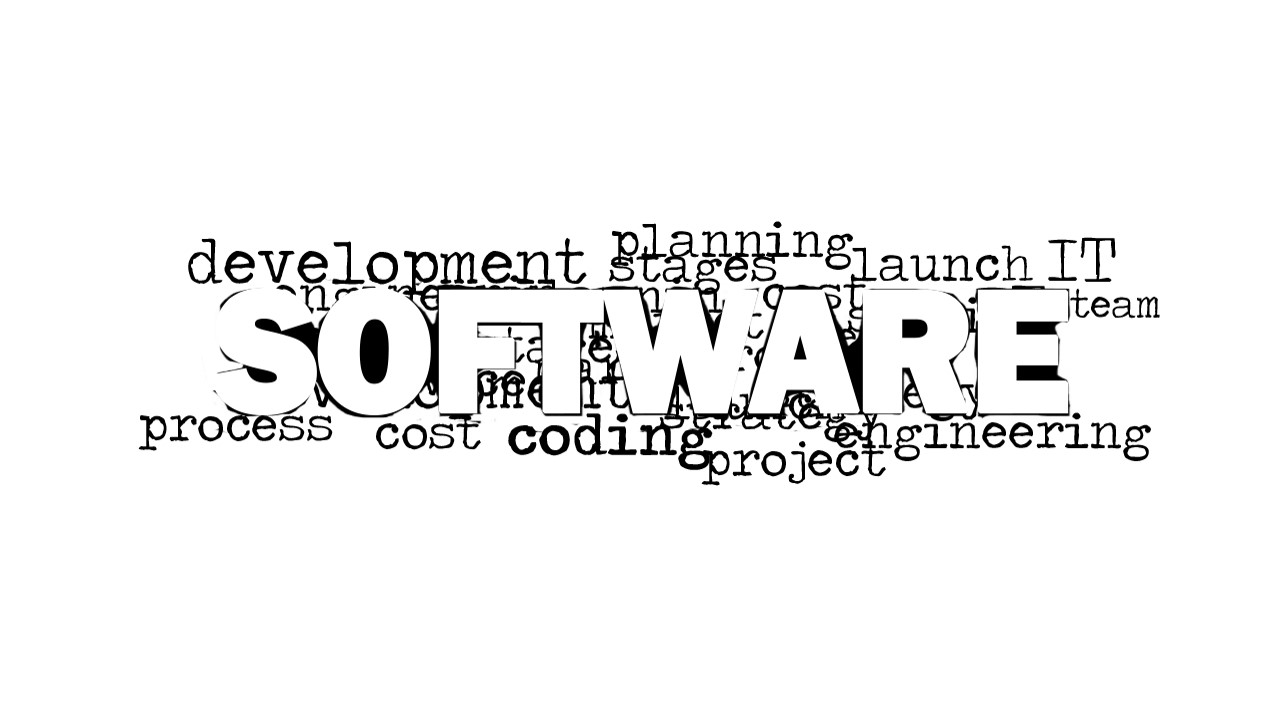
Software Word Cloud Picture for PowerPoint is a 2-slide picture template for software development and IT presentations. It centers the word Software inside a monochrome word cloud with terms such as development, planning, process, cost, coding, engineering, launch, IT, and project. It works in Microsoft PowerPoint and Google Slides.
- Category
- Pictures
- Rating


 Loading...
- Aspect ratio
- 16:9
- Item ID
- 8295-01
- Colors
 Microsoft PowerPoint
  Microsoft Copilot
  Claude for PowerPoint
 Other formats supported
Subscribe today and get immediate
access to download our PowerPoint templates.