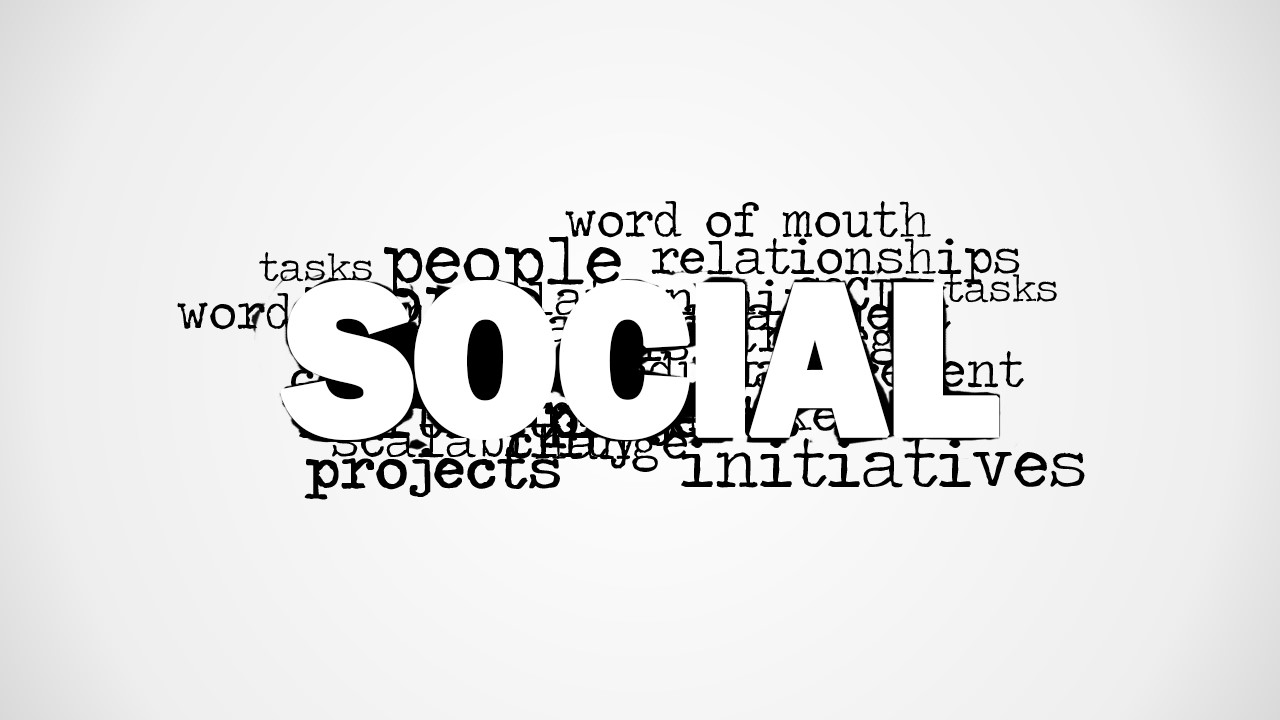
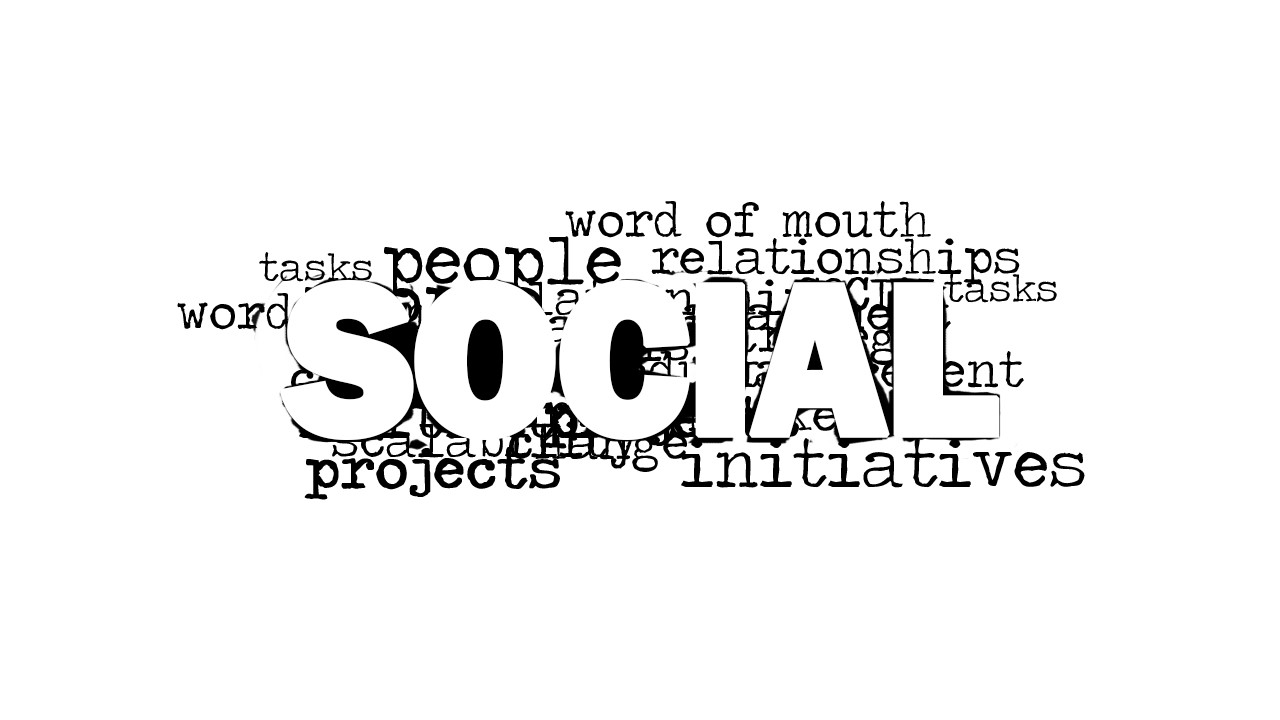
Social Word Cloud Picture for PowerPoint is a creative tag cloud picture for presentations containing the keyword Social as the most prominent word and other related keywords in the picture background such as word of mouth, initiatives, projects, relationships, people, tasks, etc.
This social picture for PowerPoint can be used to decorate your slides with attractive tag clouds or word clouds.
What’s inside this template
Example presentation scenarios
- A social media manager can use the SOCIAL word cloud as an opening visual before explaining campaign themes, audience engagement, and word-of-mouth goals.
- A corporate communications lead can place the word cloud before an internal engagement update and use the blank white canvas for a concise message or agenda.
- A community manager can use the supporting terms around SOCIAL to frame a discussion about people, relationships, projects, and initiatives.
- A trainer can show the tag cloud as a workshop prompt and ask participants to connect the visible terms to their own collaboration behaviors.
Features
- 100% editable presentation template
- Compatible with Microsoft PowerPoint and Google Slides
- 16:9 aspect ratio slides
- Scalable vector shapes, icons and illustrations
- AI-Ready for Microsoft Copilot and Claude
- Instant access and download
Frequently asked questions
Q: How should I use the word cloud without making the slide feel decorative only?
A: Treat the word cloud as a framing device for one clear message. Start with the large SOCIAL keyword, then call attention to two or three surrounding terms that connect directly to your topic, such as relationships, initiatives, or word of mouth. Add a short title or spoken bridge so the audience knows why the visual matters.
Q: Who is this picture template best suited for?
A: This template fits presenters who need a fast conceptual visual rather than a full analytical slide. Marketing teams, communications leaders, community managers, and facilitators can use it to introduce social media, collaboration, engagement, or networked relationships before moving into detailed plans, examples, or discussion.
Q: Why does the word cloud metaphor work for social topics?
A: A word cloud is useful here because social communication is built from associations, not one isolated idea. The oversized SOCIAL label creates the main theme, while smaller words show the surrounding ecosystem of people, projects, tasks, relationships, and word of mouth. That hierarchy helps the audience grasp the concept quickly.
Social Word Cloud Picture for PowerPoint
2-slide presentation template with social word cloud picture layouts for PowerPoint and Google Slides
Social Word Cloud Picture for PowerPoint is a 2-slide picture presentation template for showing a social concept through a tag cloud. It includes a centered SOCIAL word cloud, supporting terms such as people, relationships, initiatives, projects, tasks, and word of mouth, plus open white space for use in Microsoft PowerPoint and Google Slides.
- Category
- Pictures
- Rating


 Loading...
- Aspect ratio
- 16:9
- Item ID
- 8187-01
- Colors
 Microsoft PowerPoint
  Microsoft Copilot
  Claude for PowerPoint
 Other formats supported
Subscribe today and get immediate
access to download our PowerPoint templates.