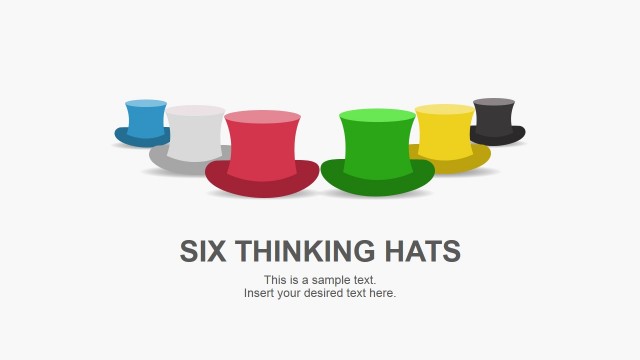
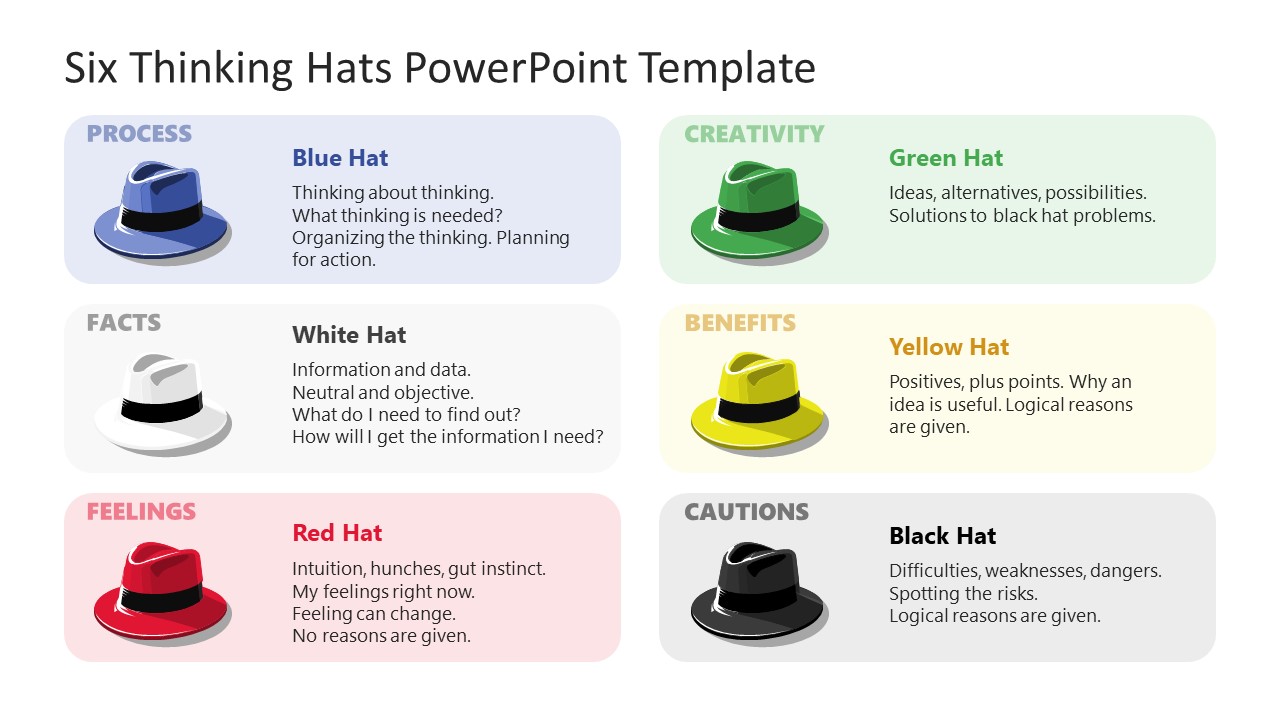
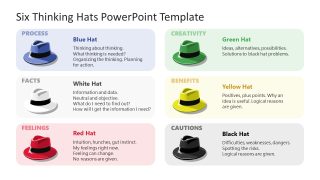
Access our Six Thinking Hats PowerPoint Template to showcase the different perspectives in a decision-making process using engaging slide designs. Six thinking hats is an approach employed to let people think in various ways, identify potential risks, find opportunities, and look at problems in various ways. Using the six thinking hats technique, experts can assign different thinking hats to various groups that explore for valuable insights and then come up with innovative ideas. In this way, they can prevent you from making wrong business decisions due to some emotional preferences or an optimistic approach. We have created this engaging PPT template for professionals so that they can discuss the outcomes of the brainstorming. And discover unique ideas and work on new projects or plans. The six metaphorical thinking hats are:
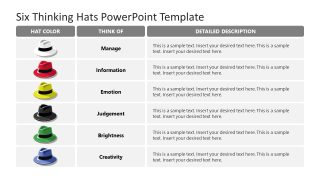
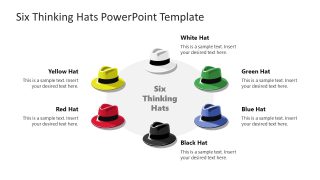
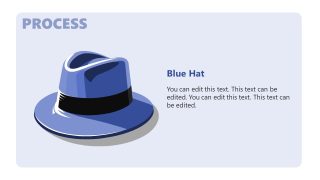
- Blue Hat – The Conductor: Focuses on thinking and controlling the decision-making process.
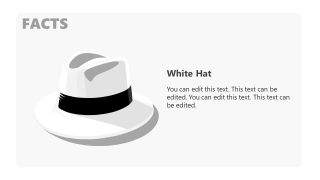
- White Hat – Factual: The white hat group gathers information and collects relevant facts.
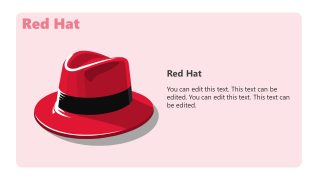
- Red Hat – Feelings: While wearing this hat, you can express your emotions and inner feelings without explaining them logically.
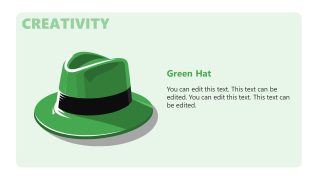
- Green Hat – Creative: The group with green hat explores various creative ideas and potential ways to move forward.
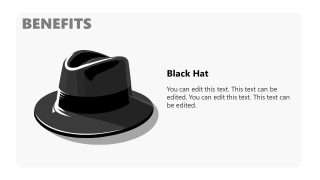
- Black Hat – Cautions and Judgement: This group determines the possible risk of a decision. You think more logically and get more cautious while in this group.
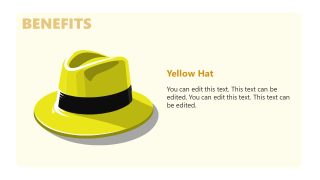
- Yellow Hat – Optimistic: In this case, you focus on things more positively. Also, you can mention the benefits and additional value you can get from a particular idea.
The Six Thinking Hats PowerPoint Template consists of eleven interactive slides describing the six hats’ duties and examining their tasks. The title slide has six editable text boxes for each hat. A hat diagram contains a title and placeholder text to mention the significant details. The six thinking hats are listed in a tabular form in the next slides, demonstrating the different viewpoints and related descriptions in an interactive format. Furthermore, the six thinking hats are discussed individually in the following slides with corresponding slide colors.
Users can customize this template in terms of colors and shapes with all versions of Microsoft PowerPoint, Google Slides, and Keynote. You can also check our De Bono 6 Thinking Hats PPT template for creating comprehensive presentations. Download this creative template and customize it now!
What’s inside this template
Example presentation scenarios
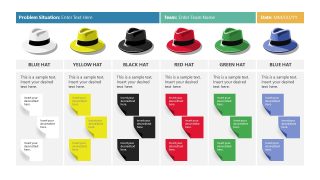
- A facilitator can use the workshop board to assign groups to hat roles, capture sticky-note ideas, and compare perspectives during a decision-making session.
- A corporate trainer can use the overview slide, comparison table, and individual hat slides to teach the Six Thinking Hats method to managers or project teams.
- A product manager can use the circular six-hat diagram to frame a feature review around facts, risks, benefits, creativity, process, and emotions.
- A consultant can use the recap overview to summarize workshop findings and show how each thinking mode contributed to the final recommendation.
Features
- 100% editable presentation template
- Compatible with Microsoft PowerPoint and Google Slides
- 16:9 aspect ratio slides
- Scalable vector shapes, icons and illustrations
- AI-Ready for Microsoft Copilot and Claude
- Instant access and download
Frequently asked questions
Q: How should a presenter guide a team through the Six Thinking Hats message with this deck?
A: Start with the six-hat overview so the audience understands the roles before discussion begins. Use the workshop board to collect input under each color, then move to the comparison table to clarify how each thinking mode differs. The individual hat slides work best as short facilitator prompts before group activities.
Q: Who benefits most from presenting with this template?
A: This template fits facilitators, consultants, trainers, and team leads who need to run a structured conversation rather than present a finished answer. It is useful when a group must separate facts, emotions, risks, ideas, benefits, and process control before making a business decision or reviewing a proposal.
Q: Why does the hat metaphor make the decision process easier to communicate?
A: The colored hats turn abstract thinking behaviors into visible roles the audience can remember and switch between. The overview, circular diagram, and single-hat slides repeat the same visual code, which helps people distinguish emotional input from factual analysis, creative ideas, risks, benefits, and process management during discussion.


Six Thinking Hats PowerPoint Template
11-slide presentation template for Six Thinking Hats workshops, decision making, and brainstorming facilitation.
The Six Thinking Hats PowerPoint Template is an 11-slide decision-making deck for Microsoft PowerPoint and Google Slides. It includes a six-hat overview, workshop board with sticky notes, comparison table, circular diagram, and individual hat explanation slides for facilitators, consultants, team leaders, and trainers.
- Category
- Models
- Rating

 Loading...
- Aspect ratio
- 16:9
- Item ID
- 22217-01
- Colors
 Microsoft PowerPoint
 Microsoft Copilot
 Claude for PowerPoint
Other formats supported
Subscribe today and get immediate
access to download our PowerPoint templates.