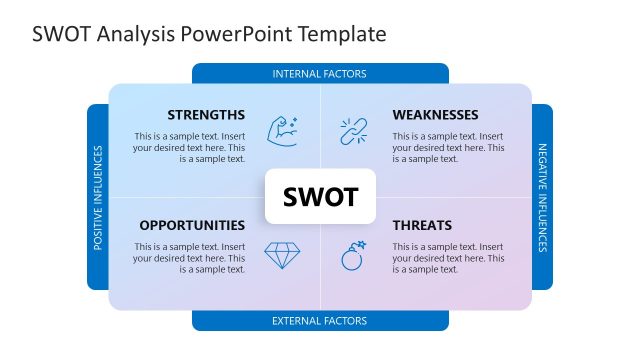
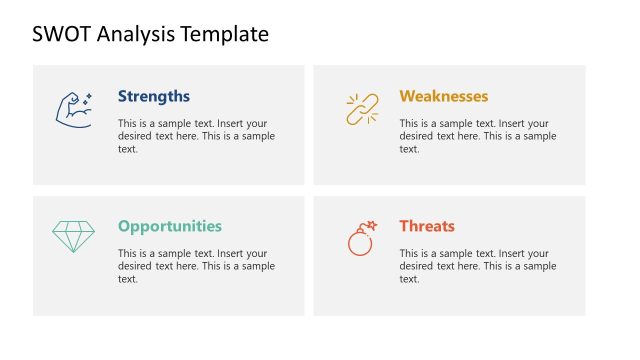
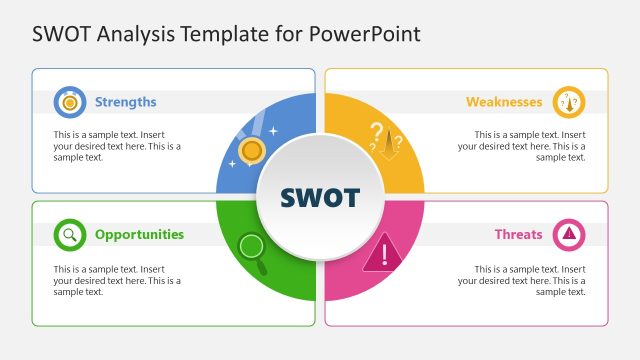
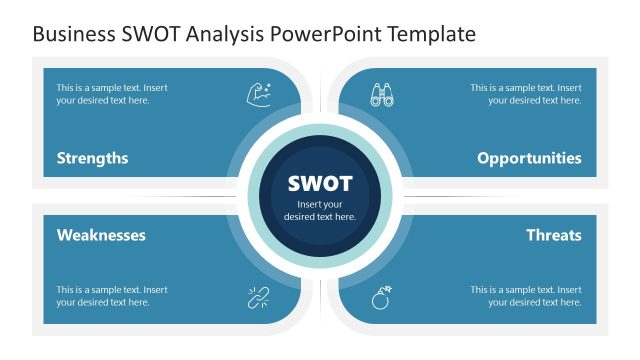
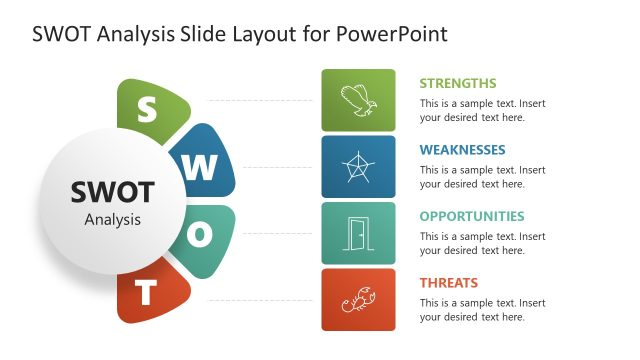
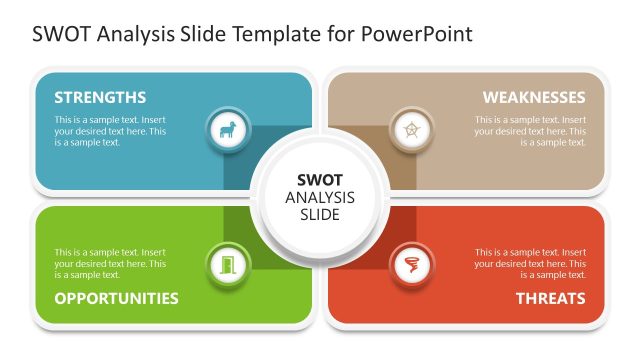
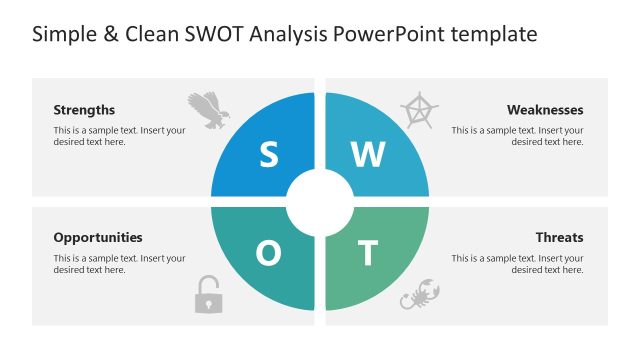
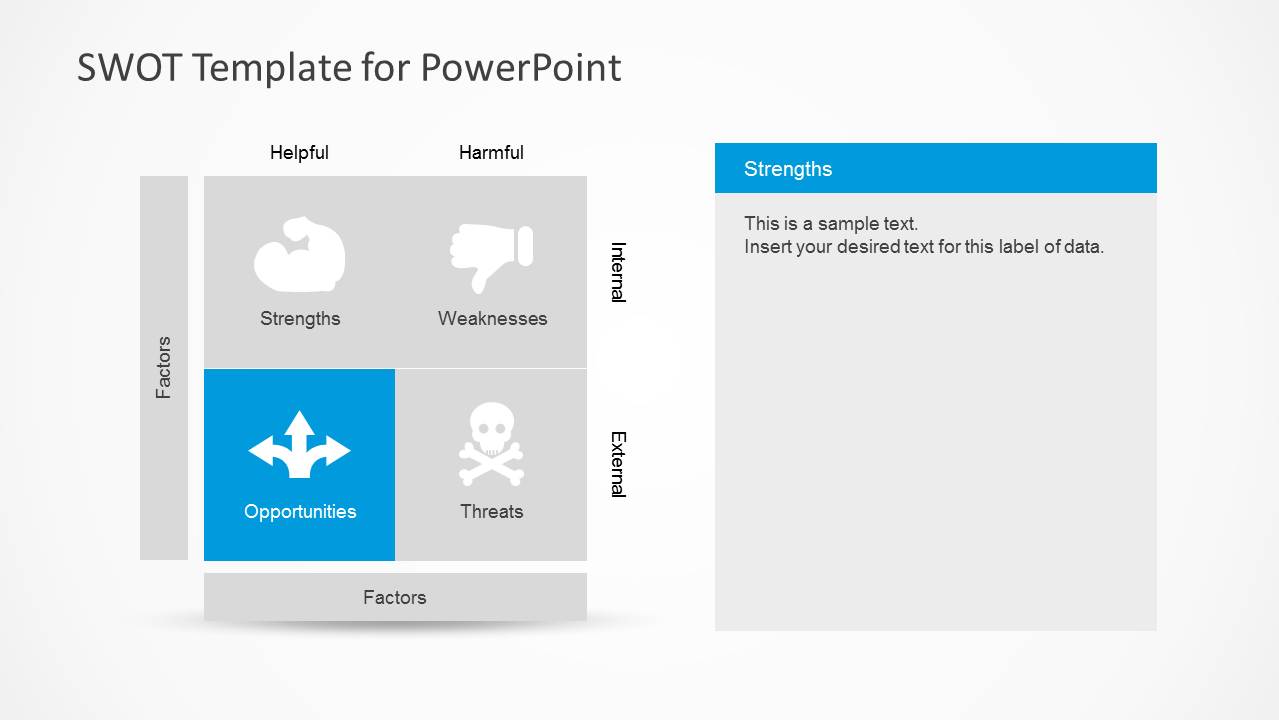
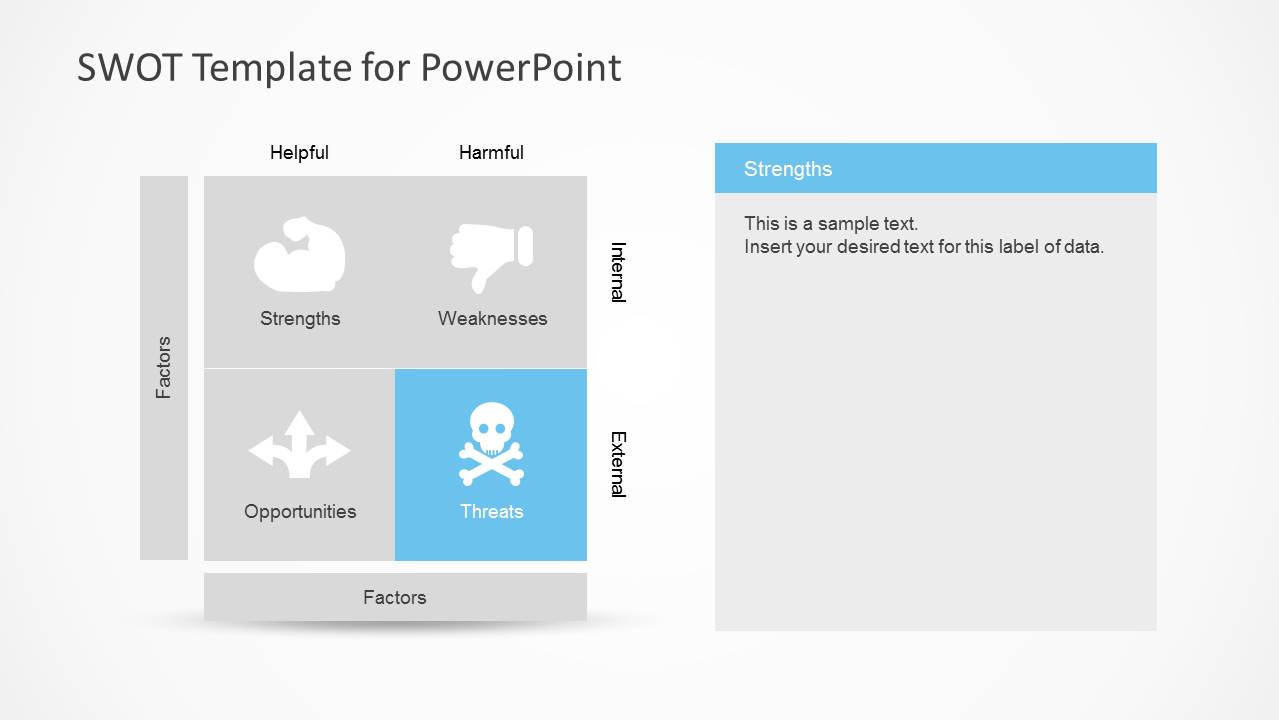
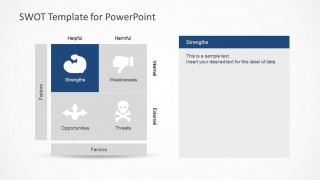
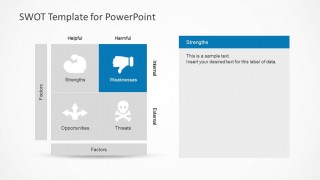
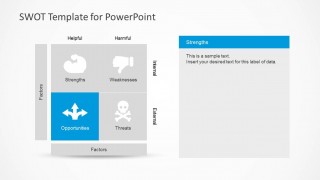
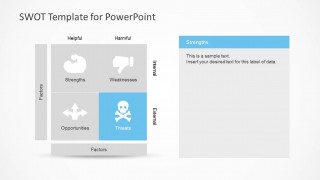
SWOT Analysis is widely used in marketing and business presentations. This simple SWOT analysis template for PowerPoint can help present your business’s internal and external factors: strengths, weaknesses, opportunities, and threats in a PowerPoint presentation using an excellent combination of colors and illustrations to identify each component. The simple SWOT template is also compatible with Google Slides and include relevant PowerPoint icons that you can use to help visualize and identify each component.
Alternatively, you can download other SWOT Analysis templates for PowerPoint presentations including business slide designs and presentation design templates.
What’s inside this template
Example presentation scenarios
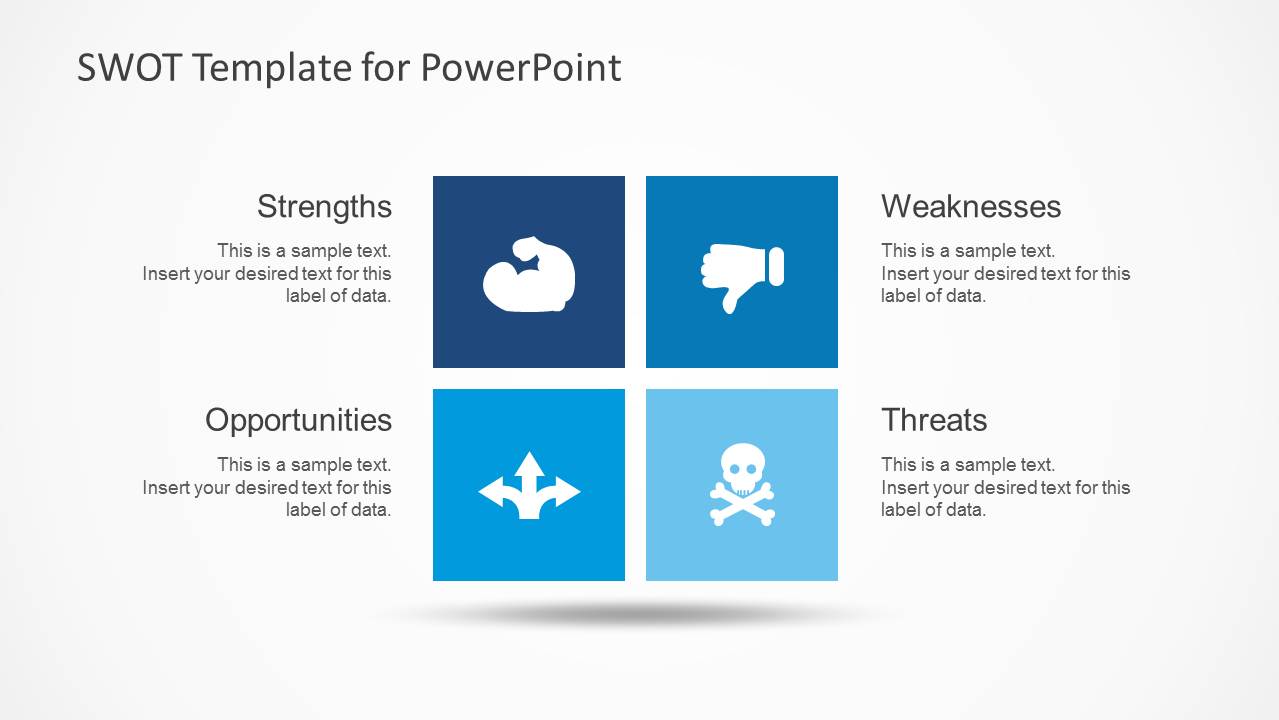
- A marketing manager can use the SWOT quadrant matrix to summarize a market situation before discussing campaign priorities with leadership.
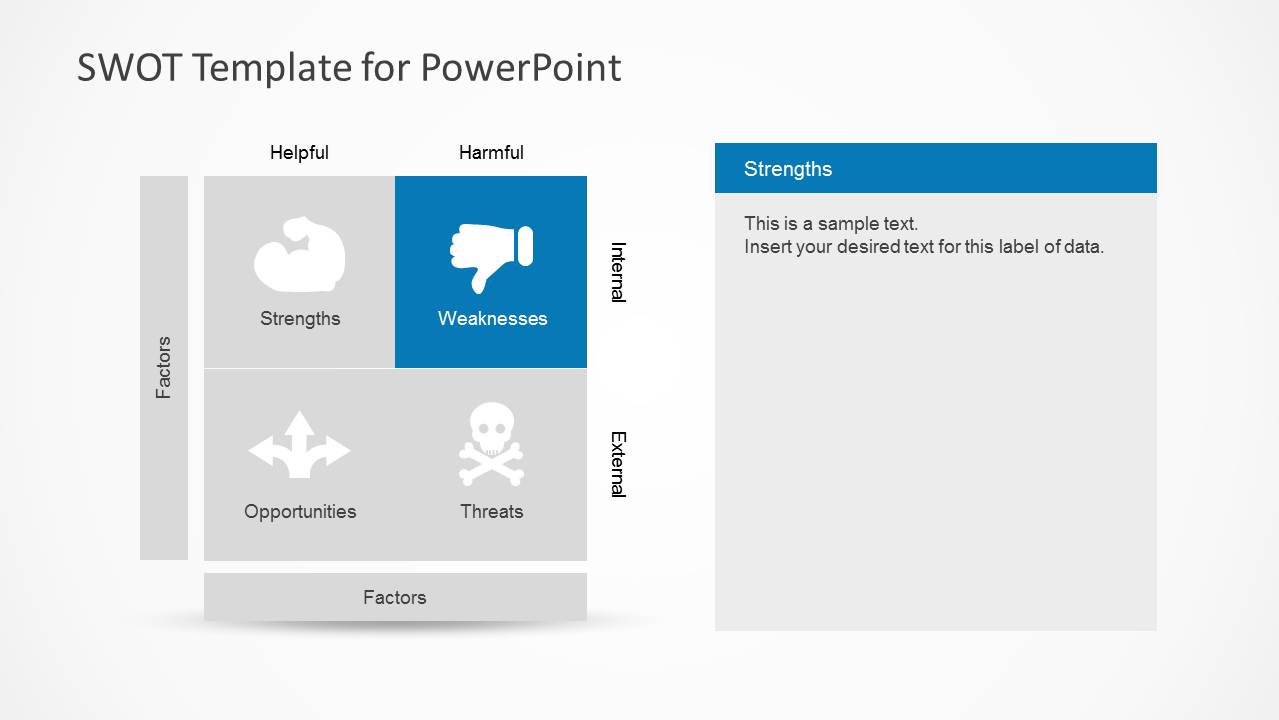
- A consultant can use the highlighted factor panels to walk a client through strengths, weaknesses, opportunities, and threats one category at a time.
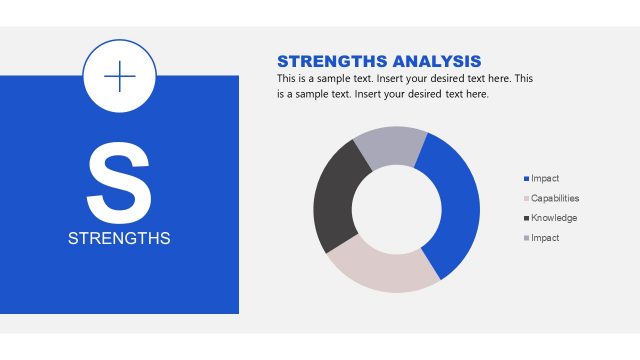
- A product manager can use the large detail slides to document evidence behind each SWOT factor during a roadmap planning meeting.
- A facilitator can use the icon navigation slides to structure a workshop recap and separate internal factors from external factors.
Features
- 100% editable presentation template
- Compatible with Microsoft PowerPoint and Google Slides
- Scalable vector shapes, icons and illustrations
- AI-Ready for Microsoft Copilot and Claude
- Instant access and download
Frequently asked questions
Q: How should a presenter structure the SWOT message with this template?
A: Start with the full quadrant overview to define the four categories, then move into the highlighted matrix and detail slides. Keep each factor short and evidence-based. Use the large text areas for the implication of each point, not just a list, so the audience understands what the SWOT means for decisions.
Q: Who is this SWOT template best suited for?
A: This template fits managers, consultants, marketers, and planning teams that need a clear qualitative assessment before choosing priorities. It is especially useful when the audience already understands the business context and needs an organized view of strengths, weaknesses, opportunities, and threats before discussing actions.
Q: Why do the quadrant and icon layouts help explain a SWOT analysis?
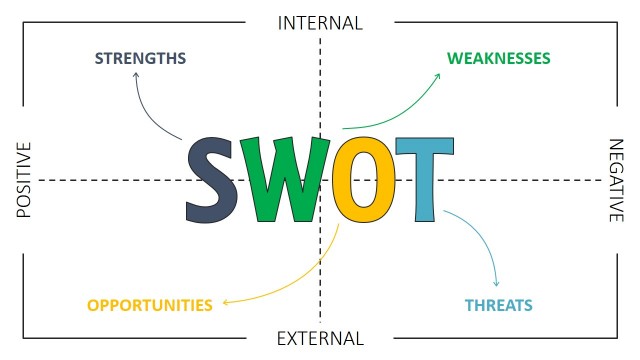
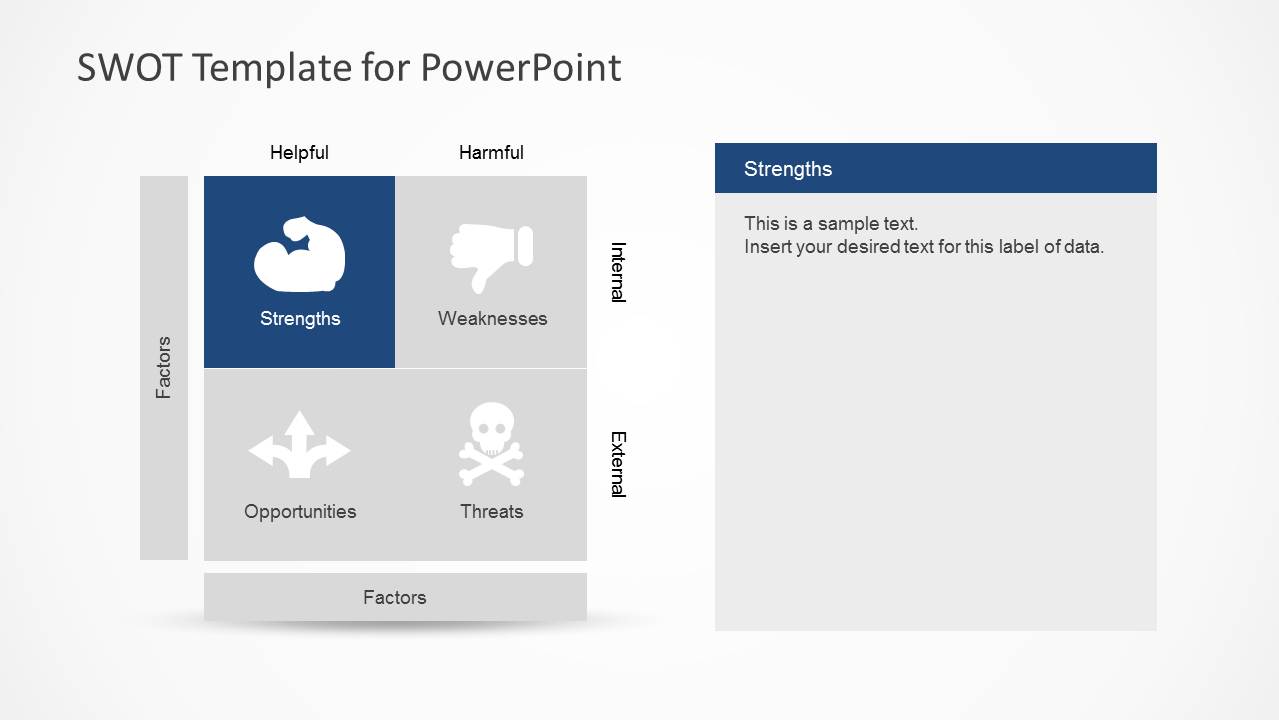
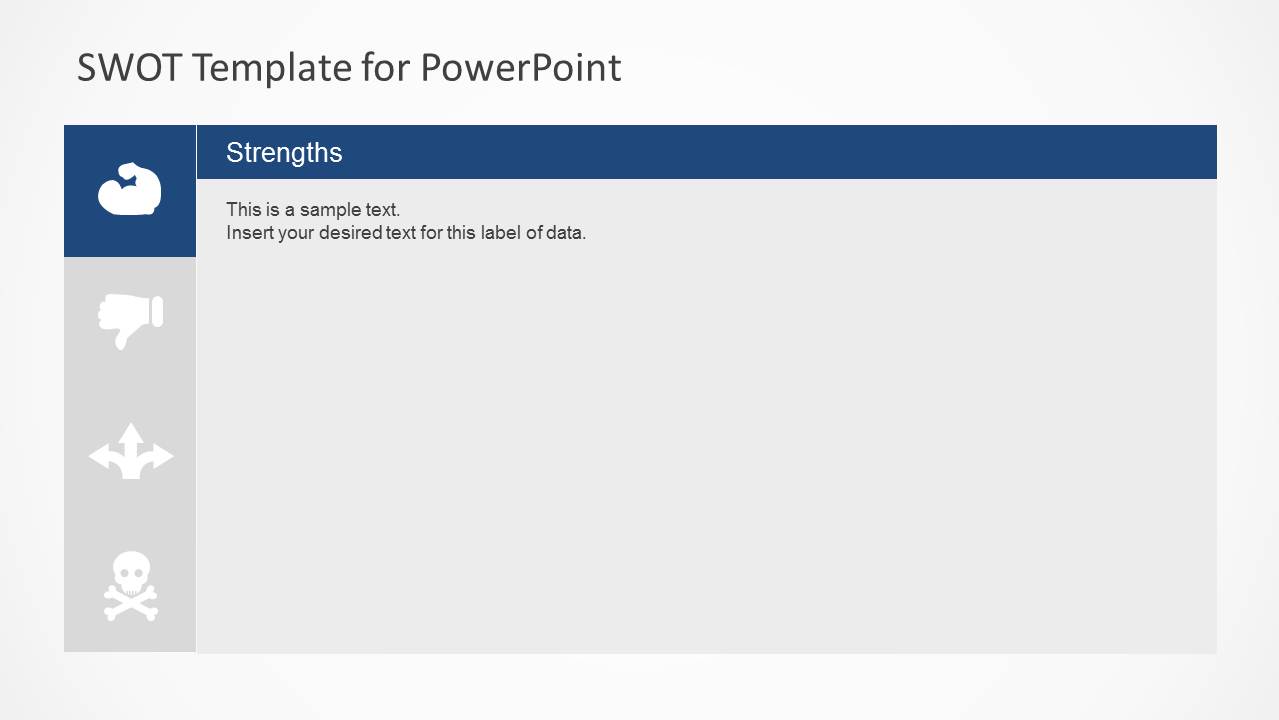
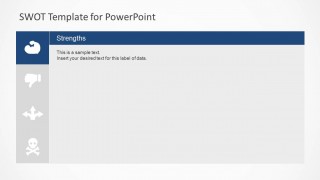
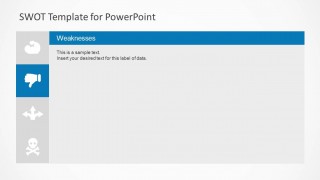
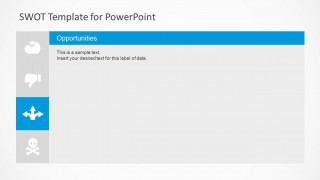
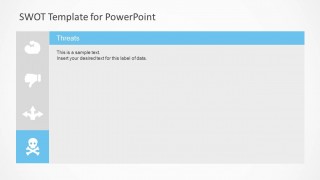
A: The 2x2 matrix separates helpful from harmful factors and internal from external factors, which makes the logic of SWOT visible. The repeated icon bar on the detail slides acts as a navigation cue, reminding the audience where each discussion point sits in the overall strategic frame.


Simple SWOT PowerPoint Template
9-slide SWOT presentation template with quadrant matrix, factor detail slides, and blue business icons
The Simple SWOT PowerPoint Template is a 9-slide strategy diagram deck for presenting strengths, weaknesses, opportunities, and threats. It includes a central SWOT quadrant matrix, component highlight slides, and large factor detail slides with icon navigation for business, marketing, and planning presenters in PowerPoint and Google Slides.


 Loading...
 Microsoft PowerPoint
  Microsoft Copilot
  Claude for PowerPoint
 Other formats supported
Subscribe today and get immediate
access to download our PowerPoint templates.