Simple Affinity Diagram PowerPoint Template
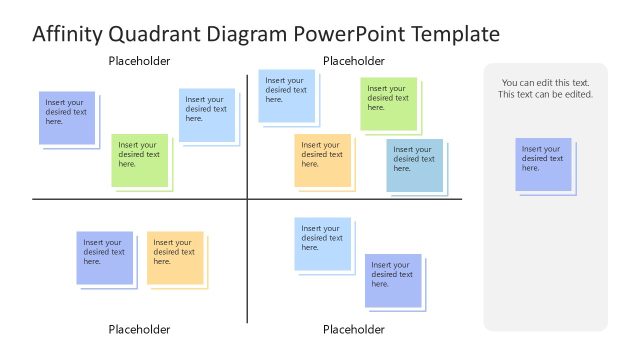
Present your ideas arranged in multiple logical groups with our Simple Affinity Diagram PowerPoint Template in your business sessions. Japanese anthropologist Jiro Kawakita developed this model, and it involves four steps:
- Step 1: Gather ideas
- Step 2: Group ideas into different categories based on their similarity (affinity)
- Step 3: Create a visual diagram
- Step 4: Formulate practical conclusions
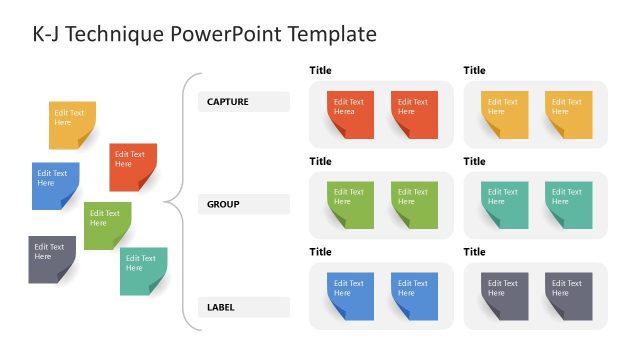
We have created this template to help professionals demonstrate multiple ideas at once with an attractive visual diagram in their meetings. Before working on a new strategic initiative, this template can help them review all ideas and choose the perfect one for the venture. Presenters can enlist product reviews or customer testimonials and help stakeholders analyze the sentiment. They can make informed decisions on whether to launch a new product or make necessary adjustments to the existing one. The K-J method, also known as the affinity diagram, helps professionals solve complex problems and prioritize issues.
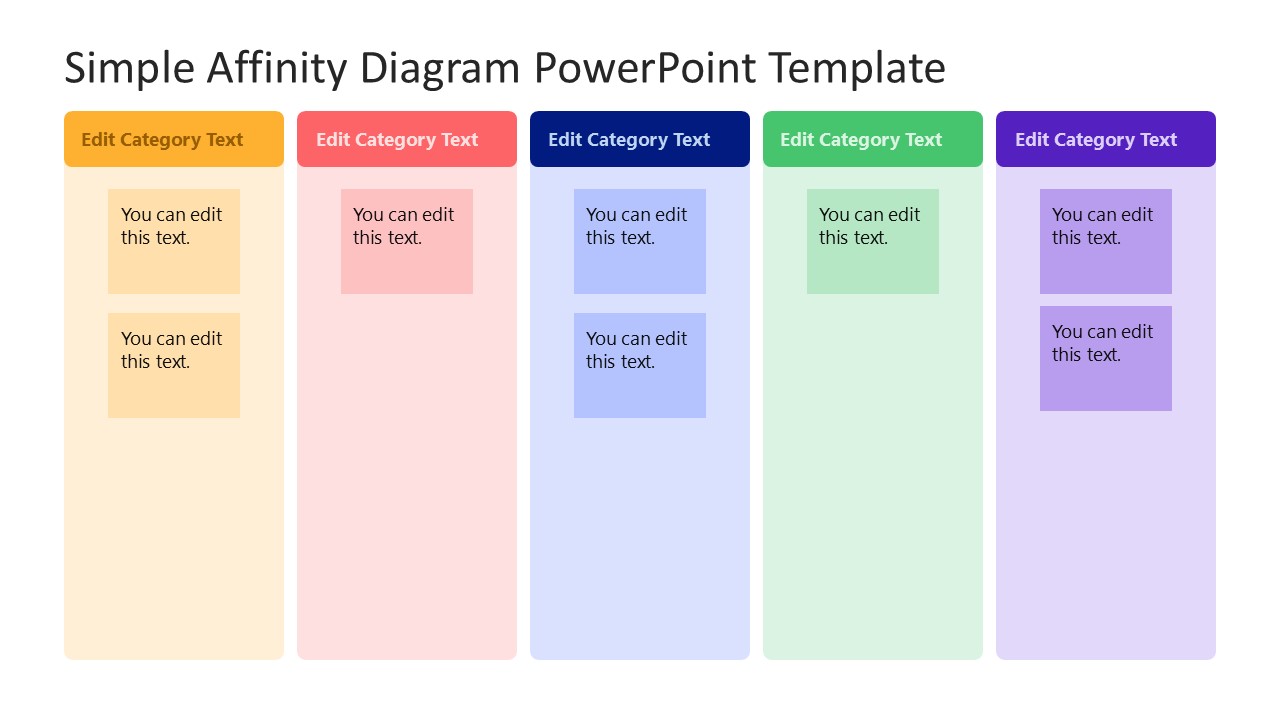
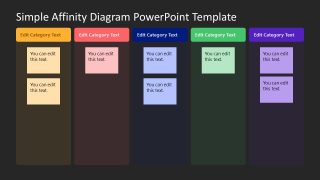
The Simple Affinity Diagram PowerPoint Template has a six-column layout. Both slides have the same graphical arrangement, but the first slide has a white background, while the second has a darker background. Each column is specific to a unique category and has a distinct color. Within each column, you can display the tile text and use small blocks similar to sticky notes to mention the ideas obtained from a brainstorming session. Furthermore, our slide template includes editable components, allowing users to change colors, shapes, and other elements, such as fonts, to align with their brand. Also, our template is customizable with Google Slides. Download the simple affinity diagram template or check our other versions of KJ method presentation templates for your business presentations. Grab it today!

You must be logged in to download this file.
DOWNLOAD- Category
- Diagrams
- Rating

 Loading...
- Size
- 16x9
- Item ID
- 23359-01
Subscribe today and get immediate
access to download our PowerPoint templates.