Slide 1 of 2 from Simple Affinity Diagram PowerPoint Template
Customizable Simple Affinity Diagram Template
Simple Affinity Diagram Structure Overview
- Diagram
- Other
- Concept Explanation Slide
- 16:9
- 100% Editable
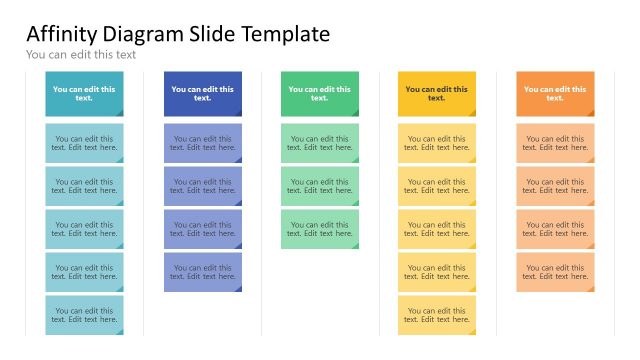
The Affinity Diagram Structure slide from the Simple Affinity Diagram PowerPoint Template offers a clear layout ideal for organizing ideas during brainstorming sessions and team discussions. This slide template features editable shapes arranged in five vertical sections, each designed to categorize concepts effectively. It supports corporate presentations and workshops by visually grouping information, making it a practical choice for business presentations and slide decks focused on trend analysis.
What’s on This Slide
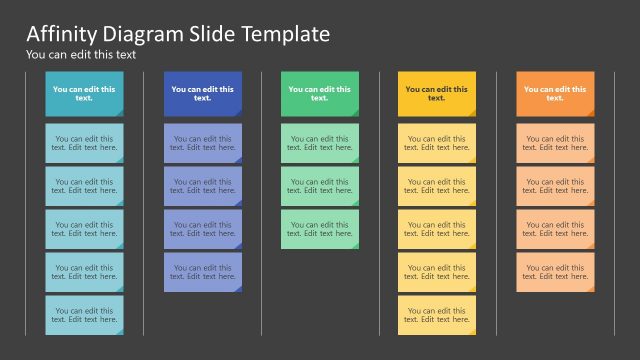
The layout features five vertical sections arranged side by side, each with a distinct background color. Each section contains two text placeholders stacked vertically, aligned to the left. The top of each section includes a larger placeholder for category titles, while the smaller placeholders below are for additional text. The sections are visually separated by light borders. The overall composition is balanced, with a clear visual hierarchy emphasizing the category titles. The background is a neutral color, enhancing readability.
How to Use It
This layout serves as an affinity diagram to categorize and organize ideas or factors. It is suitable for brainstorming sessions, team discussions, or workshops where grouping concepts is essential. This structure fits well in presentations that aim to analyze trends or patterns. It is effective for visualizing relationships among various elements in a structured manner, making it ideal for collaborative environments.
Text Placeholders & Capacity
Keep your copy within these limits so it fits without resizing. Body slots can hold roughly 10-12 words each.
| Placeholder | Count | Max characters (approx.) |
|---|---|---|
| Item heading | 5 | 25 |
| Item body | 10 | 50 |
Slide Keywords
Download unlimited PowerPoint templates, charts and graphics for your presentations with our annual plan.
DOWNLOADReturn to Simple Affinity Diagram PowerPoint Template.