Slide 2 of 2 from Simple Affinity Diagram PowerPoint Template
Simple Affinity Diagram Presentation Template
Simple Affinity Diagram Layout for Ideas
- Diagram
- Matrix Grid
- Strategic Analysis Slide
- 16:9
- 100% Editable
What’s on This Slide
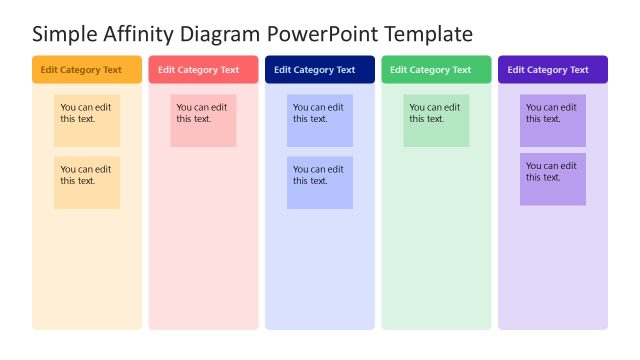
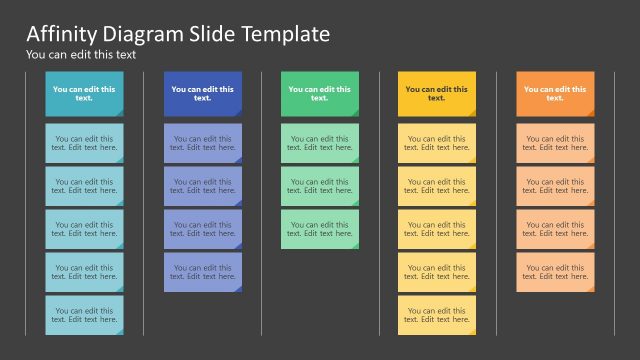
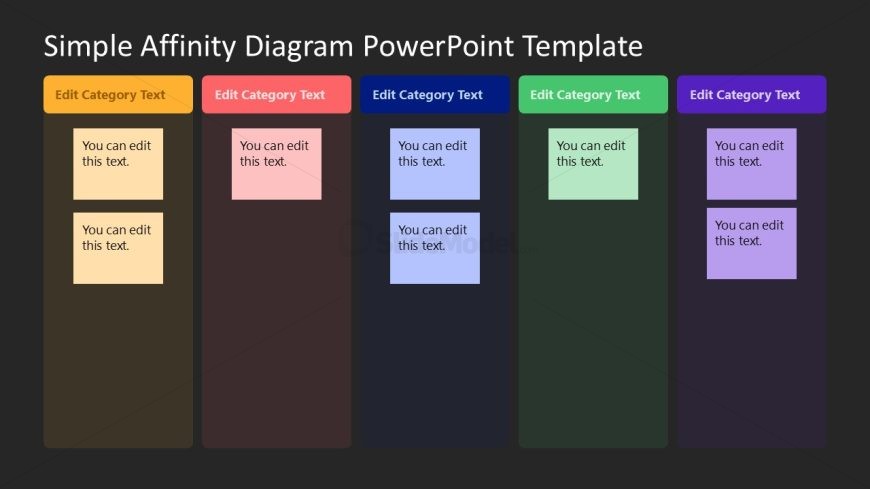
The layout features five vertical sections arranged side by side. Each section has a colored header labeled 'Edit Category Text' and contains two text placeholders. The placeholders are rectangular and aligned vertically within each section. The background is dark, providing contrast to the colorful headers. The sections vary in color, including shades of orange, pink, blue, green, and purple. Each header is centered at the top of its section, while the text placeholders are aligned left within their respective sections. This layout emphasizes categorization and organization of ideas.
How to Use It
This layout serves as an affinity diagram, ideal for organizing and categorizing ideas or factors. It fits well in presentations focused on brainstorming sessions, project planning, or strategic discussions. Use it to visually group related concepts, making it easier for audiences to understand relationships. This layout is particularly useful in workshops or meetings where collaborative input is gathered and categorized for further analysis or decision-making.
Text Placeholders & Capacity
Keep your copy within these limits so it fits without resizing. Each node body can hold up to 30 characters comfortably.
| Placeholder | Count | Max characters (approx.) |
|---|---|---|
| Item body | 10 | 30 |
| Item heading | 5 | 30 |
Slide Keywords
Download unlimited PowerPoint templates, charts and graphics for your presentations with our annual plan.
DOWNLOADReturn to Simple Affinity Diagram PowerPoint Template.