Slide 6 of 10 from Setting Goals Template for PowerPoint with Target & Darts
6174-01-setting-goals-dart-powerpoint-6
Dart Goals Layout for Presentations
- Diagram
- Other
- Goal Setting Slide
- 16:9
- 100% Editable
What’s on This Slide
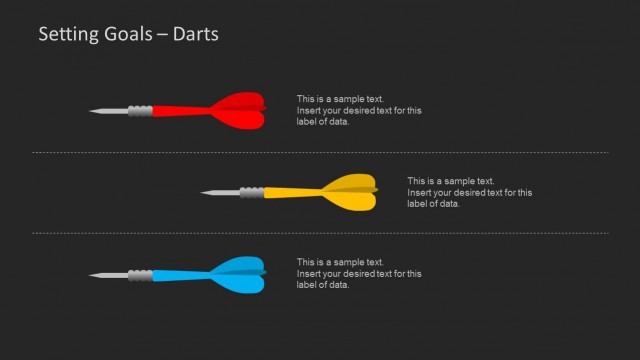
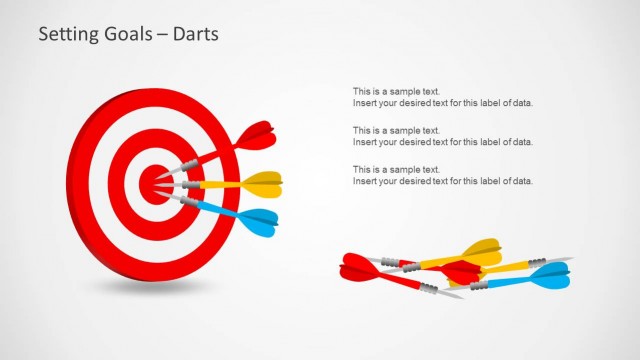
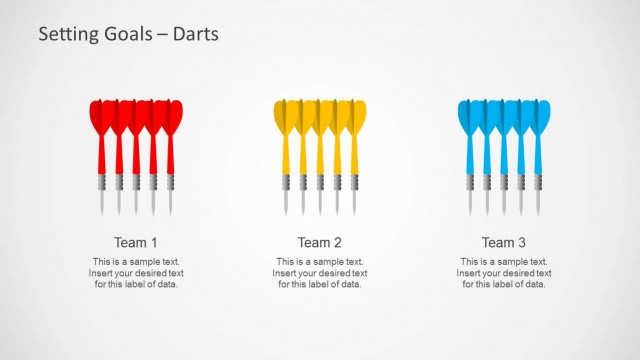
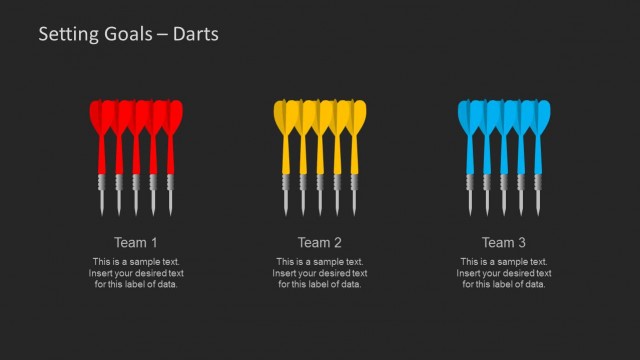
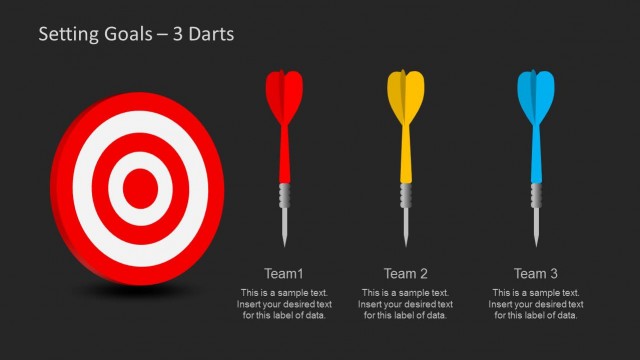
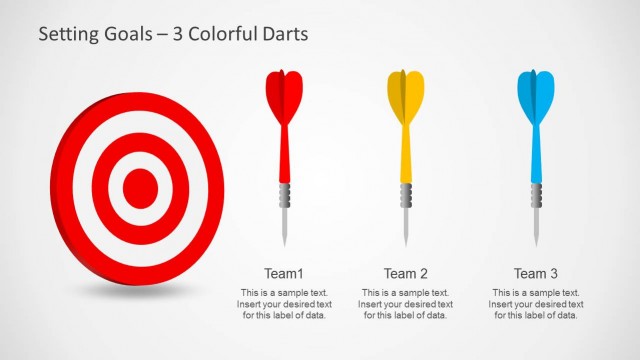
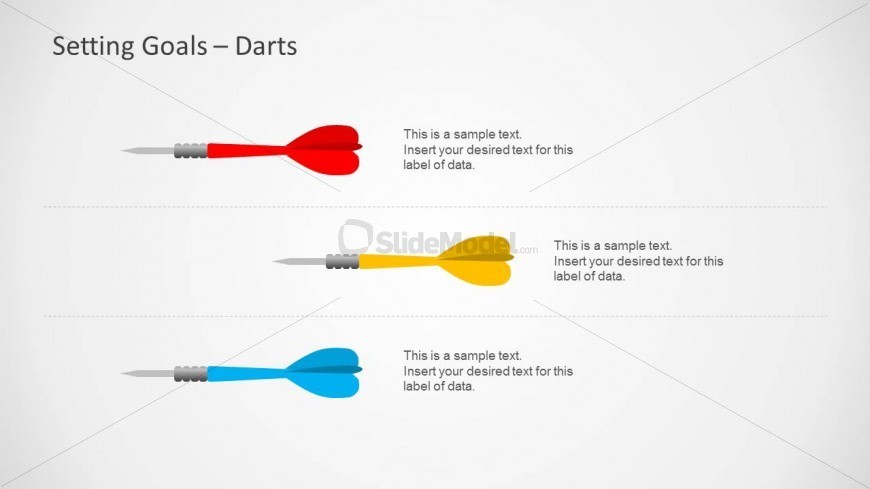
The layout features three horizontal rows, each containing a dart graphic positioned centrally. The darts are colored red, yellow, and blue, with their points facing downward. Below each dart, there are text placeholders aligned to the left, indicating where to insert specific data. The background is a light gray, providing contrast against the colorful darts. The visual hierarchy emphasizes the darts as focal points, while the placeholders are smaller and less prominent. The overall composition is clean and organized, facilitating clear communication of goal-related information.
How to Use It
This layout serves as a visual representation for setting and tracking goals, ideal for presentations focused on performance metrics or objectives. It fits well after introductory slides that outline the importance of goal setting, making it suitable for business meetings, coaching sessions, or project planning discussions. The structure allows for easy comparison of multiple goals, making it effective for team assessments or individual performance reviews. Each dart can represent a different goal or target, providing a clear visual cue for audience engagement.
Text Placeholders & Capacity
Keep your copy within these limits so it fits without resizing. Each text slot can hold about 10-12 words comfortably.
| Placeholder | Count | Max characters (approx.) |
|---|---|---|
| Item body | 3 | 60 |
Slide Keywords
Download unlimited PowerPoint templates, charts and graphics for your presentations with our annual plan.
DOWNLOADReturn to Setting Goals Template for PowerPoint with Target & Darts.