Slide 2 of 10 from Setting Goals Template for PowerPoint with Target & Darts
6174-01-setting-goals-dart-powerpoint-2
Setting Goals with Darts Slide
- Diagram
- Comparison Split
- Goal Setting Slide
- 16:9
- 100% Editable
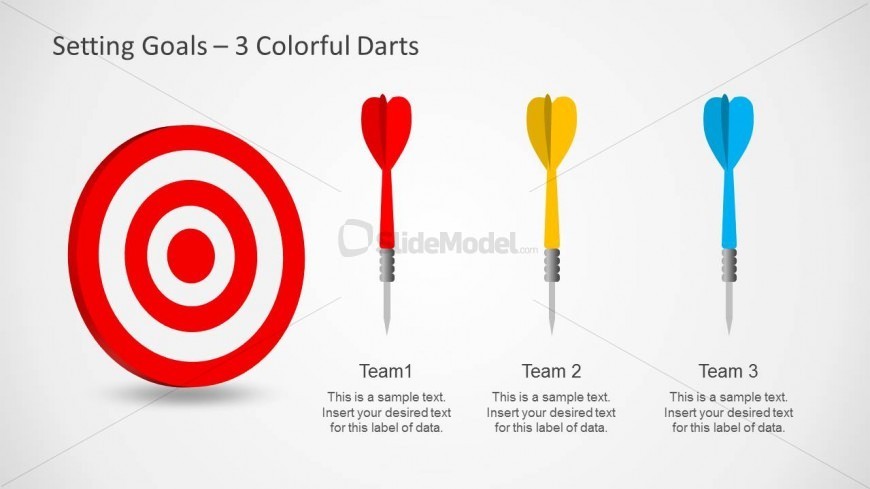
The Setting Goals with Darts slide from the Setting Goals Template for PowerPoint with Target & Darts uses a clear target and colorful darts to visually compare team objectives. This slide layout is designed for business presentation contexts like team performance reviews and project planning, featuring editable shapes and text placeholders to customize goals for multiple teams. It integrates seamlessly into corporate presentations or pitch deck templates focused on goal setting and strategic alignment.
What’s on This Slide
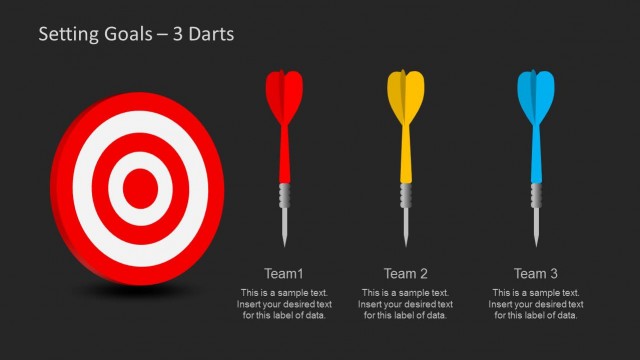
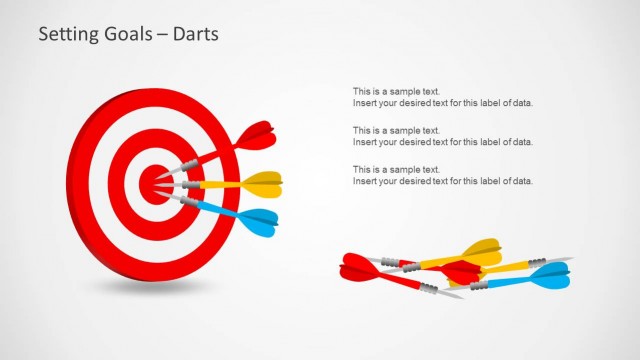
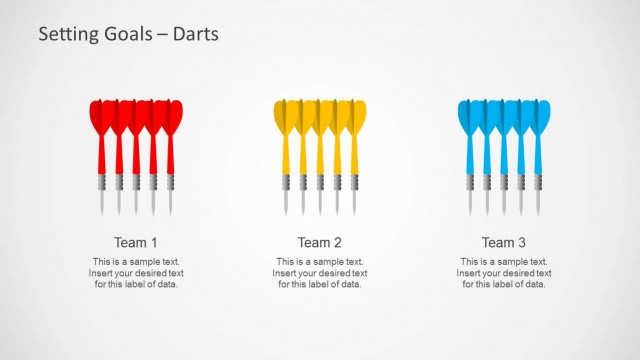
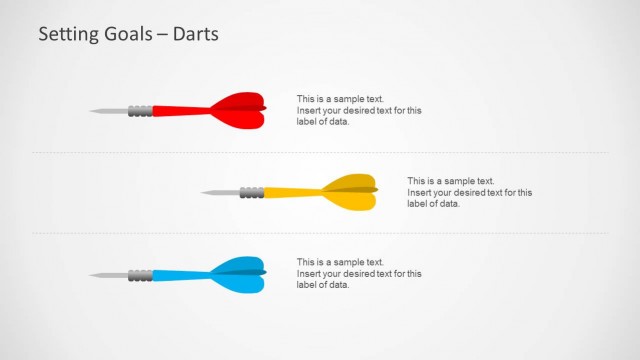
The slide features a large red target positioned centrally, with three colorful darts arranged horizontally to the right. Each dart is a different color: red, yellow, and blue. Below each dart, there are text placeholders aligned vertically, labeled 'Team 1', 'Team 2', and 'Team 3'. The placeholders are designed for inserting specific text and are evenly spaced. The background is a light gradient, enhancing the visibility of the target and darts. The overall layout emphasizes the target metaphor for goal setting.
How to Use It
This layout serves as a visual representation of goal setting, ideal for comparing multiple teams or objectives. It fits well in a presentation sequence after introducing the concept of goal setting. This slide is suitable for business scenarios such as team performance reviews, project goal discussions, or strategic planning sessions. It can effectively illustrate how different teams aim to achieve specific targets.
Text Placeholders & Capacity
Keep your copy within these limits so it fits without resizing. Node body slots can accommodate roughly 15-20 words each.
| Placeholder | Count | Max characters (approx.) |
|---|---|---|
| Item heading | 3 | 30 |
| Item body | 3 | 100 |
Slide Keywords
Download unlimited PowerPoint templates, charts and graphics for your presentations with our annual plan.
DOWNLOADReturn to Setting Goals Template for PowerPoint with Target & Darts.