Slide 14 of 15 from Self Introduction PowerPoint Template
Self Introduction Template with Modern Design
Team Introduction Slide for Presentations
- Media Layout
- Image + Text Split
- Team Slide
- 16:9
- 100% Editable
The Team Introduction Layout from the Self Introduction PowerPoint Template offers a structured approach to presenting team members and collaborative efforts. This slide design integrates editable shapes and vector icons within a horizontal arrangement, making it suitable for business presentations and project overviews. Its combination of images and text placeholders supports clear communication in corporate presentations and pitch deck templates.
What’s on This Slide
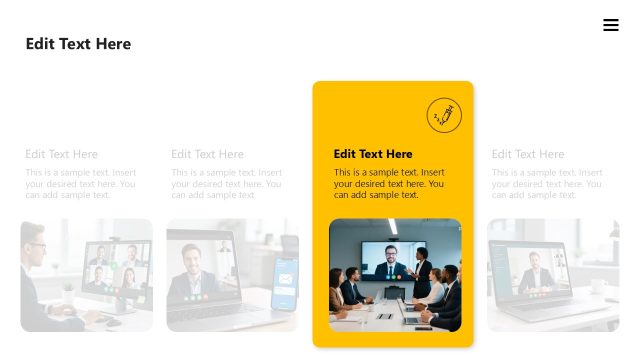
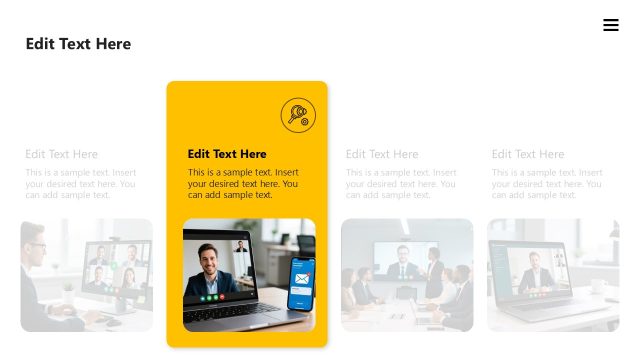
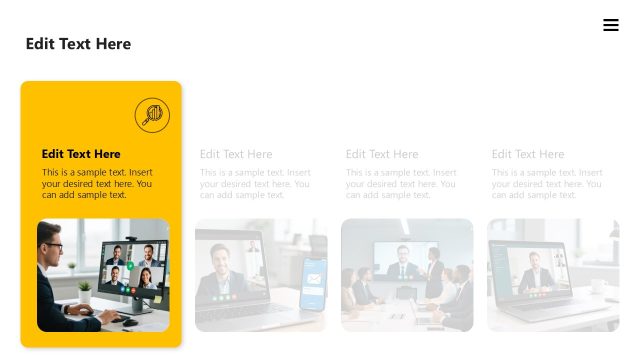
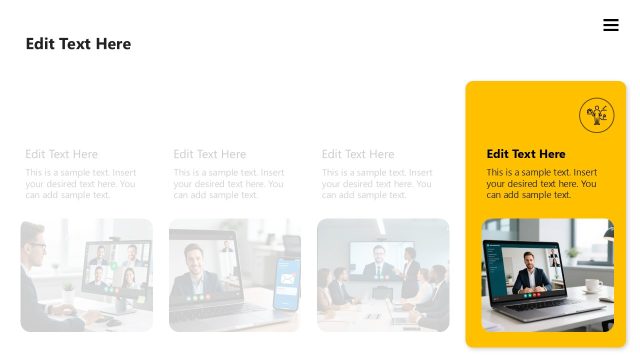
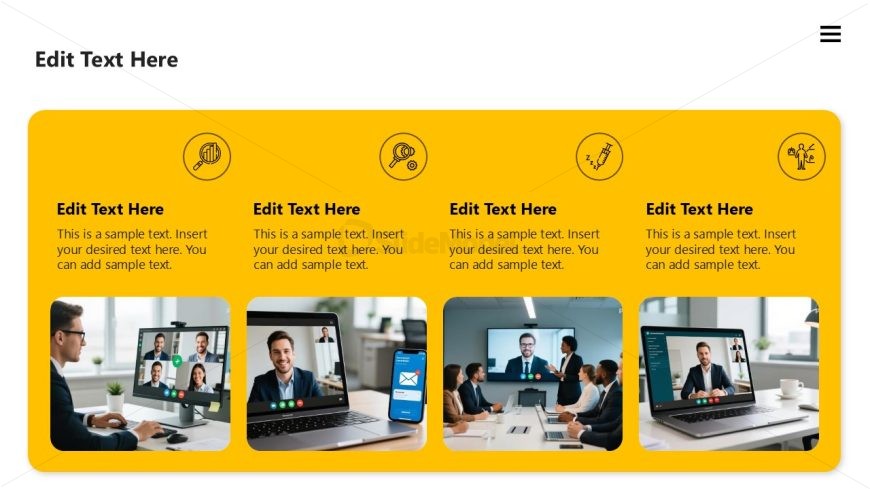
The layout features four rectangular sections arranged horizontally, each with a yellow background. The first section contains a person working at a desk with a video call displayed on a laptop. The second section showcases a smartphone with a messaging app, while the third section displays a group video call with multiple participants. The fourth section features another video call on a laptop. Each section has a circular icon above it, representing different themes. Text placeholders are centered above each section, indicating where content can be added.
How to Use It
This layout serves as a team introduction slide, ideal for showcasing team members or collaborative efforts. It fits well after an introductory slide, providing context for the audience. This structure is effective in business presentations, especially for team introductions, project overviews, or collaborative achievements. It allows for visual storytelling by combining images and text, making it suitable for both formal and informal settings.
Text Placeholders & Capacity
Keep your copy within these limits so it fits without resizing. Node body slots can hold approximately 15-20 words each.
| Placeholder | Count | Max characters (approx.) |
|---|---|---|
| Item heading | 4 | 30 |
| Item body | 4 | 100 |
Slide Keywords
Download unlimited PowerPoint templates, charts and graphics for your presentations with our annual plan.
DOWNLOADReturn to Self Introduction PowerPoint Template.