Slide 11 of 15 from Self Introduction PowerPoint Template
Self Introduction Slide with Spotlight Effect
Self Introduction Slide for Presentations
- Media Layout
- Image + Text Split
- Profile Slide
- 16:9
- 100% Editable
The Profile Introduction Layout from the Self Introduction PowerPoint Template offers a clear and professional design ideal for team introductions and personal profiles. This slide template features editable shapes and placeholders optimized for presenting individual backgrounds and roles, making it suitable for business presentations and networking events. Its balanced image and text split supports engaging storytelling within a corporate presentation or pitch deck template.
What’s on This Slide
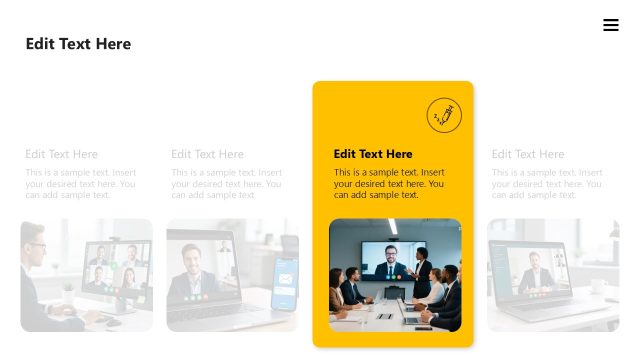
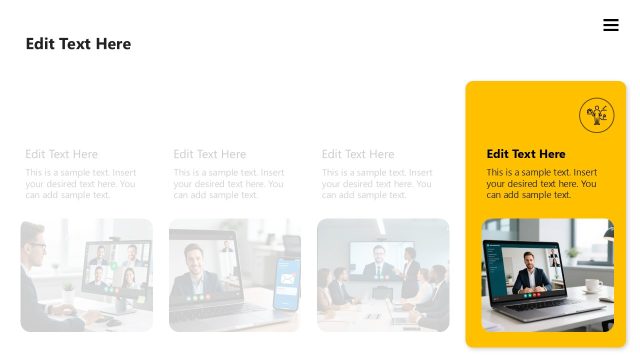
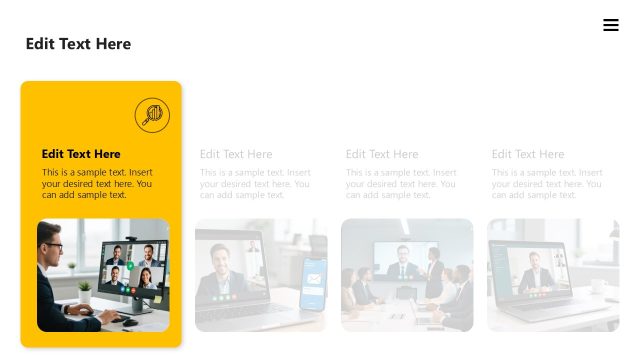
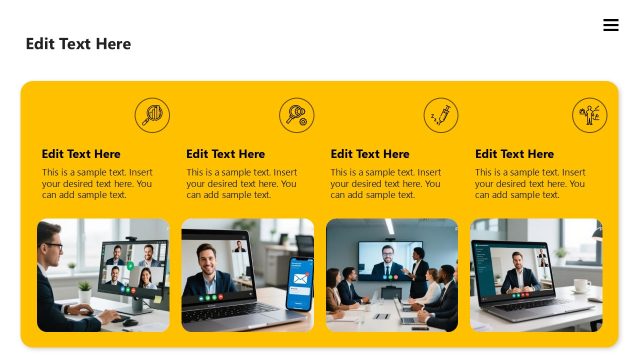
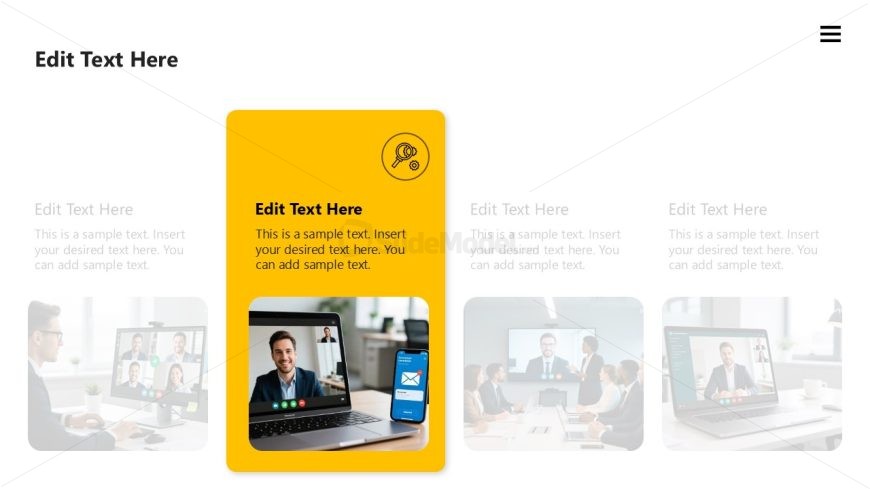
The layout features a central rectangular container with a yellow background, positioned slightly to the right. Inside, there is a prominent text placeholder at the top for a title, followed by a secondary text placeholder below for additional information. To the left, a media placeholder displays an image of a person in a video call, while a smartphone graphic is shown on the right side. The overall composition includes a light background with subtle images of people in meetings, creating a professional context. The text placeholders are aligned for easy readability.
How to Use It
This layout serves as a profile introduction slide, ideal for personal presentations or team introductions. It fits well in the middle of a presentation sequence, following introductory content and leading into more detailed discussions. Use this structure when presenting personal achievements, team roles, or professional backgrounds, allowing for a clear and engaging introduction of individuals. It can be particularly effective in networking or team-building contexts.
Text Placeholders & Capacity
Keep your copy within these limits so it fits without resizing. Body slots can accommodate roughly 20-30 words each.
| Placeholder | Count | Max characters (approx.) |
|---|---|---|
| Slide title | 1 | 30 |
| Body paragraph | 2 | 150 |
| Image caption | 1 | 50 |
Slide Keywords
Download unlimited PowerPoint templates, charts and graphics for your presentations with our annual plan.
DOWNLOADReturn to Self Introduction PowerPoint Template.