Slide 12 of 15 from Self Introduction PowerPoint Template
Creative Self Introduction Infographic Slide Template
Self Introduction Slide with Image and Text
- Media Layout
- Image + Text Split
- Context Slide
- 16:9
- 100% Editable
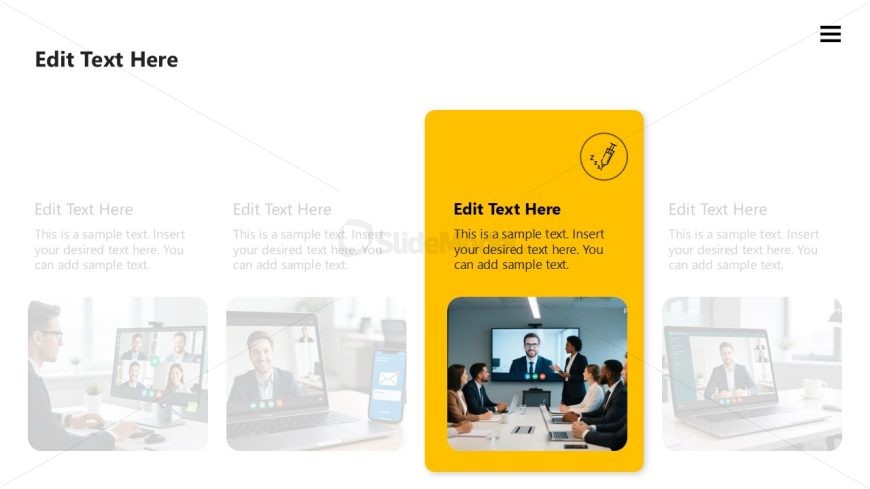
The Highlighted Text Box with Image slide from the Self Introduction PowerPoint Template offers a balanced media layout ideal for personal introductions and team presentations. This slide design features editable shapes and placeholders alongside semi-transparent images, making it suitable for professional profiles within business presentation slide decks. Its clear visual hierarchy supports effective communication in pitch deck templates and corporate presentations.
What’s on This Slide
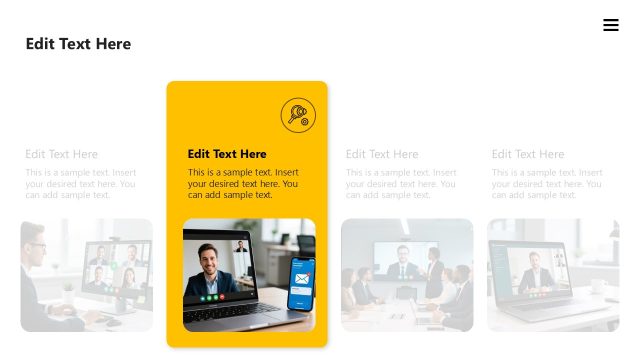
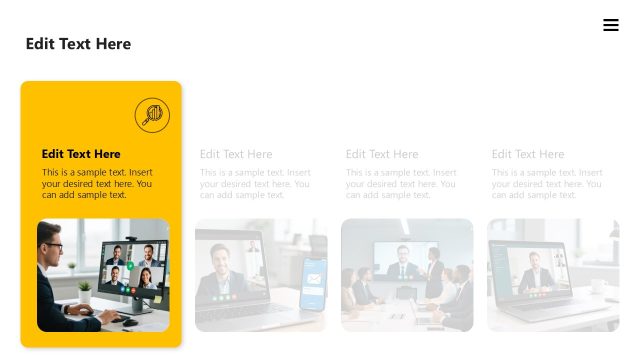
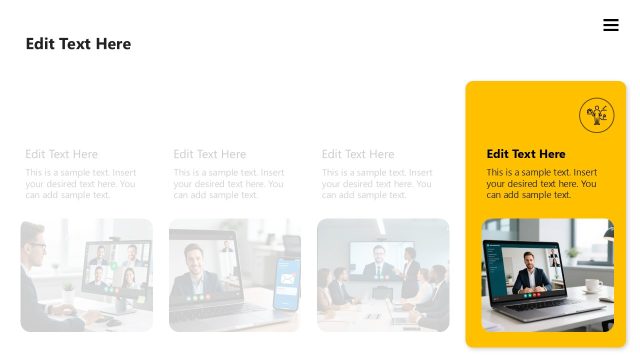
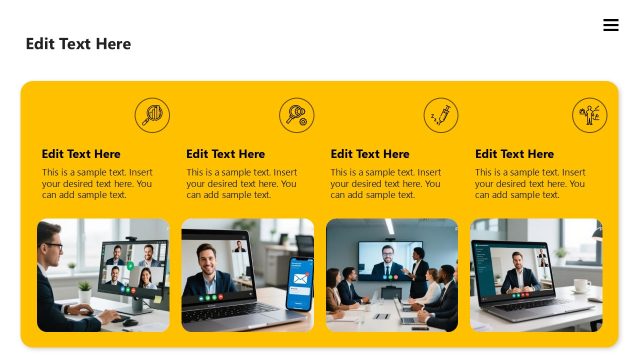
The layout features a prominent yellow text box on the right side, containing editable text placeholders. To the left, there are three semi-transparent images arranged vertically, showcasing various professional settings. The top image is a video call, the middle image displays a group meeting, and the bottom image shows a laptop screen. The text placeholders are aligned left within the yellow box, while the images are stacked in a column. The overall composition emphasizes the yellow box, creating a visual hierarchy that draws attention to the text.
How to Use It
This layout serves as a personal introduction slide, suitable for highlighting key information about an individual or team. It can be effectively used in presentations where personal branding or team introductions are essential. Positioned after a problem statement, it can transition into a discussion of solutions or team capabilities, making it a strategic choice for engaging an audience during self-introductions or team presentations.
Text Placeholders & Capacity
Keep your copy within these limits so it fits without resizing. Body slots can hold about 8 words each.
| Placeholder | Count | Max characters (approx.) |
|---|---|---|
| Body paragraph | 4 | 50 |
| Slide title | 1 | 30 |
Slide Keywords
Download unlimited PowerPoint templates, charts and graphics for your presentations with our annual plan.
DOWNLOADReturn to Self Introduction PowerPoint Template.