Slide 8 of 15 from Self Introduction PowerPoint Template
My Journey Slide – Self Introduction Template
My Journey Slide for Self Introduction
- Text Layout
- Other
- Context Slide
- 16:9
- 100% Editable
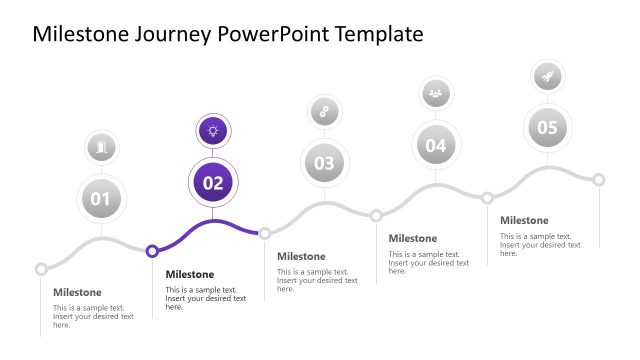
The My Journey Layout from the Self Introduction PowerPoint Template offers a structured design ideal for showcasing career milestones and personal narratives. This slide layout integrates editable shapes and vector icons to create a balanced visual hierarchy, making it suitable for business presentations or team introductions. Its clear text placeholders support storytelling within a corporate presentation or pitch deck template, enhancing the flow of personal insights in slide decks.
What’s on This Slide
The layout features a bold yellow background with a prominent title positioned at the top left. Below the title, there are three text placeholders aligned vertically, with the first placeholder labeled 'Edit Text Here' for a subtitle. A curved line connects to two circular icons at the bottom left, representing data and a gear. To the right, there are four additional text placeholders stacked vertically, each labeled 'This is a sample text.' The overall composition balances text and icons, creating a clear visual hierarchy.
How to Use It
This layout serves as a personal journey overview, suitable for introductions in professional settings. It fits well after a personal background slide, allowing for a narrative flow. Use it to highlight key milestones or experiences in a career context. This structure is effective for storytelling, making it ideal for presentations where personal insights are shared, such as in team introductions or personal branding.
Text Placeholders & Capacity
Keep your copy within these limits so it fits without resizing. Body slots can accommodate roughly 25-30 words each.
| Placeholder | Count | Max characters (approx.) |
|---|---|---|
| Slide title | 1 | 20 |
| Body paragraph | 4 | 150 |
| Item heading | 3 | 20 |
Slide Keywords
Download unlimited PowerPoint templates, charts and graphics for your presentations with our annual plan.
DOWNLOADReturn to Self Introduction PowerPoint Template.