Slide 3 of 6 from Milestone Journey PowerPoint Template
Milestone Journey Presentation Slide Layout
Milestone Journey Diagram Slide
- Diagram
- Timeline Horizontal
- Process Slide
- 16:9
- 100% Editable
The Milestone Journey Diagram slide from the Milestone Journey PowerPoint Template offers a clear horizontal timeline layout ideal for illustrating project milestones and product development stages. This slide template features editable shapes and vector icons arranged in a sequential slide deck format, making it suitable for business presentations and customer journey mapping using professional slide templates.
What’s on This Slide
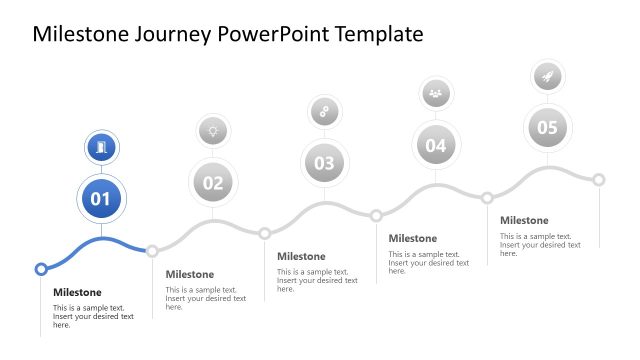
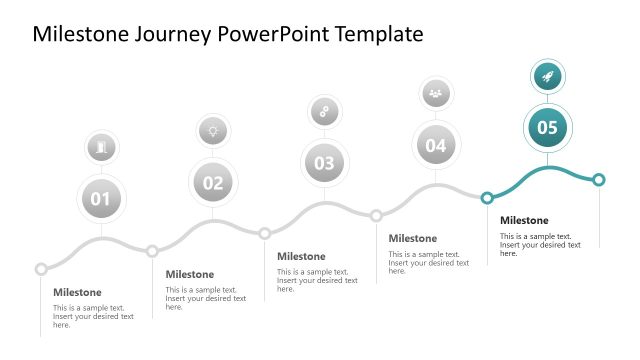
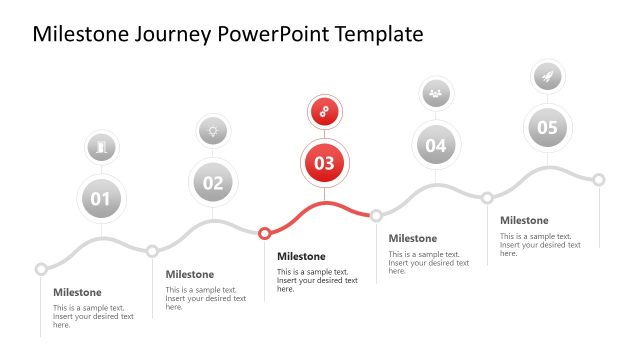
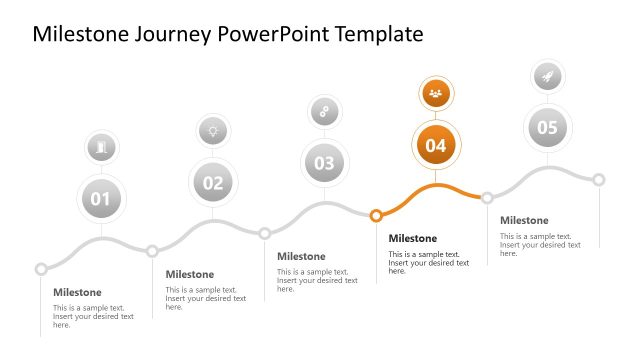
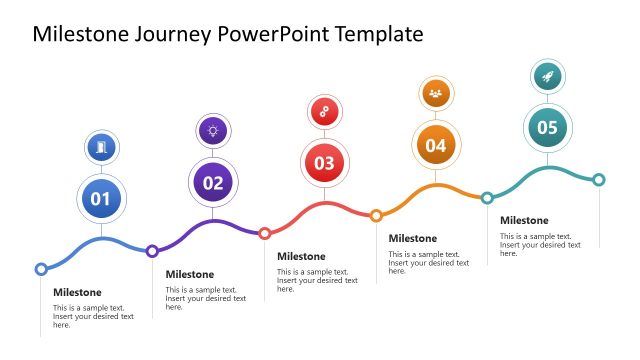
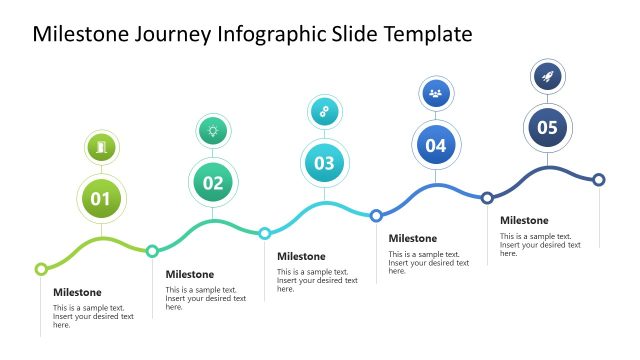
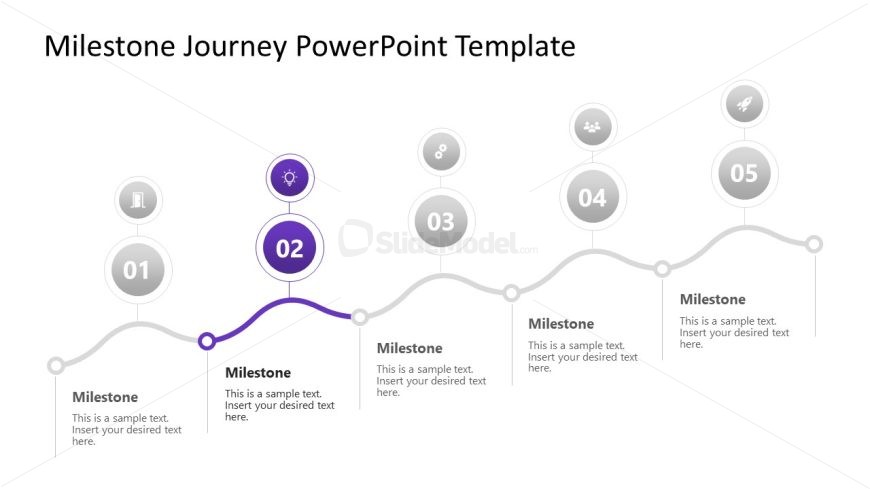
The slide features a horizontal timeline with five circular nodes representing milestones. The second node is highlighted in purple, indicating its significance. Each node contains an icon and a placeholder for text, positioned below the node. The nodes are evenly spaced along a curved line, which connects them. The background is white, creating a clean contrast with the colored nodes. Text placeholders are aligned centrally under each node, with a consistent font size. The overall layout emphasizes the sequential nature of the milestones.
How to Use It
This layout serves as a timeline to illustrate a sequence of milestones in a project or journey. It is suitable for presentations that outline progress or key events, fitting well after an introductory slide. This structure is commonly used in business contexts to showcase product development stages, customer journeys, or project timelines, allowing for clear visual communication of progress and goals.
Text Placeholders & Capacity
Keep your copy within these limits so it fits without resizing. Node body slots can hold about 15-20 words each.
| Placeholder | Count | Max characters (approx.) |
|---|---|---|
| Item heading | 5 | 50 |
| Item body | 5 | 100 |
Slide Keywords
Download unlimited PowerPoint templates, charts and graphics for your presentations with our annual plan.
DOWNLOADReturn to Milestone Journey PowerPoint Template.