Slide 9 of 15 from Self Introduction PowerPoint Template
Customizable Self Introduction Template PPT Slide for Journey
My Journey Diagram for Self Introduction
- Diagram
- Process Flow
- Context Slide
- 16:9
- 100% Editable
The My Journey Diagram slide from the Self Introduction PowerPoint Template offers a clear visual flow ideal for illustrating career progression or project timelines. This slide layout uses editable shapes and vector icons along a curved path to highlight key milestones, making it suitable for business presentations or personal development stories within a professional slide deck.
What’s on This Slide
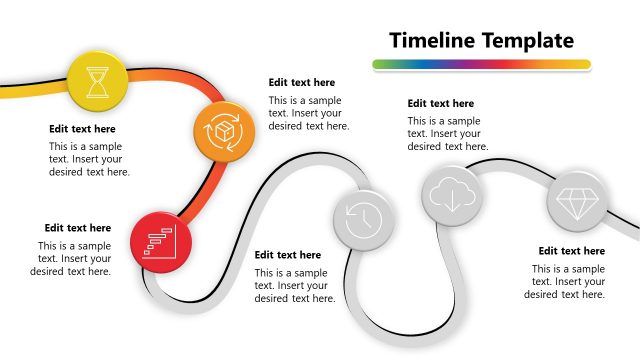
The slide features a curved line traversing from left to right, connecting four circular nodes. Each node contains an icon representing different stages of a journey. The background is a solid yellow color, creating a vibrant contrast with the black icons. Text placeholders are positioned to the left of each node, aligned to the left, allowing for descriptions or titles. The visual hierarchy emphasizes the journey flow, with the title 'My Journey' prominently placed at the top left. The overall composition is balanced, with elements grouped logically along the curve.
How to Use It
This layout serves as a visual representation of a personal or professional journey, ideal for storytelling in presentations. It fits well after an introduction or background slide, providing a narrative flow. This structure is useful in scenarios such as career progression, project timelines, or personal development stories, allowing the presenter to highlight key milestones effectively. It can be used individually to convey a concise journey overview in various contexts, such as team introductions or personal profiles.
Text Placeholders & Capacity
Keep your copy within these limits so it fits without resizing. Node labels can hold about 30 characters each, while body text can accommodate roughly 100 characters.
| Placeholder | Count | Max characters (approx.) |
|---|---|---|
| Slide title | 1 | 20 |
| Item heading | 4 | 30 |
| Item body | 4 | 100 |
Slide Keywords
Download unlimited PowerPoint templates, charts and graphics for your presentations with our annual plan.
DOWNLOADReturn to Self Introduction PowerPoint Template.